Introduction
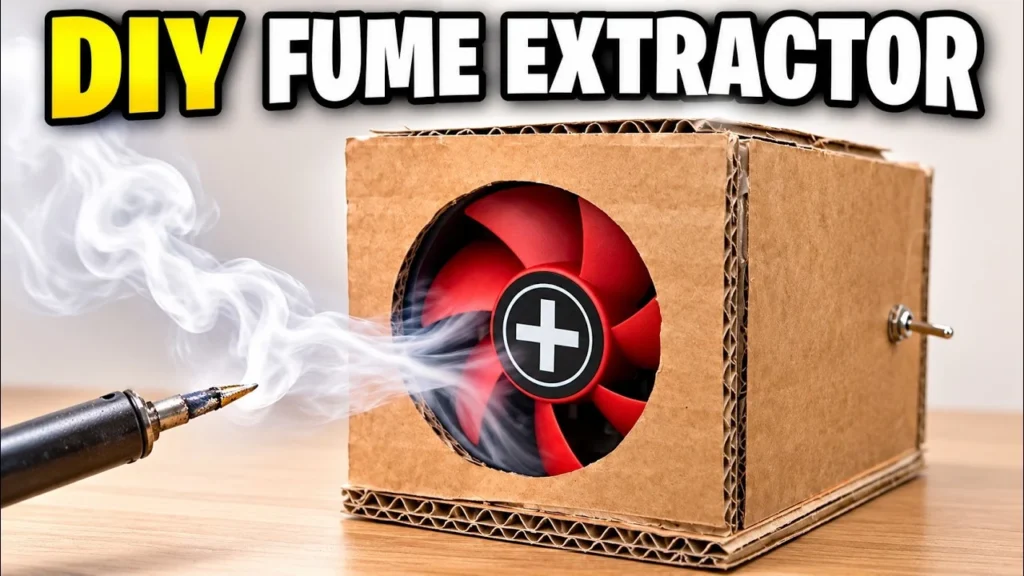
This DIY fume extractor started with a simple annoyance: every time I solder, the smoke drifts straight up into my face. Proper fume extractors are not expensive, but I had two 80 mm PC fans, a sheet of activated carbon filter and plenty of cardboard on the shelf, so I wanted to see if a homemade one would actually work.
The idea is simple. Two 12 V fans sit one behind the other in a small cardboard box. Air is pulled in through a round opening at the front, pushed through a stack of carbon filter squares at the back, and leaves through a second opening. A toggle switch on the side turns it on and off, and a 12 V adapter powers it.
Everything is held together with hot glue and short wooden sticks, so there are no screws, brackets or 3D-printed parts. If you are setting up a soldering corner, it pairs well with my DIY helping hands.
 Watch the full build on YouTube
Full build · 7:45
Watch the full build
Every step, the mistakes and the first test, in one video.
Tools and materials
01 Tools
- Cutting mat
- Craft knife
- Steel ruler
- Pen and pencil
- Hot glue gun
- Cordless drill
- Small pliers or a spanner for the switch nut
02 Materials
- Corrugated cardboard (double wall)
- 2 × 80 mm DC brushless PC fans, 12 V
- Activated carbon filter sheet
- Thin square wooden sticks
- Mini toggle switch with nut and washers
- 12 V DC power adapter with a red and black lead
- Connecting wire
03 Consumables
- Hot glue sticks
Build process
-
Step 1: Cut the base
I started with the base, because every other panel sits on it. It is a single rectangle of double-wall corrugated cardboard.
Double-wall board is much stiffer than a normal shipping box, and it gives the hot glue a thick edge to grip.
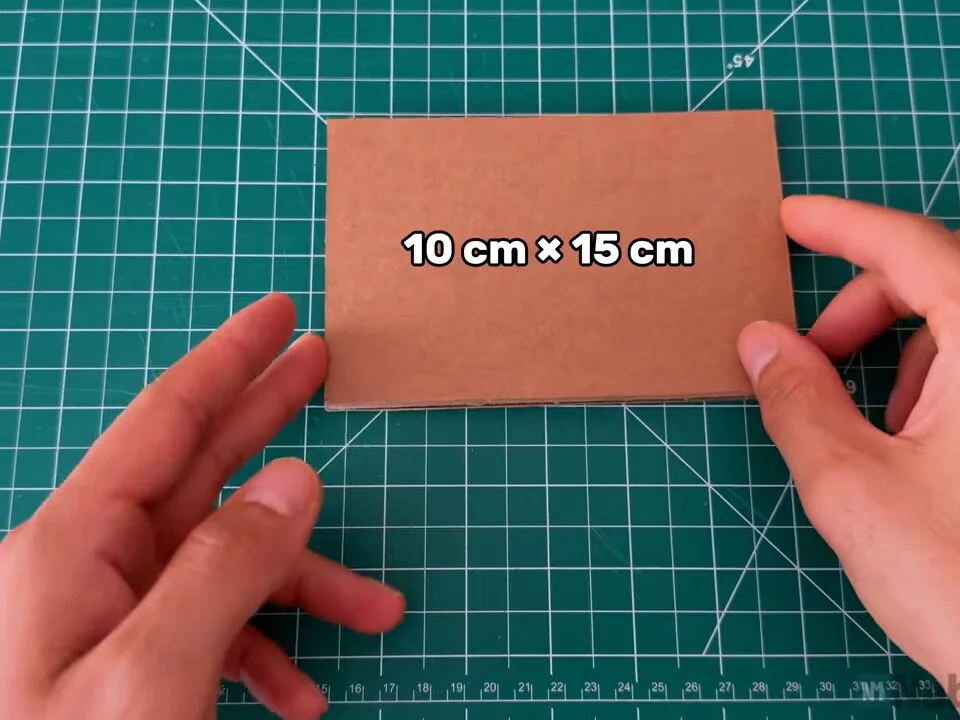
Fig. 01 Base
10 cm × 15 cm
-
Step 2: Cut the two side panels
Next come the two long sides. They stand on the base, so they are slightly shorter than it. Cut both at once from the same strip so they match.
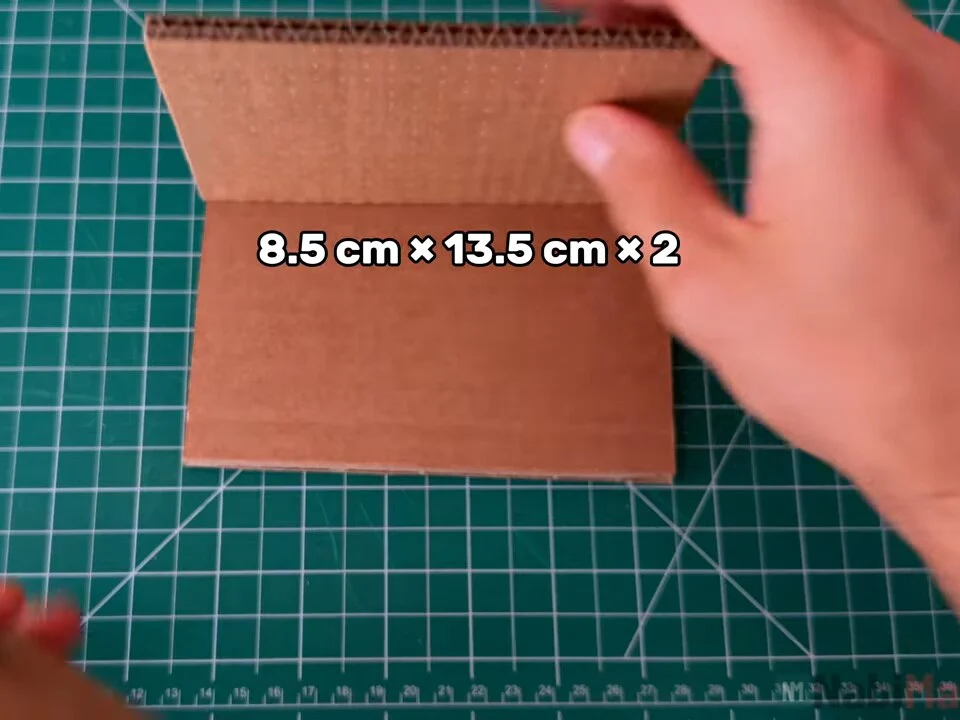
Fig. 02 Sides
8.5 cm × 13.5 cm, two pieces
-
Step 3: Cut the front and back panels
The front and back are almost square. Each one gets a round opening: the front one is where the dirty air goes in, the back one is where the filtered air comes out.
I marked the circle on both before cutting.
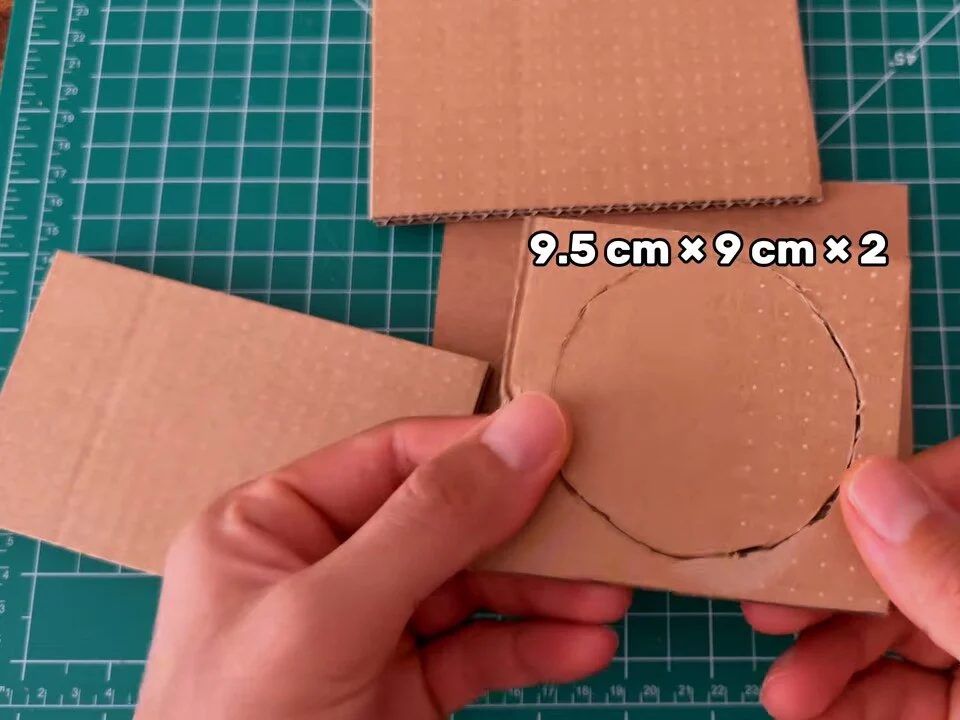
Fig. 03 Front and back
9.5 cm × 9 cm, two pieces
-
Step 4: Trace the fan opening
To get the opening right, I held the fan against the panel and traced around the inside of its frame. That way the circle matches the blades and the frame edge still has cardboard to rest against.
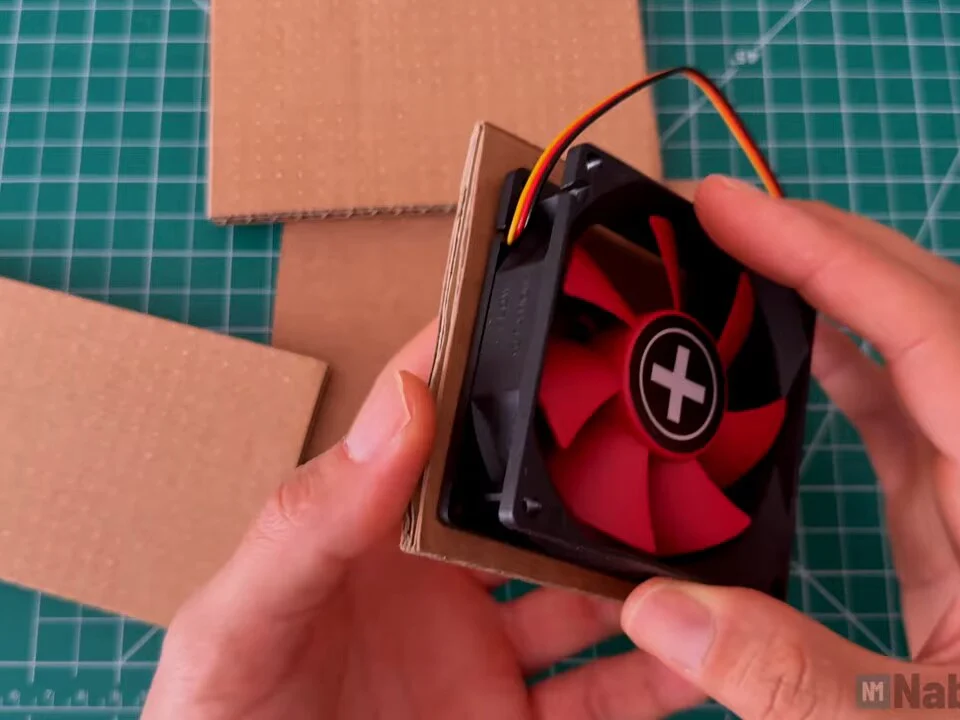
Fig. 04 -
Step 5: Cut the circle and check the fit
I cut the circle with a craft knife, taking several light passes rather than one deep cut, which keeps the corrugated edge from tearing.
Then I held the fan behind it to check that nothing blocks the blades.
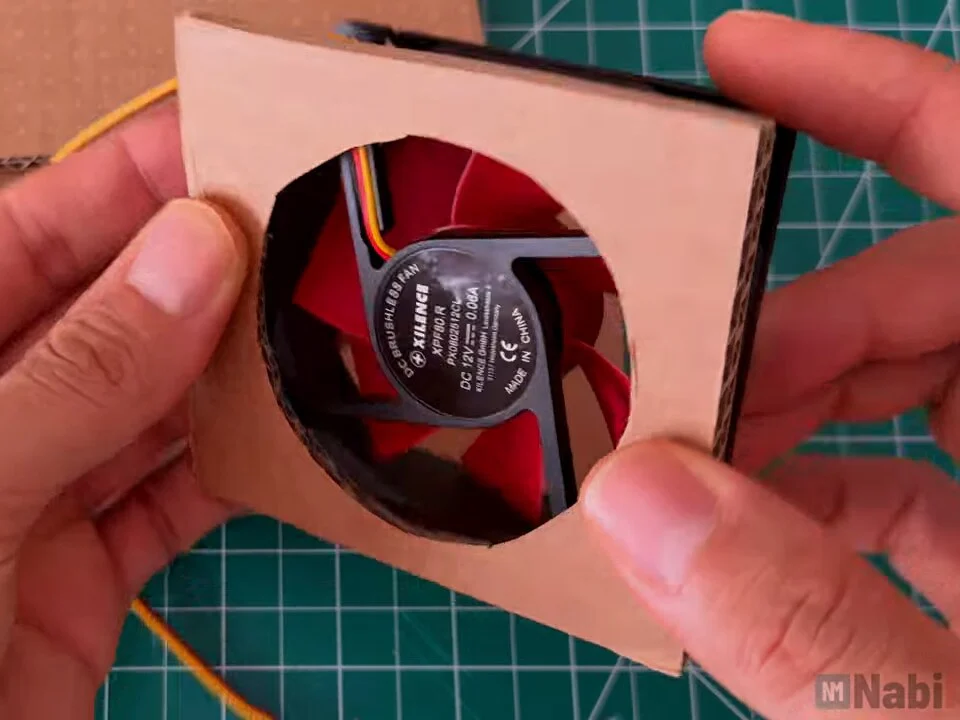
Fig. 05 Heads up
Cut the circle slightly inside the fan frame, not larger than it. The frame needs a rim of cardboard to sit against.
-
Step 6: Glue the front panel to a side
Assembly starts with the front panel and one side, glued at a right angle with hot glue. Hold it square for a few seconds until the glue sets.
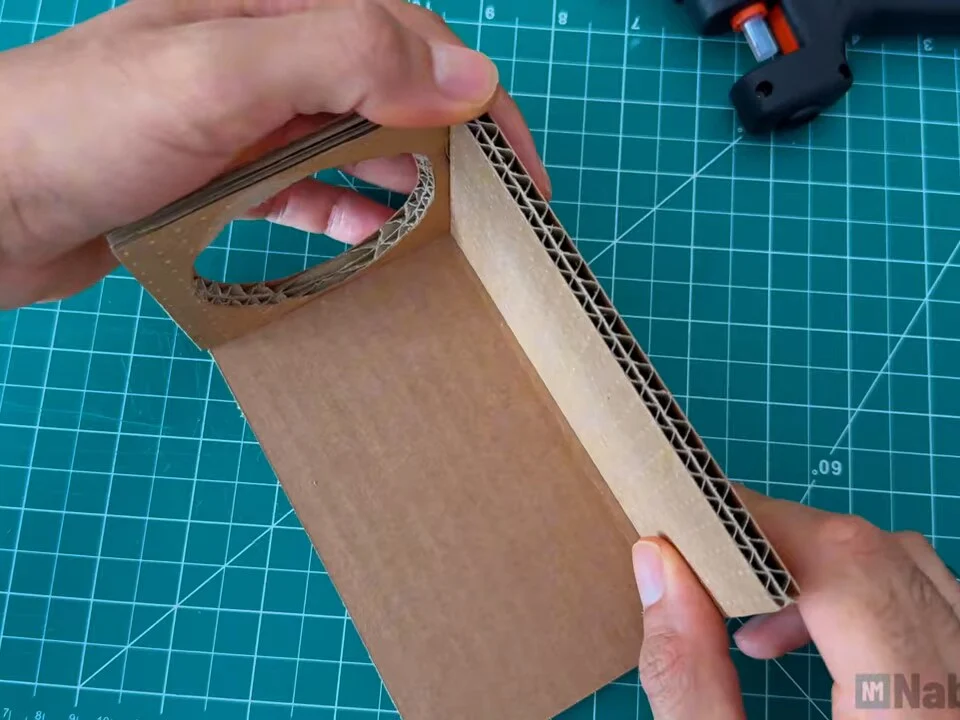
Fig. 06 -
Step 7: Add the base and the second side
With the corner set, I glued on the base and the second side, which gives an open box with the front opening at one end.
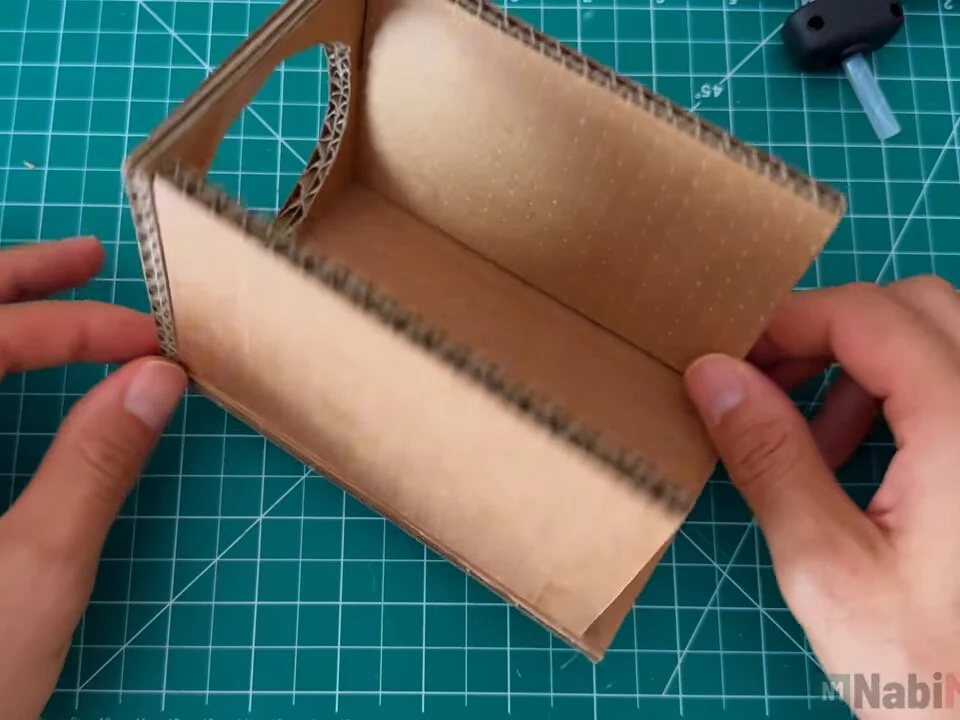
Fig. 07 -
Step 8: Close the back
The back panel, with its own round opening, goes on last. The top stays open for now, because the fans, filter and wiring still need to go in.
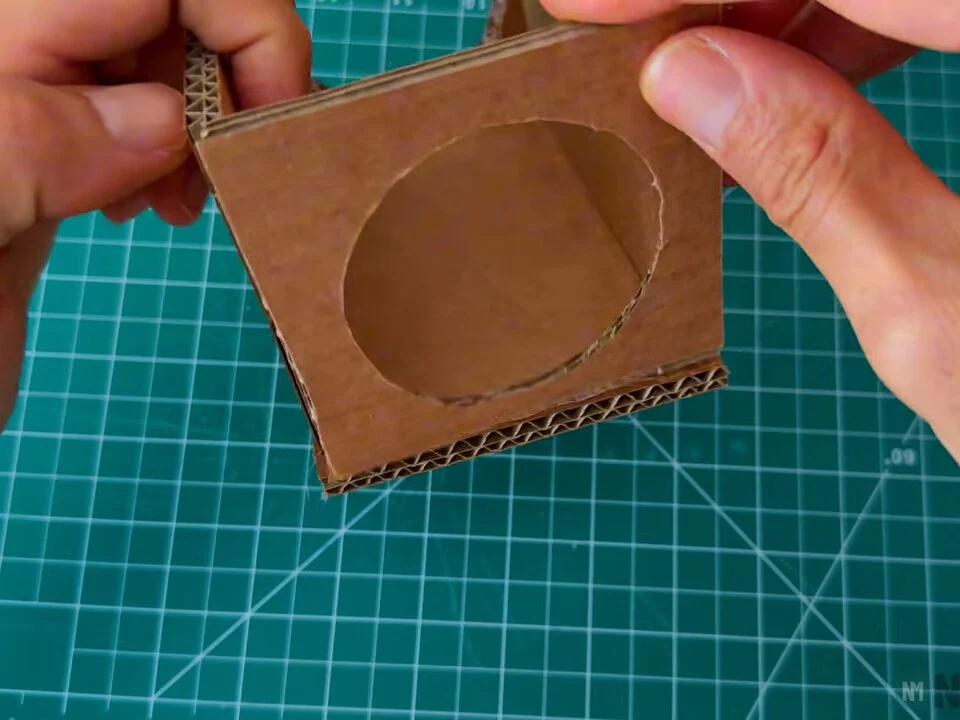
Fig. 08 -
Step 9: Measure the inside
Before cutting any sticks, I measured the inside of the box. The fans are held in place by short wooden sticks glued to the walls, so they need to be cut to the inside width and height.
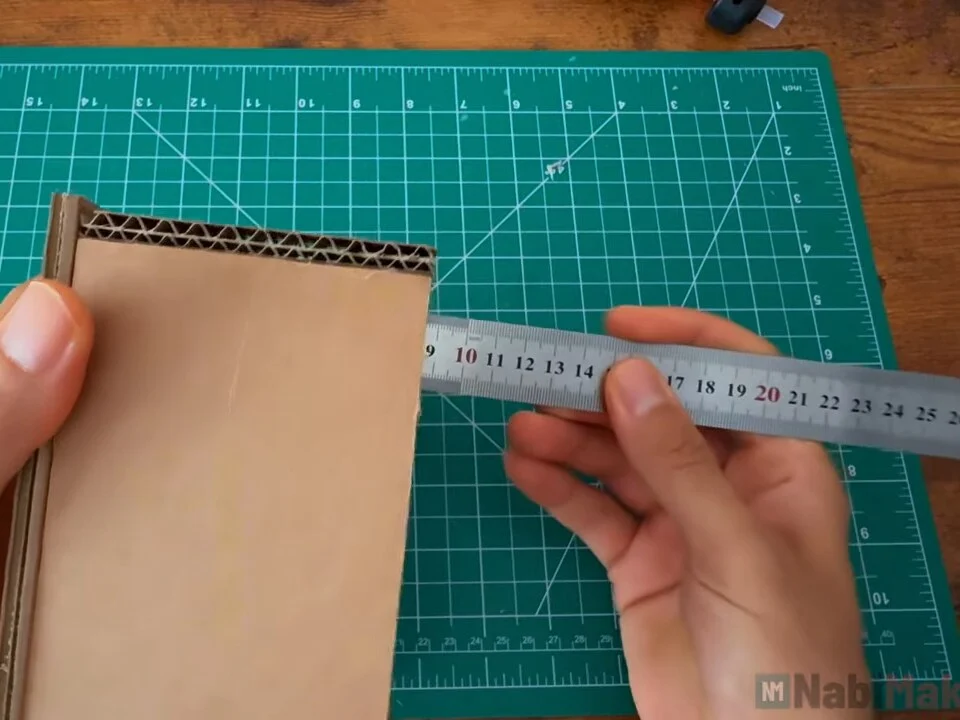
Fig. 09 -
Step 10: Cut the wooden sticks
I used thin square wooden sticks and cut them into short pieces. They act as stops on either side of each fan frame, so the fan can't slide forwards or backwards.
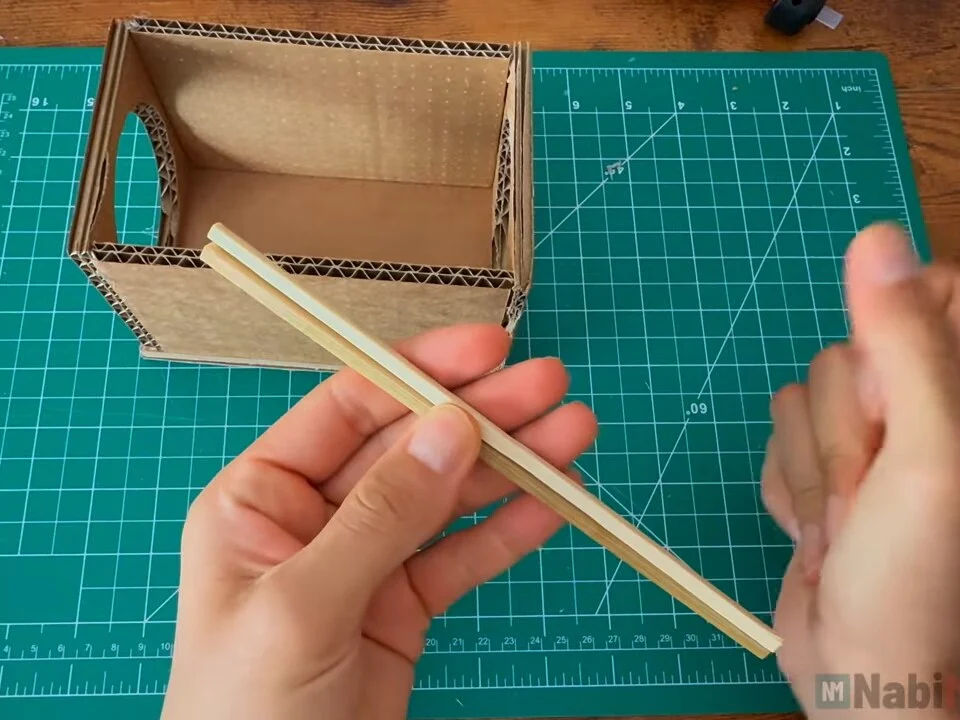
Fig. 10 -
Step 11: Fit the first fan
The first fan goes right behind the front opening, pressed flat against the front panel. Check the airflow arrow on the fan frame: it has to blow into the box, away from the front.
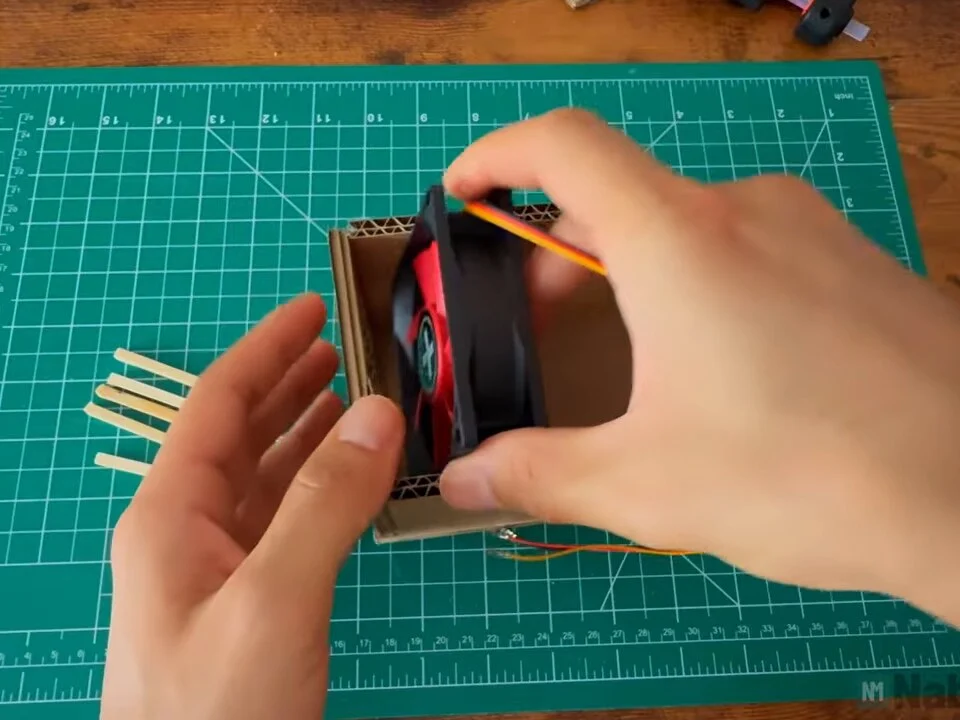
Fig. 11 Airflow
Both fans must blow in the same direction, from the front opening towards the filter at the back. If one is reversed, they fight each other and move almost no air.
-
Step 12: Glue the stops
With the fan in place, I put a small dot of hot glue on each stick and pressed it against the wall right behind the fan frame. The front panel holds the fan on one side and the sticks hold it on the other.
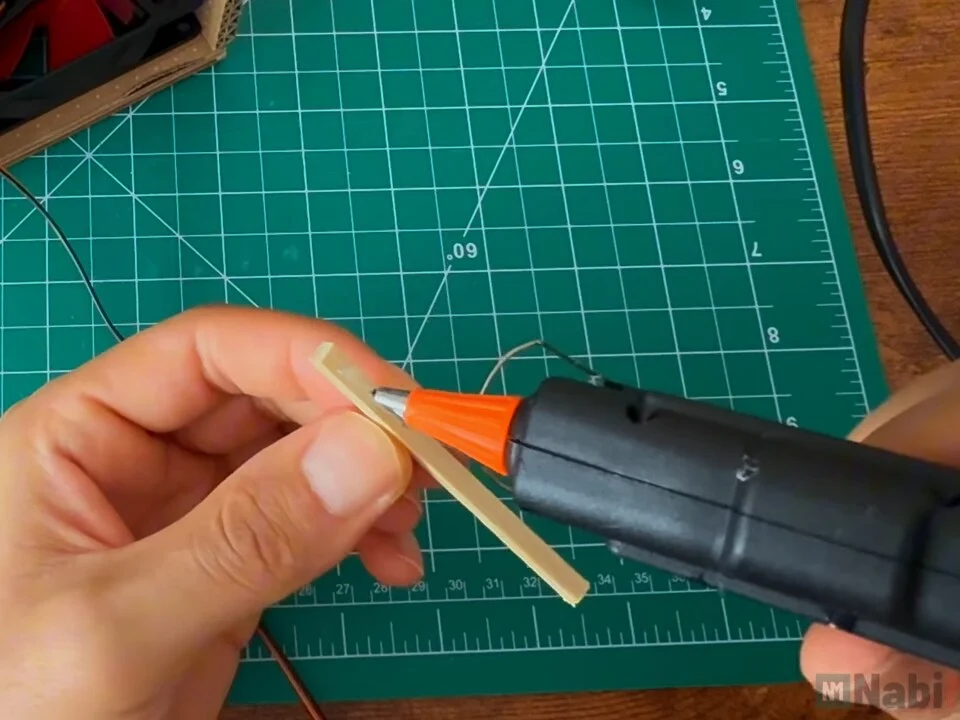
Fig. 12 -
Step 13: Lock the first fan in
I added sticks at the bottom and along the sides until the fan sat tight with no wobble. Keep the glue on the sticks, not on the fan, so you can still get the fan out later.
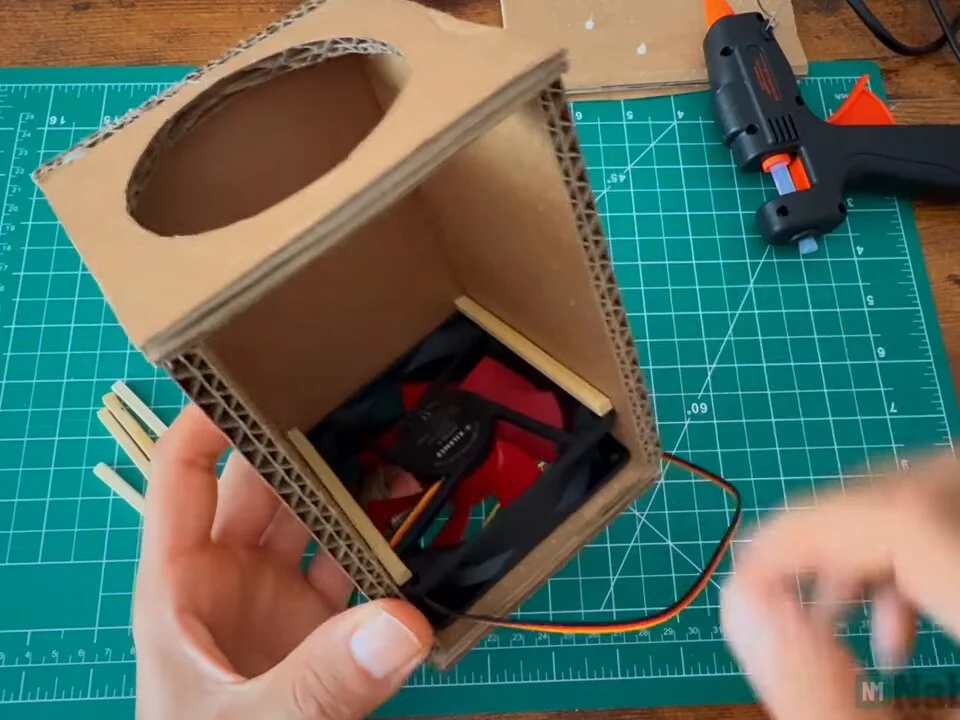
Fig. 13 -
Step 14: Mark the second fan position
The second fan sits in the middle of the box. I marked its position with a pen so there's room behind it for the filter.
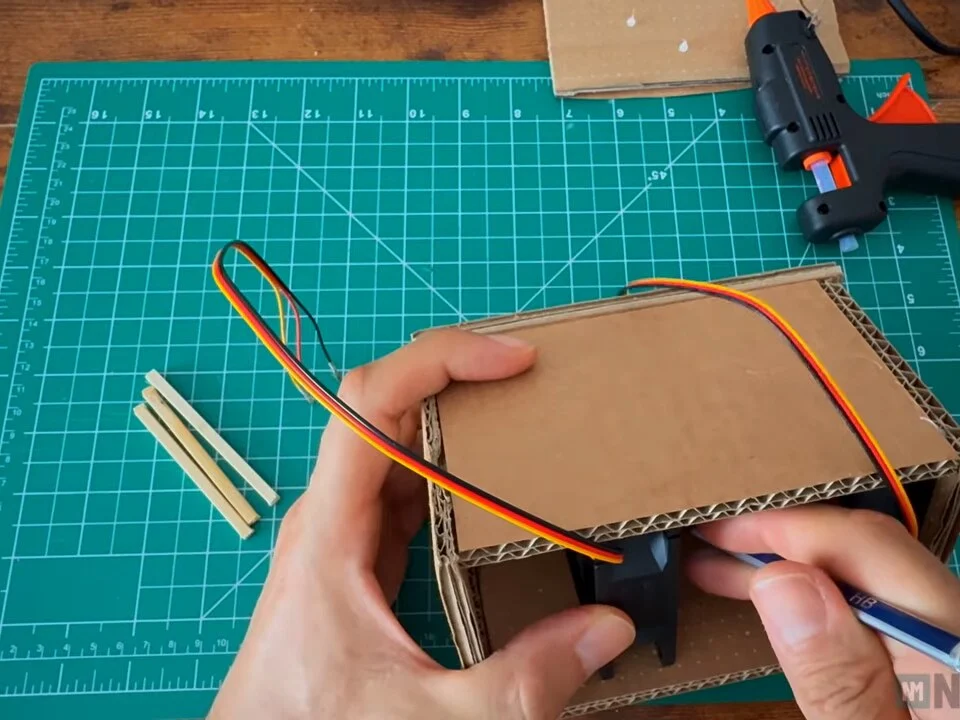
Fig. 14 -
Step 15: Fix the second fan
The second fan is held the same way, with a pair of sticks in front and a pair behind. I checked that the top panel still fits over the fans before going further.
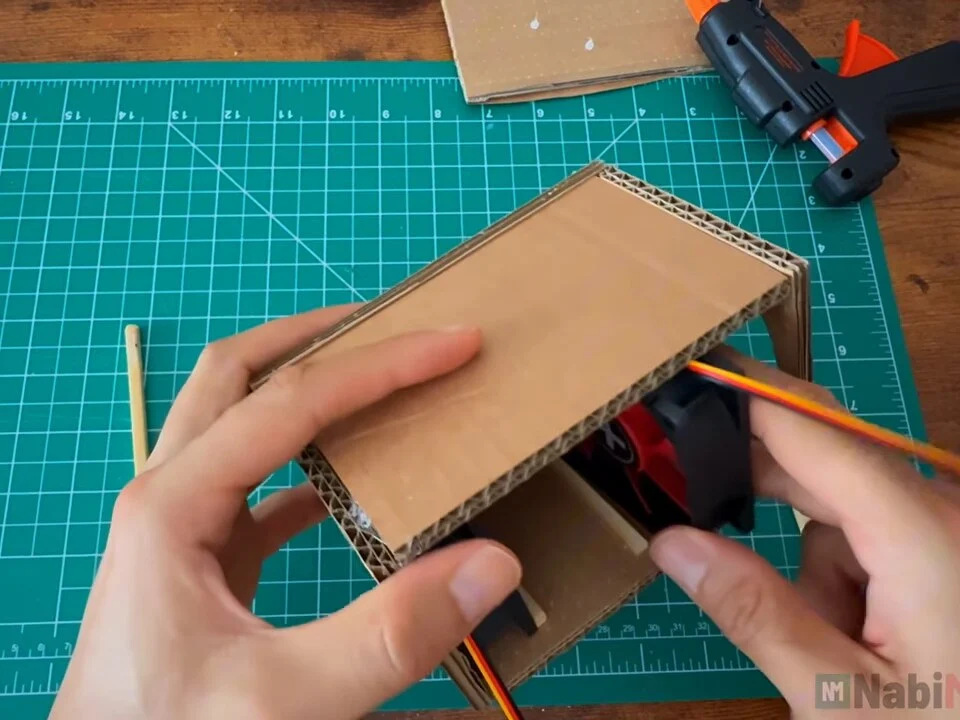
Fig. 15 -
Step 16: Test the fans
Before the filter went in, I twisted the fan wires to the power lead and gave both fans a quick test. Each fan has three wires: red is +12 V, black is ground and the third one is the speed signal, which isn't needed here.
The red wires go together and the black wires go together, so the fans run in parallel and both get the full 12 V.
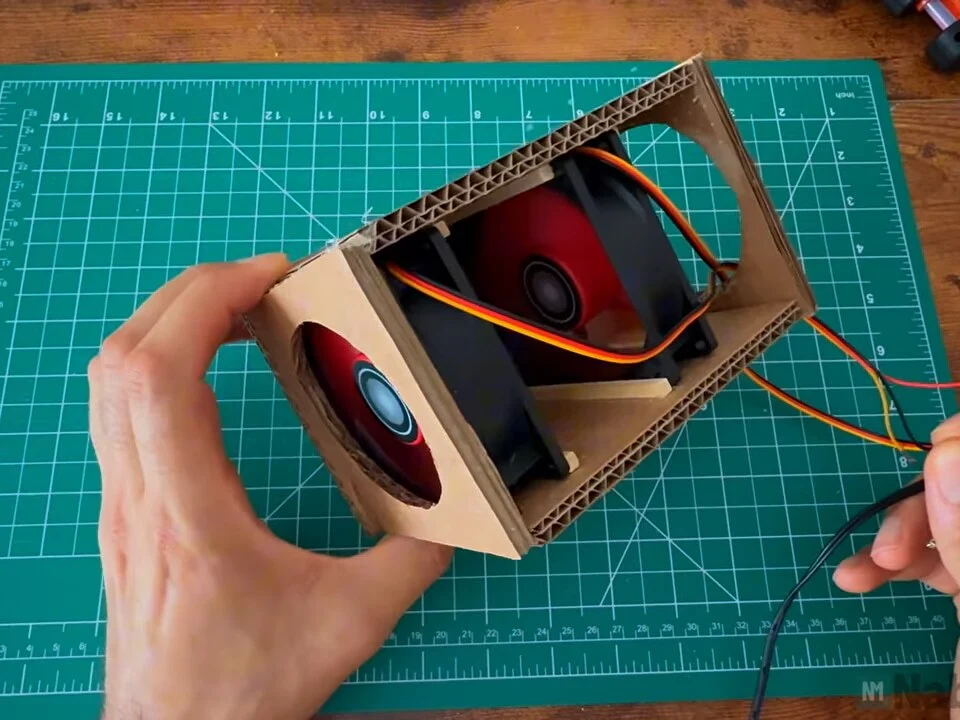
Fig. 16 -
Step 17: Prepare the carbon filter
The filter is a sheet of activated carbon filter material. The carbon traps some of the smoke and smell, and the fans push the air through it.
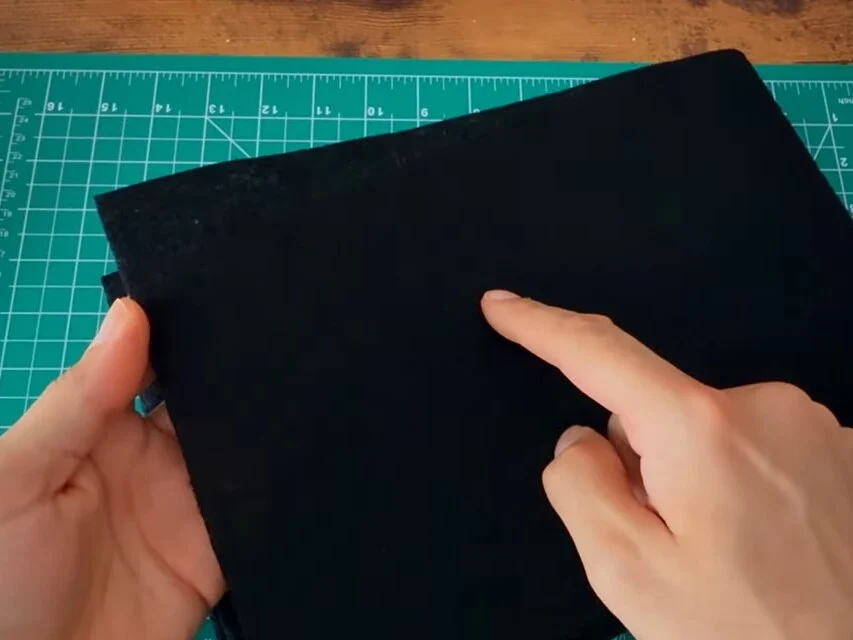
Fig. 17 -
Step 18: Cut four filter squares
I cut four squares to the size of the fans and stacked them. One layer is thin, and four layers give the air more filter to pass through without blocking it completely.
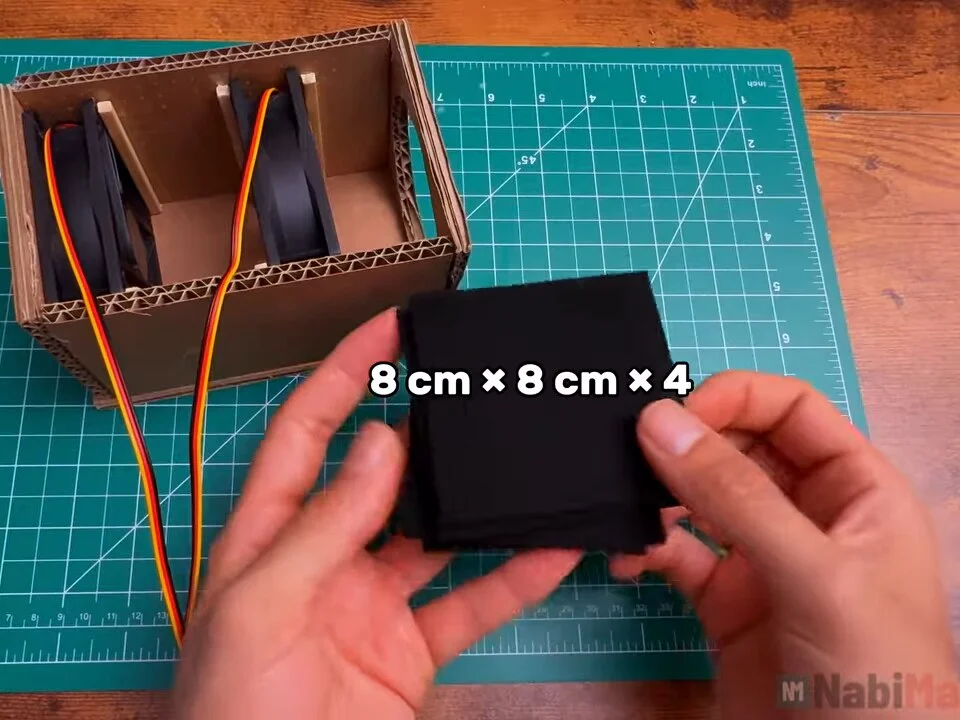
Fig. 18 Filter
8 cm × 8 cm, four squares stacked
-
Step 19: Insert the filter
The filter stack goes in behind the second fan, against the back panel, so all the air leaving the box passes through it.
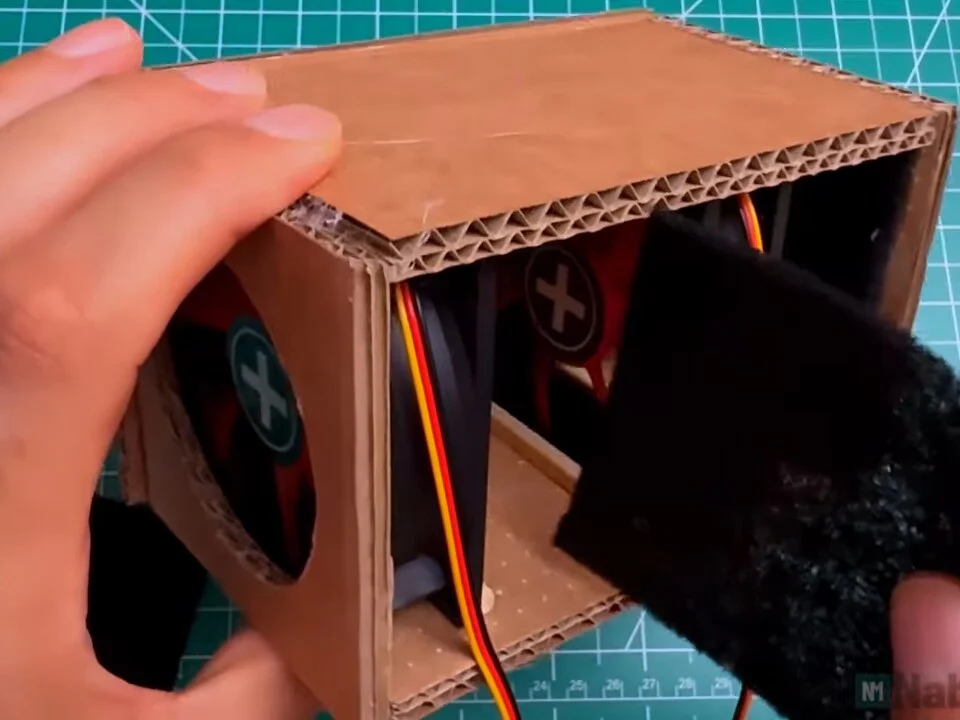
Fig. 19 -
Step 20: Mark the filter stops
To keep the filter from slipping forward into the fan, I marked where its front face sits with a pencil.
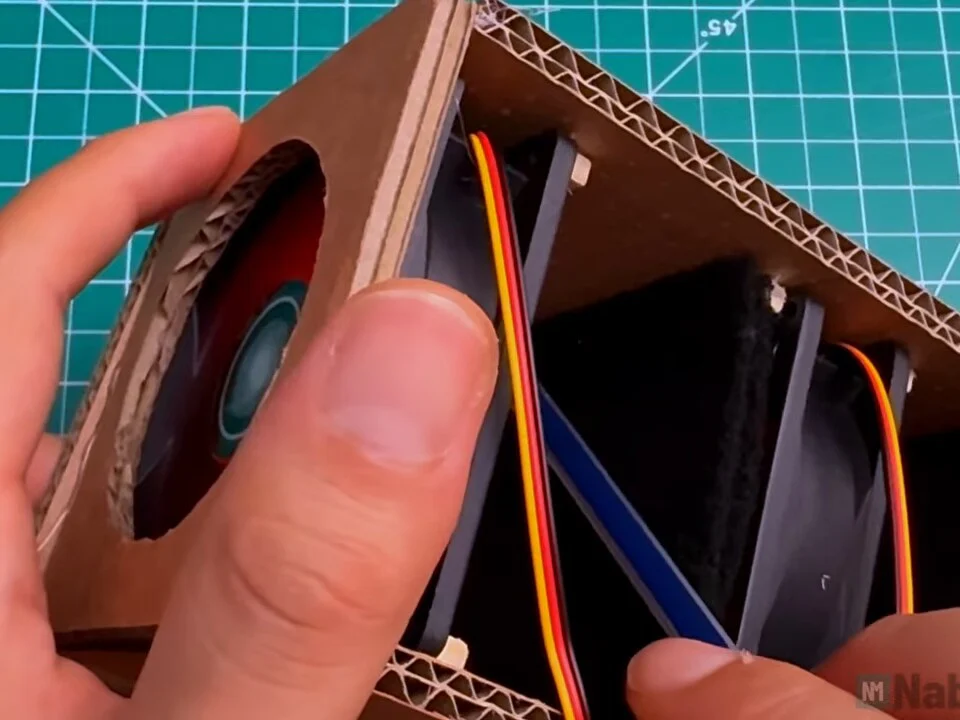
Fig. 20 -
Step 21: Glue the filter stops
I glued another set of sticks on that line. Now the box has three compartments, front fan, second fan and filter, each held between its own stops.
The filter isn't glued, so I can pull it out and replace it when it's used up.
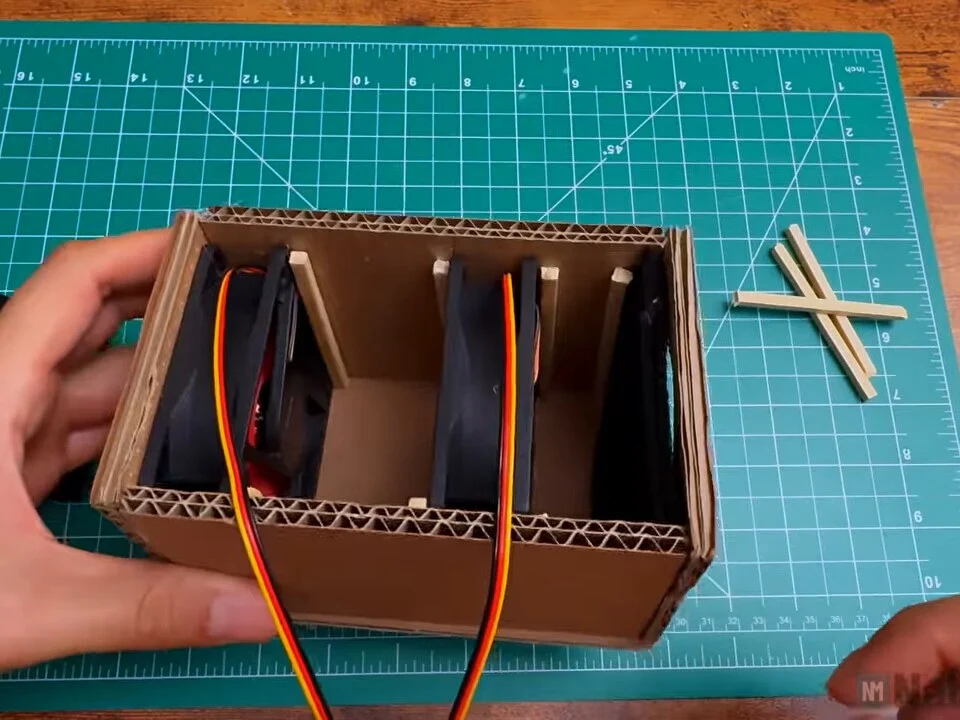
Fig. 21 -
Step 22: Drill the switch hole
The toggle switch goes on the side panel. I drilled a small hole for it with a cordless drill. In corrugated cardboard, a sharp bit and gentle pressure give a clean hole without crushing the board.
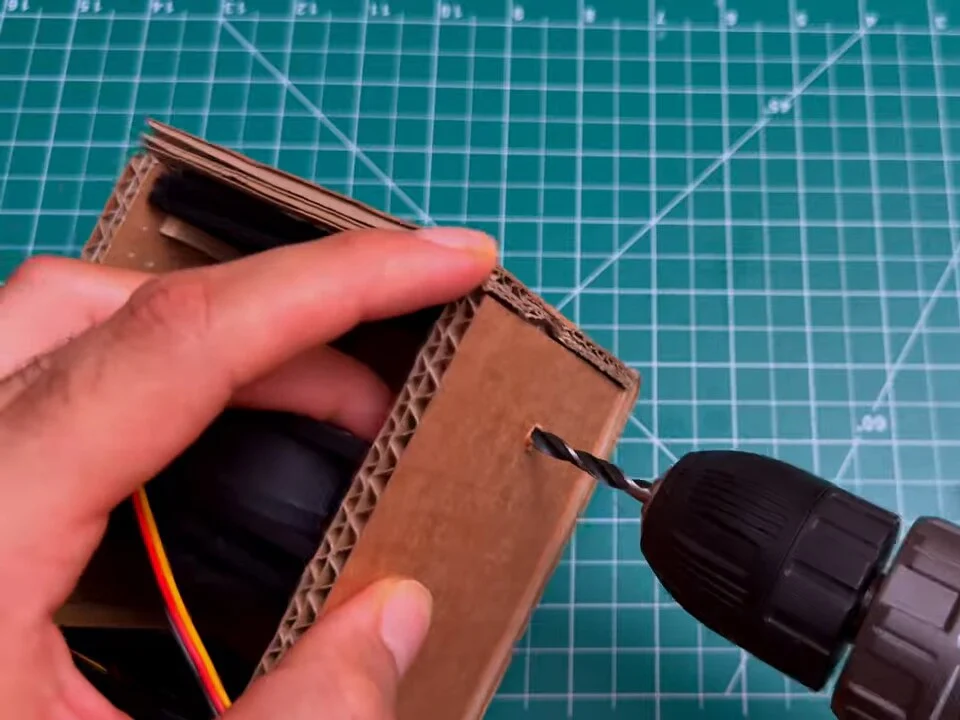
Fig. 22 -
Step 23: Mount the toggle switch
The switch goes through the hole from the inside and is held with its washer and nut on the outside. Tighten the nut gently, because cardboard crushes easily.
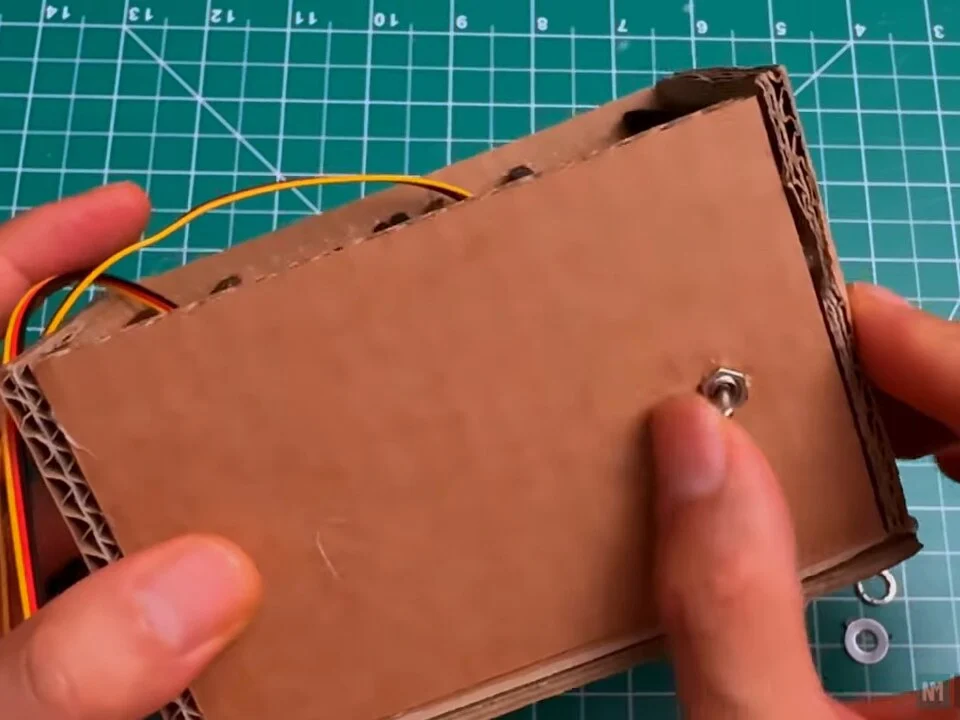
Fig. 23 -
Step 24: Wire the switch
The switch sits in the positive line: the red wire from the 12 V lead goes to one switch terminal, and the joined red fan wires go to the other. The black fan wires connect directly to the black wire of the lead.
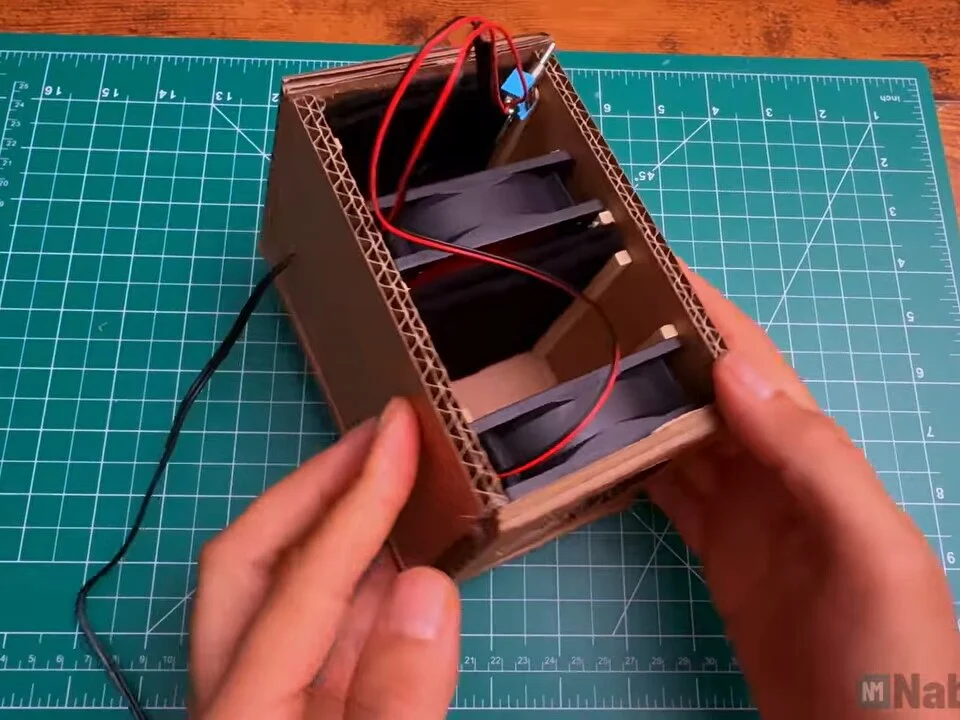
Fig. 24 Heads up
Insulate every joint. Bare wires inside a cardboard box can short against each other, and a short on a 12 V adapter gets hot fast.
-
Step 25: Insulate the joints
I insulated the wire joints near the switch and routed the power lead out through the side of the box.
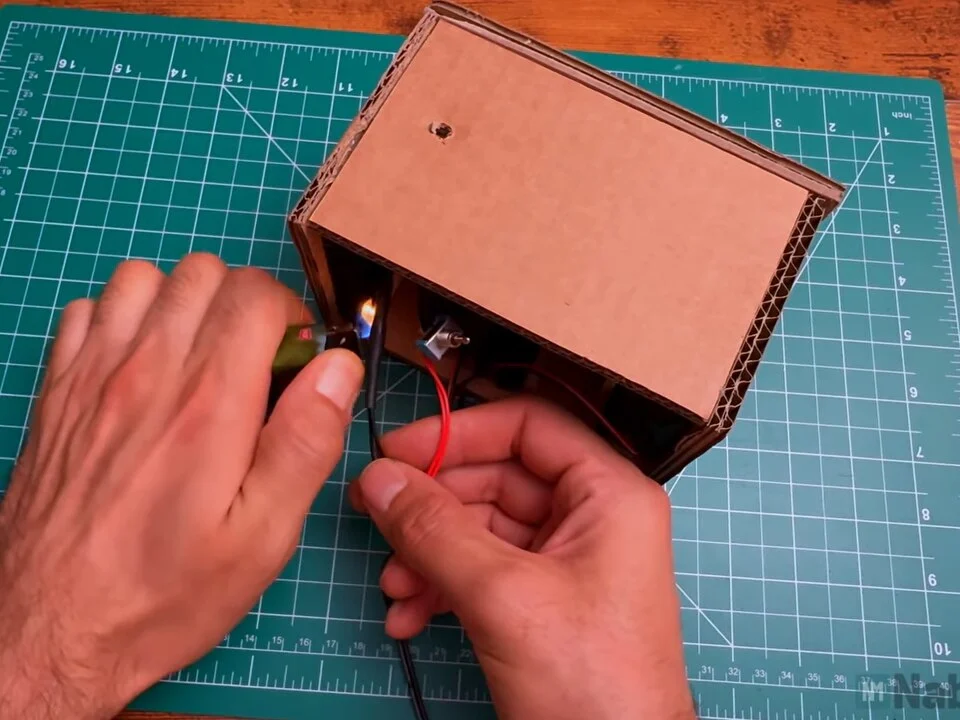
Fig. 25 -
Step 26: Tidy the wires
Before closing the box, I tucked the fan wires along the walls so they can't touch the blades. The unused speed wires are folded away too.
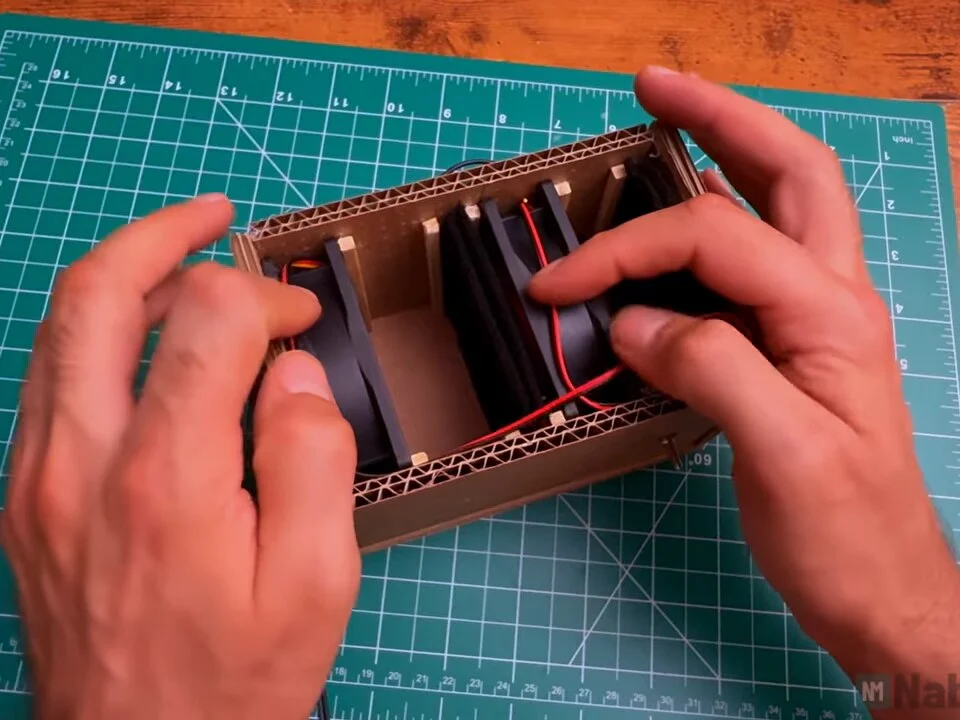
Fig. 26 -
Step 27: Close the top
The top panel goes on last with hot glue along the edges. Glue every edge, because any gap lets air leak around the filter instead of through it.
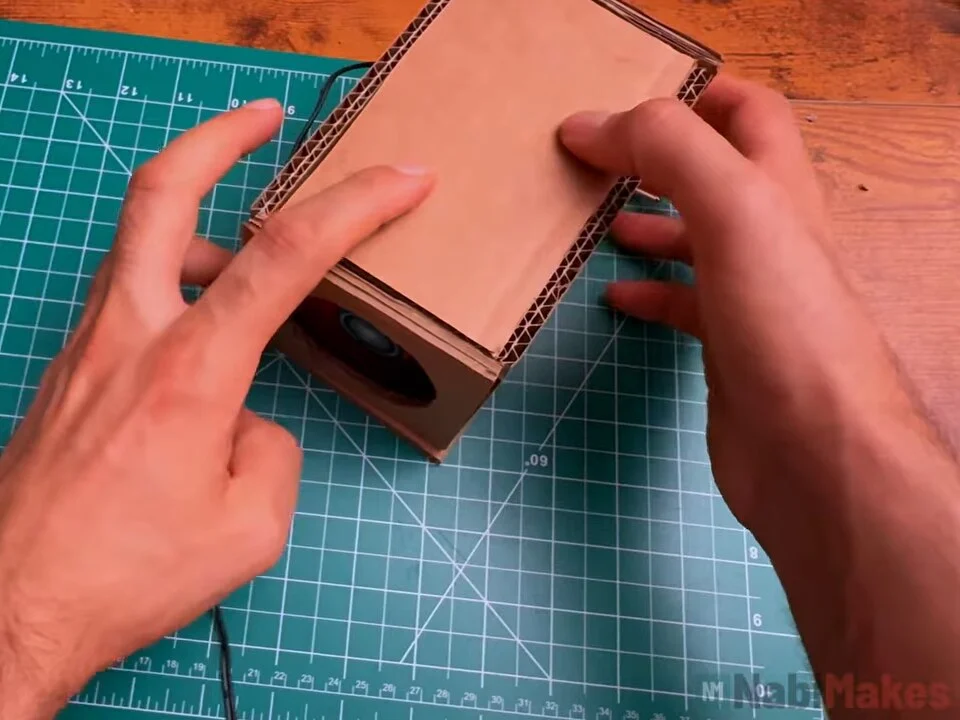
Fig. 27 -
Step 28: Smoke test
For the smoke test, I held a hot soldering iron in front of the opening. The smoke bends towards the fan and gets pulled into the box instead of rising straight up.
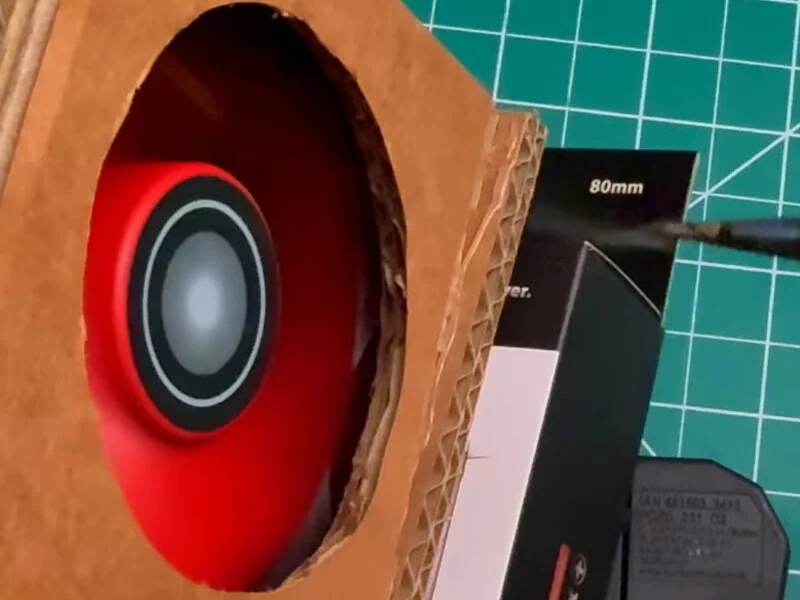
Fig. 28 -
Step 29: Use it while soldering
Now it sits next to me while I solder. Placed a short distance behind the work, it pulls the fumes away from my face. I used it right away to solder a copper wire frame for my next project.
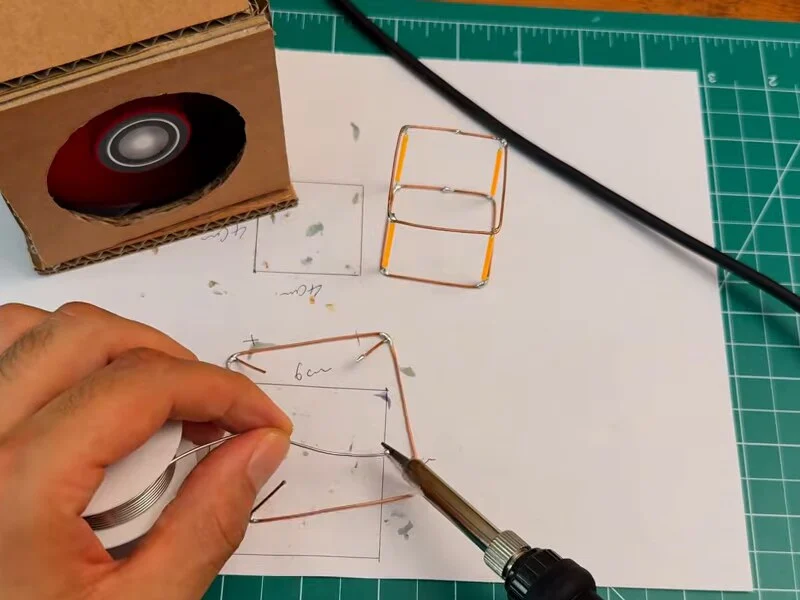
Fig. 29
Problems & mistakes
The tricky part was keeping the fans in place without screws. Hot glue directly on a fan frame works, but then the fan is stuck there for good. The wooden stick stops solve that: the fans and the filter are held tight but can still come out.
The other thing to watch is air leaks. If the top or the back has a gap, the fans pull air around the filter instead of through it.
Heads up
This is a small extractor for light hobby soldering. Activated carbon traps some of the smoke and smell, but it isn’t a replacement for proper ventilation.
Final result
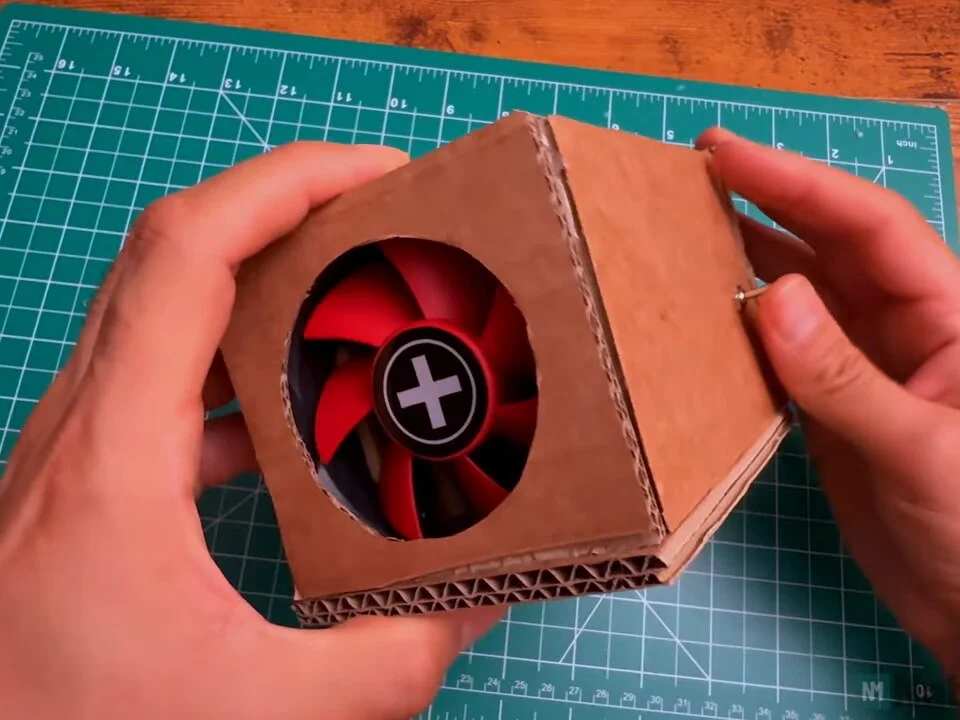
The finished fume extractor is a small cardboard box with a red fan behind the front opening, a toggle switch on the side and a black carbon filter visible through the back. With both fans running, it clearly pulls solder smoke away from the work, which was the whole point.
It cost about €10 and took about two hours, and the filter squares can be swapped when they're used up. It's also a good small project for using up spare PC fans. My DIY desk fan uses the same cardboard case approach on a bigger scale.
What I would change
I'd cover the cardboard with paint or tape near the front. Cardboard and a hot soldering iron aren't the best combination, so it should stay a little away from the iron.
A small speed controller would let me run the fans quieter for light work and at full speed when there's a lot of smoke.
A filter slot that opens from the outside would make swapping the carbon squares easier than opening the box.