What can you make with Spacer & Washer Generator?
Washers, spacers and standoffs for metric and inch screws. Makers print:
- Standoffs for a Raspberry Pi, a controller board or a display.
- A sorted set of spacers for a project box or a printer build, each height on its tag.
- Large washers that spread a screw's load on wood or plastic.
- An odd spacer height or an inch size the shop does not have.
- A spacer that takes up the extra length of a screw that is too long.
How do you make washers and spacers, step by step?
Everything is in the panel beside the pieces, which update as you change them. Start from a preset, then change what you need.
1. Start from a preset
Pick an M3 spacer set, M3 washers, M5 large washers, Raspberry Pi standoffs or a board standoff with a nut below. A preset sets only the values it names; Surprise me tries another shape, size and height for the same screw.
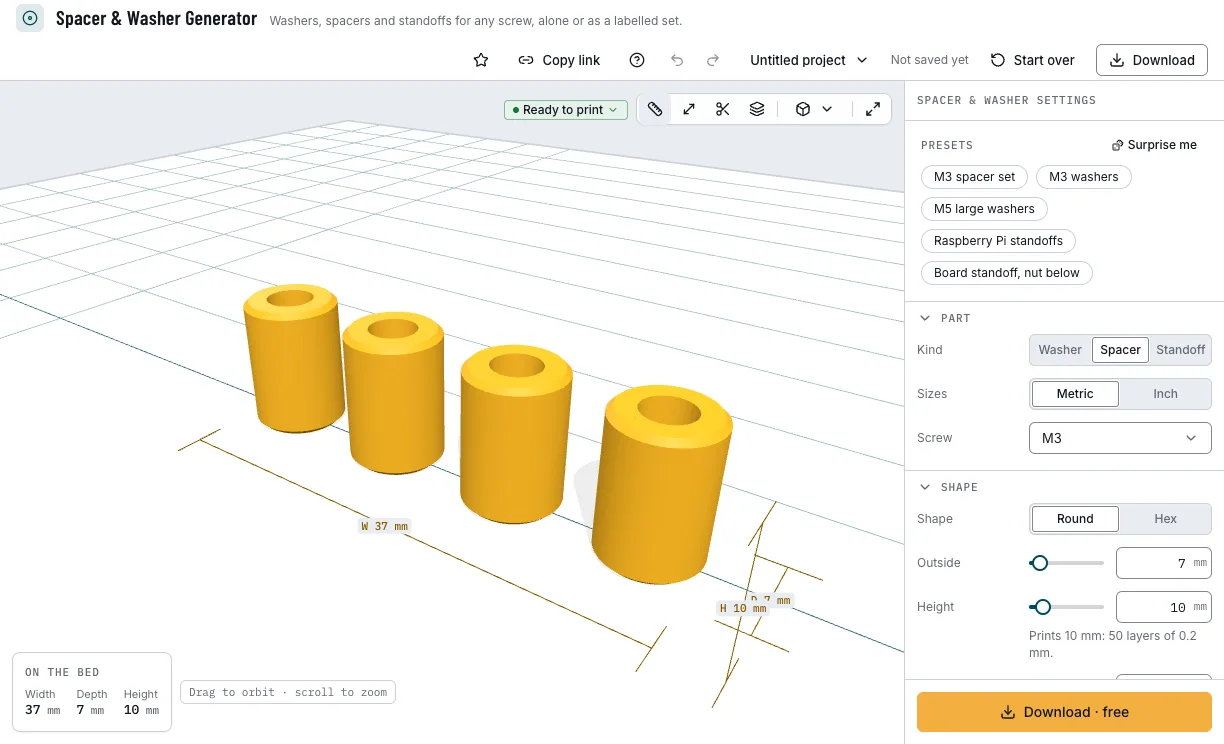
The presets and the pieces they make. 2. Choose the part and its shape
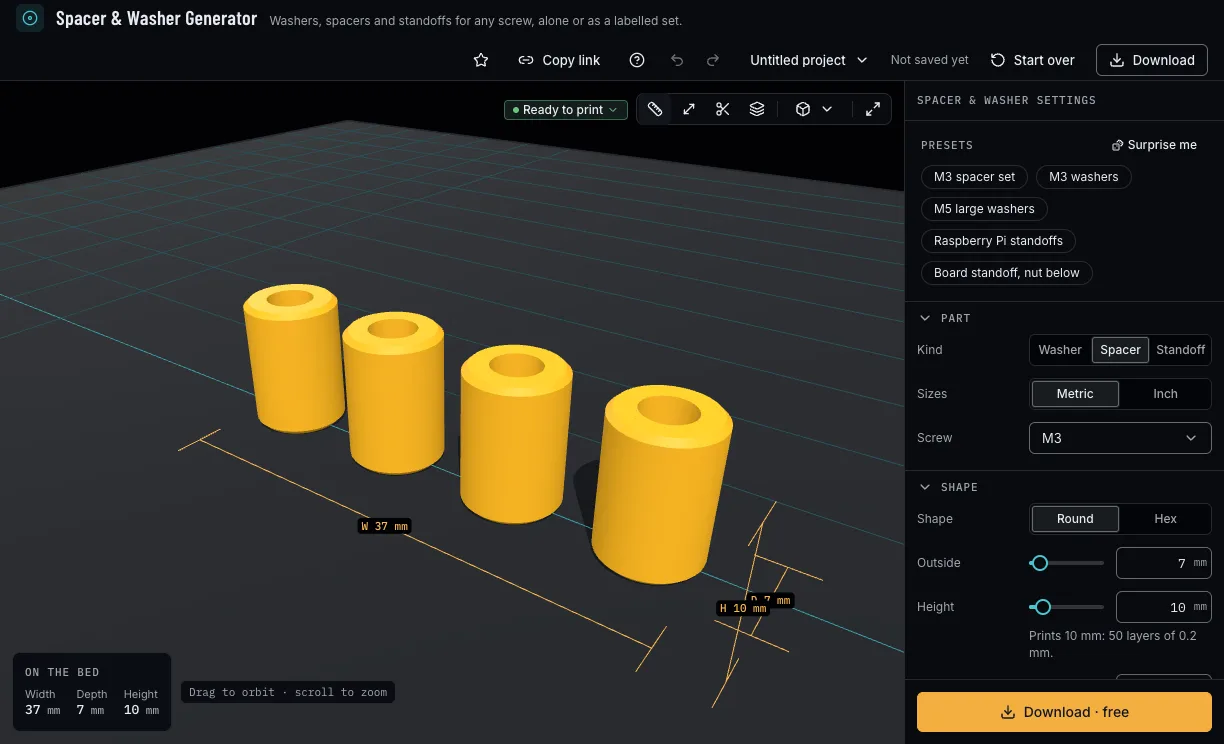
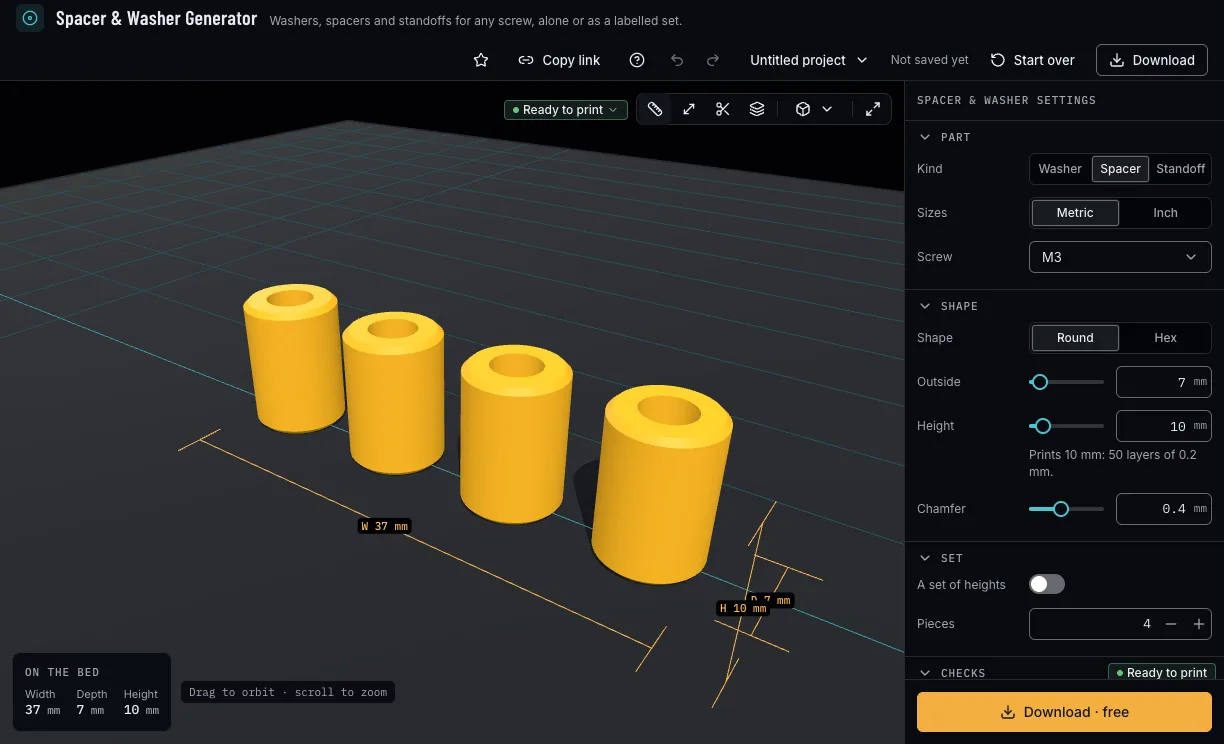
A washer, a spacer or a standoff, metric or inch, and the screw. A washer's standard fills its outside and thickness. A spacer or standoff is round or hex, with its outside (across flats for a hex), its height and a chamfer; the panel shows what the height prints as.
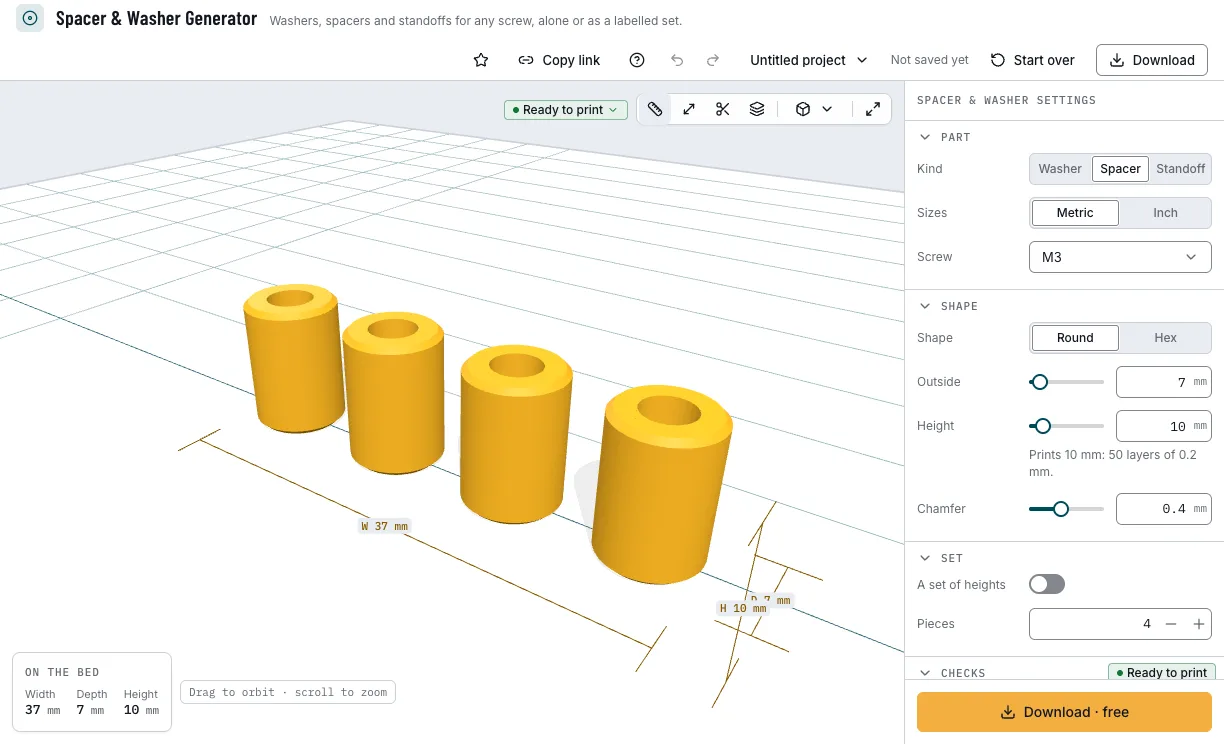
The part, its screw and its shape. 3. Give a standoff its ends
Each end of a standoff is through, a heat-set insert, a short insert or a nut pocket; inserts are offered for the metric sizes their table has. A single nut pocket prints at the top, where it needs no bridge.
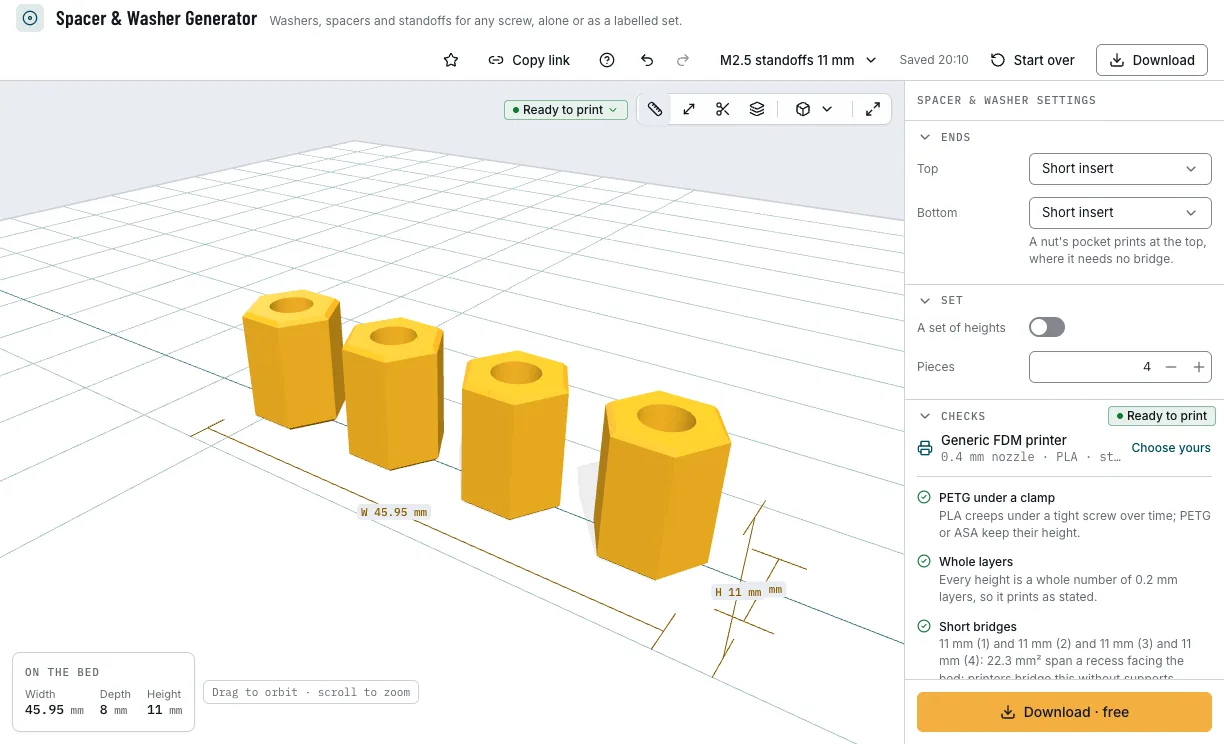
A standoff's two ends. 4. Make a set of heights
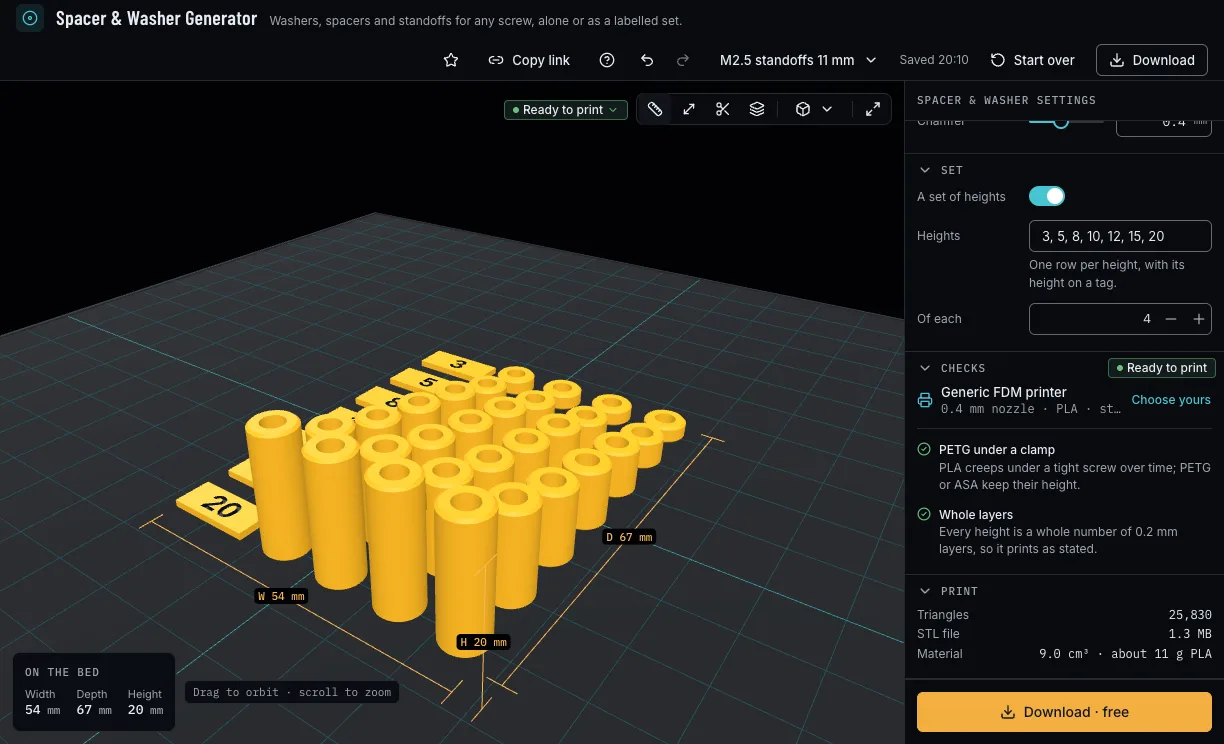
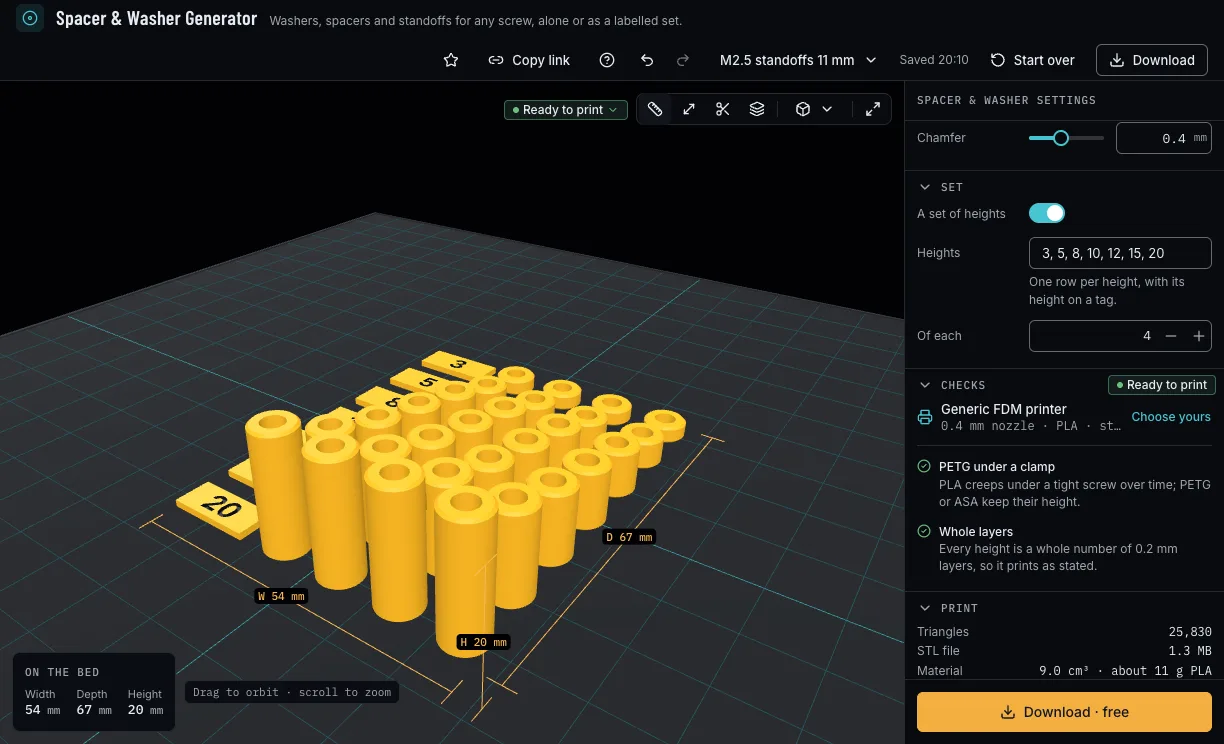
For spacers and standoffs, turn on A set of heights and list up to 12, separated by commas. Each height prints as a row with its height on a tag; Of each sets the pieces per height, 200 at most on one plate.
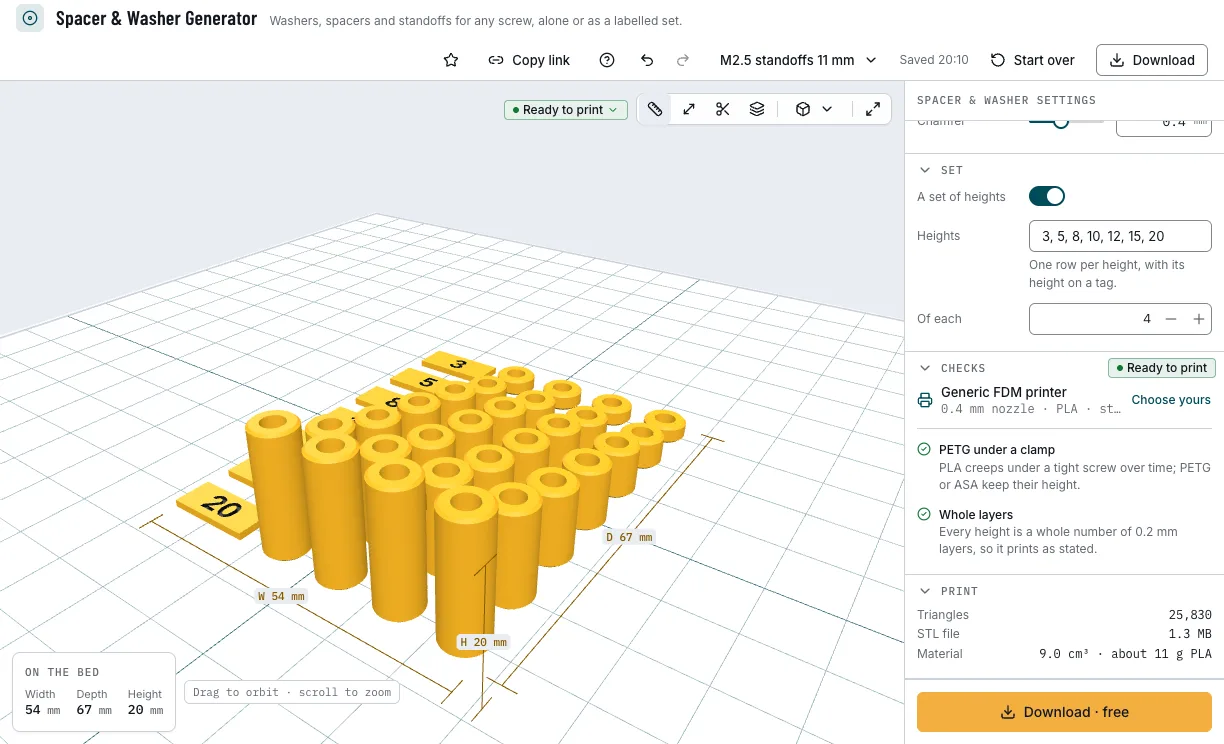
A set: one row per height, each with its tag. 5. Check it and download
The checks say whether the ring is thick enough for your nozzle, whether an insert has its wall and whether the pockets fit the height, most with an Apply that fixes it. Then download 3MF or STL with a free NabiMakes account.
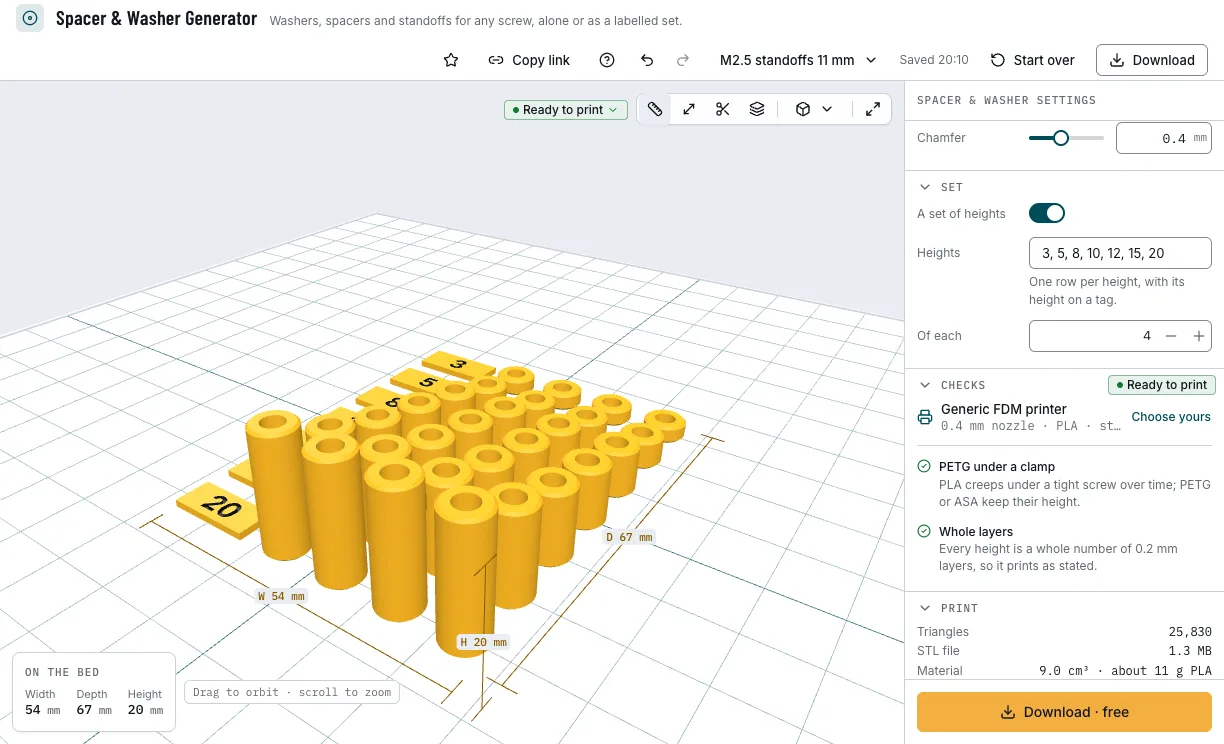
The checks and the download.
Which washers and spacers can you start from?
Each example opens in Spacer & Washer Generator as a new design, beside your own.
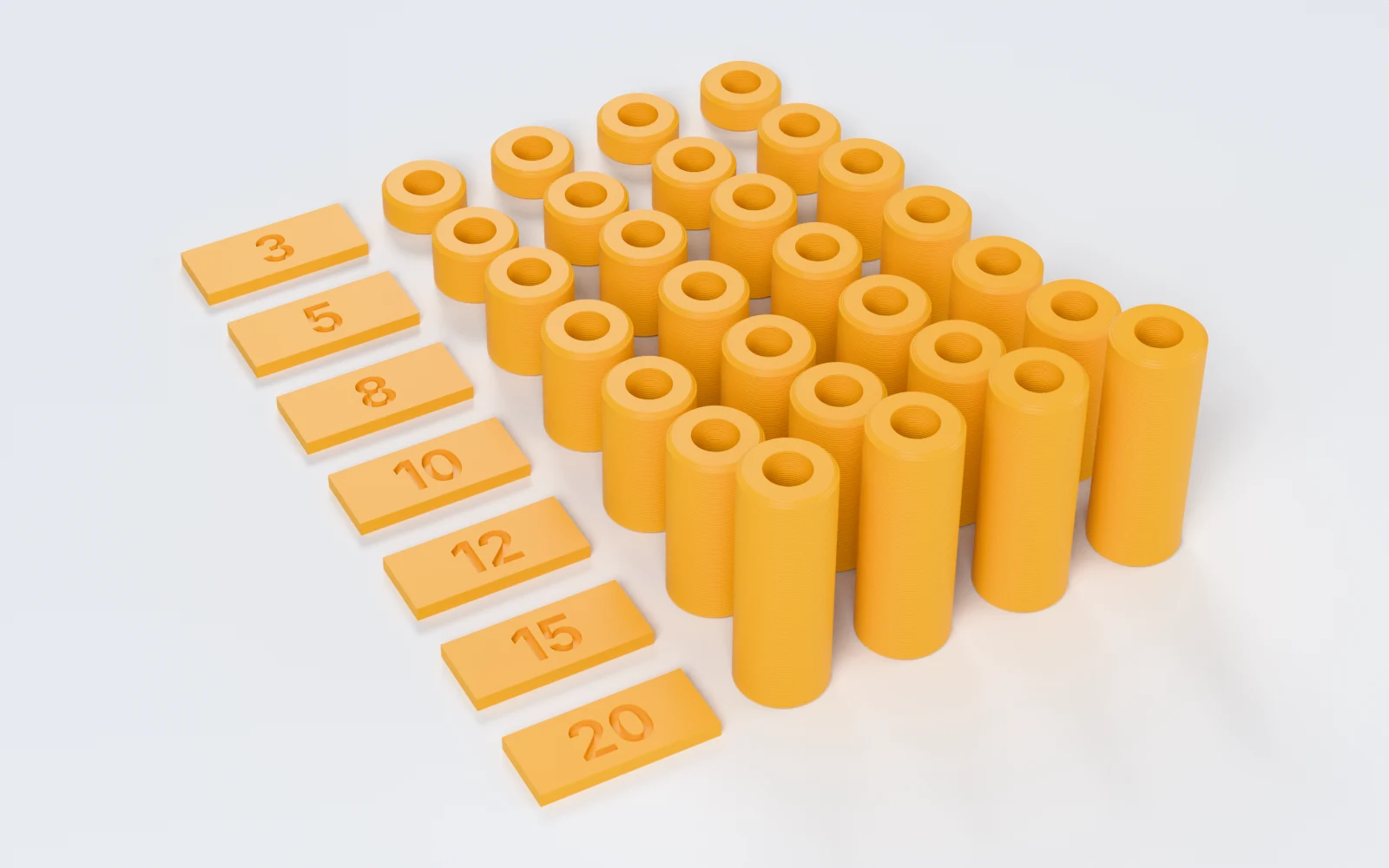
M3 spacer set
Seven heights from 3 to 20 mm, four of each, every row with its tag.
- M3
- 3 to 20 mm
- 28 pieces
- Free
M5 large washers
Wide ISO 7093 washers that spread an M5 screw's load.
- M5
- ISO 7093
- 15 × 1 mm
- Free
Raspberry Pi standoffs
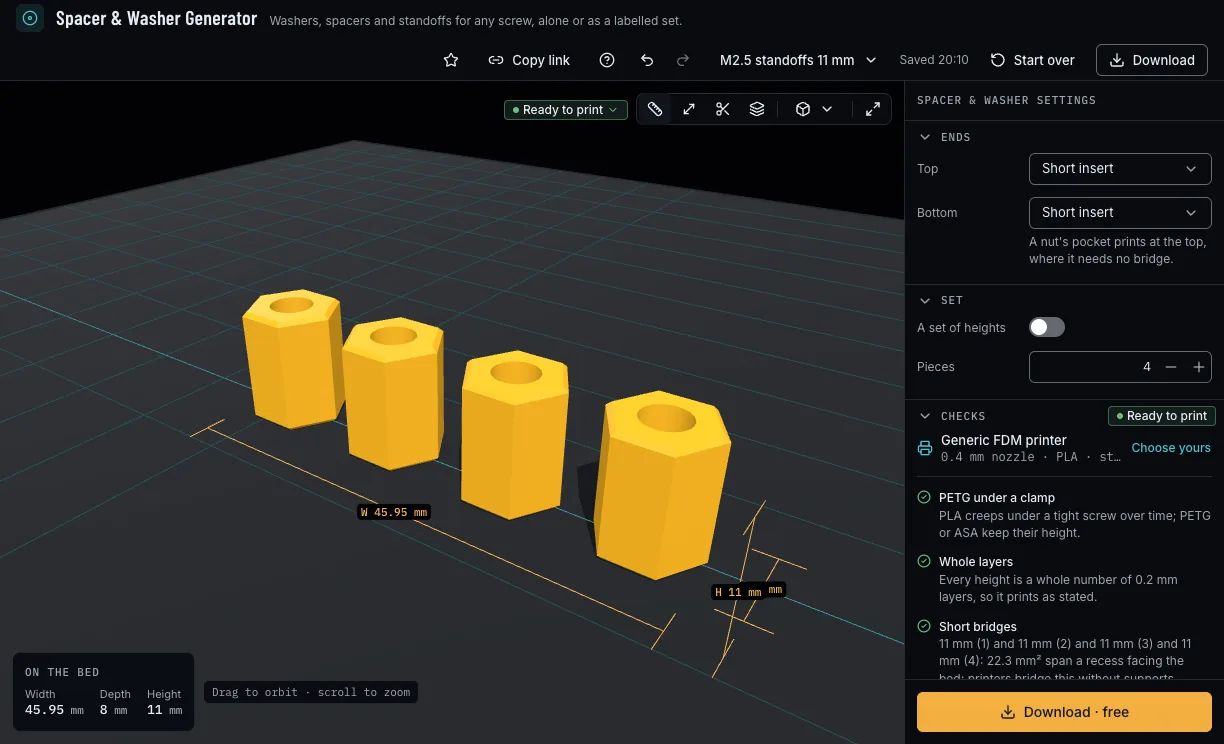
Hex standoffs 11 mm tall with a short heat-set insert at each end.
- M2.5
- Hex 8 mm
- 11 mm
- Free
Board standoff, nut below
Hex standoffs for a board, with an insert at the top and a nut pocket below.
- M3
- Hex 9 mm
- 10 mm
- Free
Which print settings work best for washers and spacers?
Every piece prints standing on an end, as it downloads. Washers and spacers need no supports, and a standoff with one nut pocket prints it at the top, where it opens upwards. Heights are whole layers of your printer's layer height in the tool, so slice with that layer height.
| Filament | Layer height to start | Thinnest wall | Supports | Notes |
|---|---|---|---|---|
| PLA | 0.2 mm | 0.8 mm | None | Fine for washers; under a tight screw it creeps over time. |
| PETG | 0.2 mm | 0.8 mm | None | Keeps its height under a clamped screw: the one for spacers and standoffs. |
Tips for washers and spacers that fit
- Slice with the layer height your printer has in the tool: every height is a whole number of those layers, so it prints as stated.
- Thin washers are rounded up to whole layers, three at least; four layers lie flatter on the bed.
- A standoff for a heat-set insert is wider than a brass one: the checks offer the outside its insert's wall needs.
- Measure your printer with the fit test: the bore and an insert's hole then take its hole offset.
- Print small or tall, thin pieces with a brim; the checks say when.
- Before you print, check it on the view's bar: Dimensions shows its size, Measure the distance between two points, Section cuts it open and Layers steps through it as your printer will.
What if the screw sticks or the pockets do not fit?
- The screw is tight in the bore
- The bore is the screw, your filament's sliding fit each side and your printer's measured hole offset. Measure your printer with the fit test, then print the pieces again.
- The washer is too thin to print
- With Keep the standard thickness on, a washer under three layers will not print: Apply turns it off, so the washer rounds up to whole layers.
- The ring round the bore is too thin
- It is under two lines of your nozzle: Apply sets a larger outside.
- Two inserts do not fit in the standoff
- The pockets are deeper than the standoff: Apply picks short inserts in place of standard ones, or else makes the standoff taller (in a set, it raises the short heights).
- The spacers squash under a tight screw
- PLA creeps under a clamped screw over time: print them in PETG or ASA.
Is Spacer & Washer Generator free?
Yes. Every kind, size and download is free; downloading needs a free NabiMakes account, which also keeps your projects.
Free
Free- Washers, spacers and standoffs, metric and inch
- Insert and nut pockets
- Sets with their tags
- 3MF and STL
Every setting, with its range and default
Lengths are in millimetres. Each setting shows only where it applies: the standard and the exact thickness for a washer, the shape and the set for spacers and standoffs, the ends for a standoff.
| Setting | Range | Default | What it does |
|---|---|---|---|
| Part | |||
| Kind | Washer, Spacer, Standoff | Spacer | A flat washer, a plain spacer, or a standoff with an end of your choice at each end. |
| Sizes | Metric, Inch | Metric | Metric or inch screws. |
| Screw | M2 to M24, #2 to 1 inch | M3 | The screw it is for; the bore is the screw, your sliding fit and your hole offset. |
| Standard | ISO 7089, ISO 7093 large (metric); SAE, USS (inch) | ISO 7089 | A washer's standard; it fills the outside and the thickness. |
| Shape | |||
| Shape | Round, Hex | Round | A round or hex body. |
| Outside | 2–120 mm | 7 mm | The diameter, or across flats for a hex. |
| Height | 0.2–100 mm | 10 mm | A washer's thickness, or a piece's height; it prints as whole layers. |
| Keep the standard thickness | On, off | Off | A washer keeps its standard's thickness; off, it rounds up to whole layers, three at least. |
| Chamfer | 0–1 mm | 0.4 mm | On both end edges, at most a third of the height. |
| Ends | |||
| Top | Through, Heat-set insert, Short insert, Nut pocket | Heat-set insert | The standoff's top end as it is used. |
| Bottom | Through, Heat-set insert, Short insert, Nut pocket | Heat-set insert | The standoff's bottom end; a single nut pocket prints at the top. |
| Set | |||
| A set of heights | On, off | Off | One row per height, each with its height on a tag. |
| Heights | Up to 12, 0.2 to 100 mm | 3, 5, 8, 10, 12, 15, 20 | The set's heights, separated by commas. |
| Pieces | 1–50 | 4 | Pieces, or pieces of each height in a set; 200 at most on one plate. |