What can you make with Shim Set Generator?
Shims 20 to 200 mm long, sets of up to 12 thicknesses, wedges and stepped wedges up to 40 mm. Makers print:
- Levelling shims for furniture, an appliance or a workbench on an uneven floor.
- Horseshoe packers that slide round the fixing of a window or door frame.
- Thin shims for a machine's feet, a fraction of a millimetre at a time.
- A door wedge, or a stepped wedge to read a gap.
How do you make a shim set, step by step?
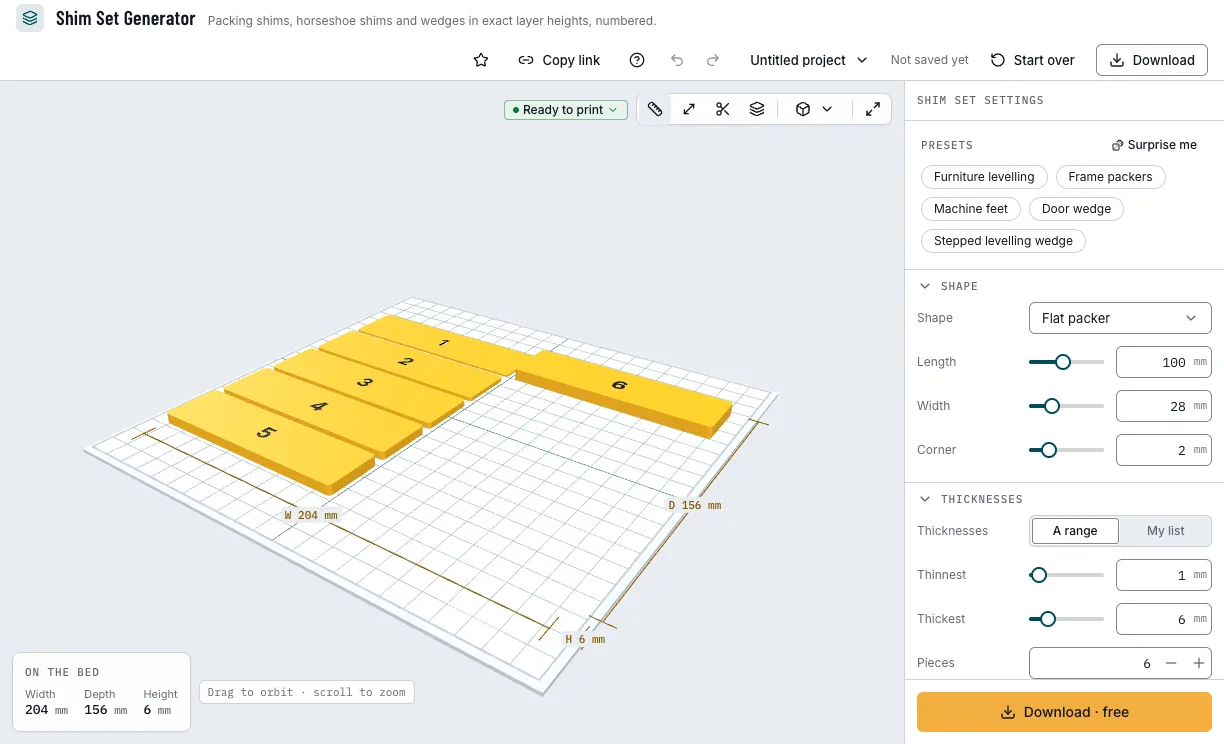
Everything is in the panel beside the shims, which update as you change them. Start from a preset, then change what you need.
1. Start from a preset
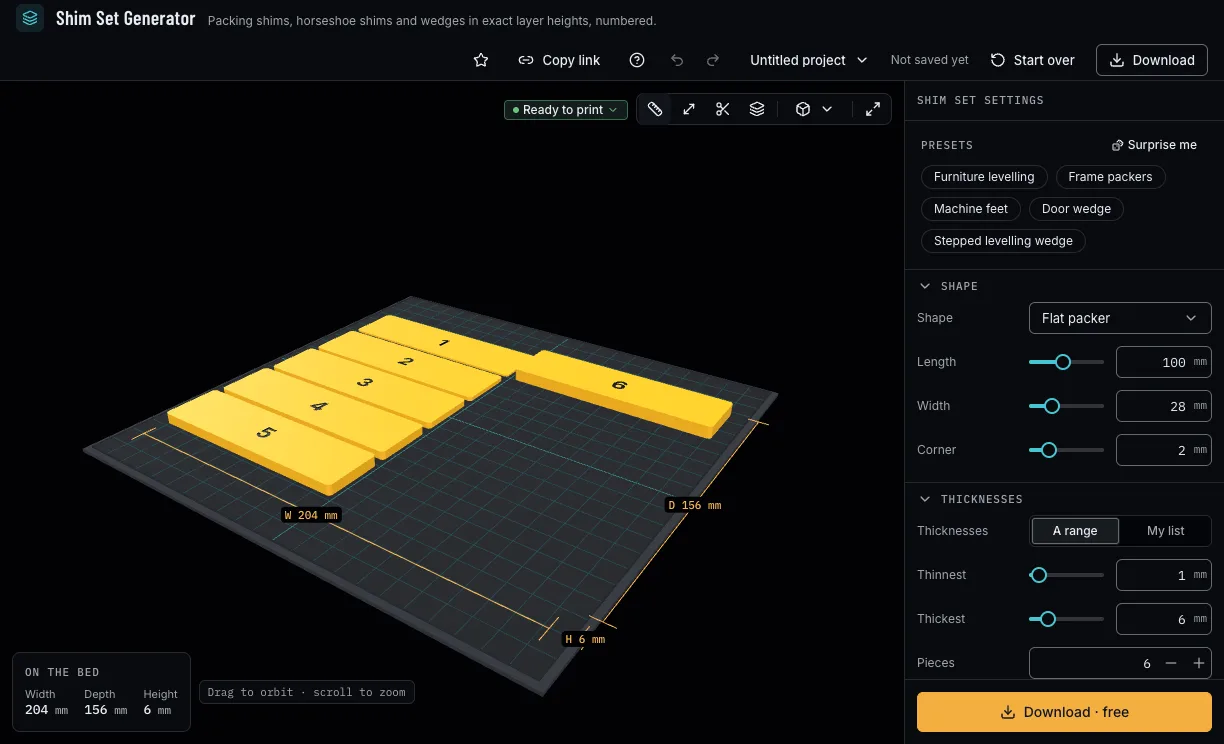
Pick Furniture levelling, Frame packers, Machine feet, Door wedge or Stepped levelling wedge. A preset sets only the values it names, so your first layer and marks stay; Surprise me tries other sizes, pieces and copies.
The presets and the shims they make. 2. Choose the shape
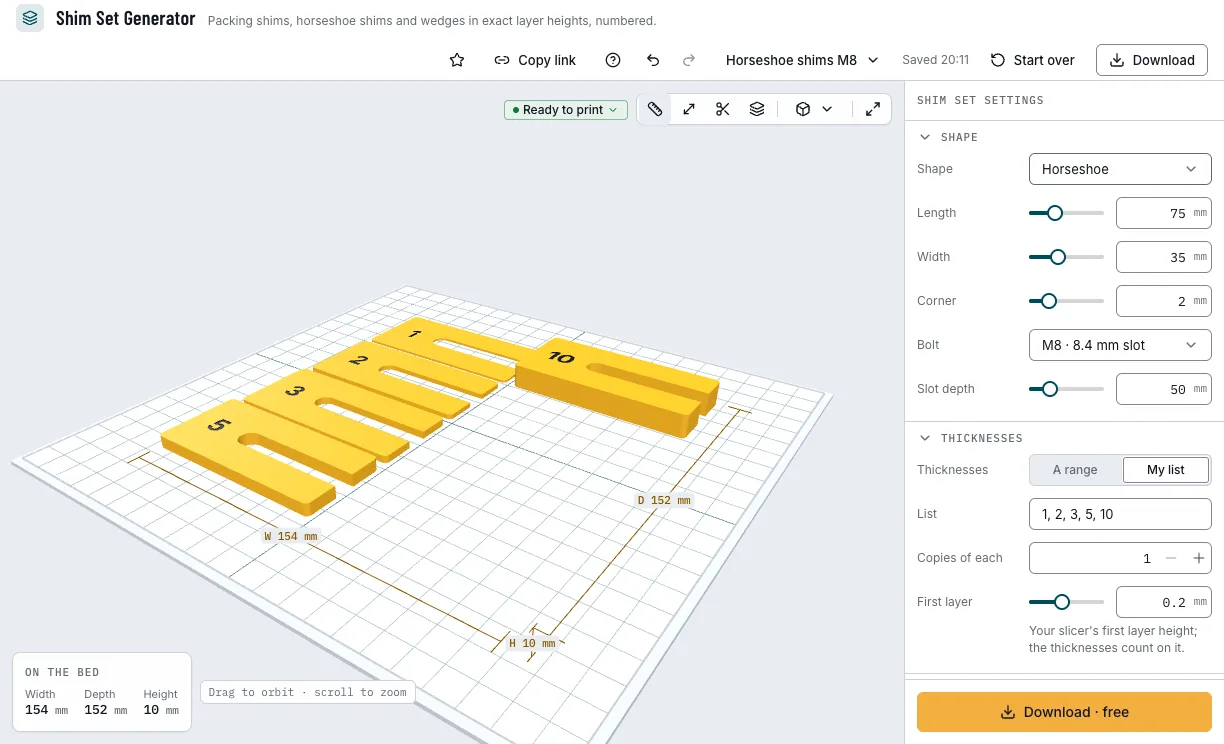
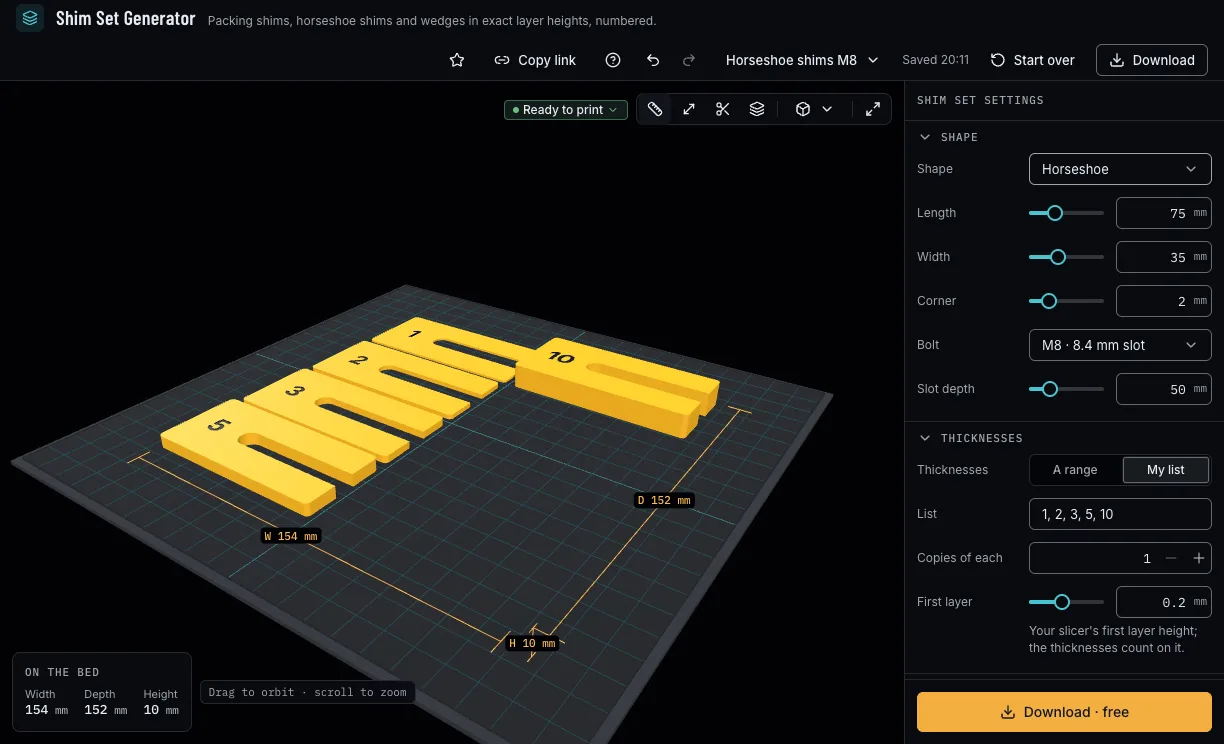
A flat packer, a horseshoe with a slot for a bolt, a wedge or a stepped wedge, with its length and width. A horseshoe's slot is the bolt's ISO 7089 washer hole plus your printer's measured hole offset, and its depth goes to two thirds of the length when you change the length.
A horseshoe shim and its slot. 3. Set the thicknesses
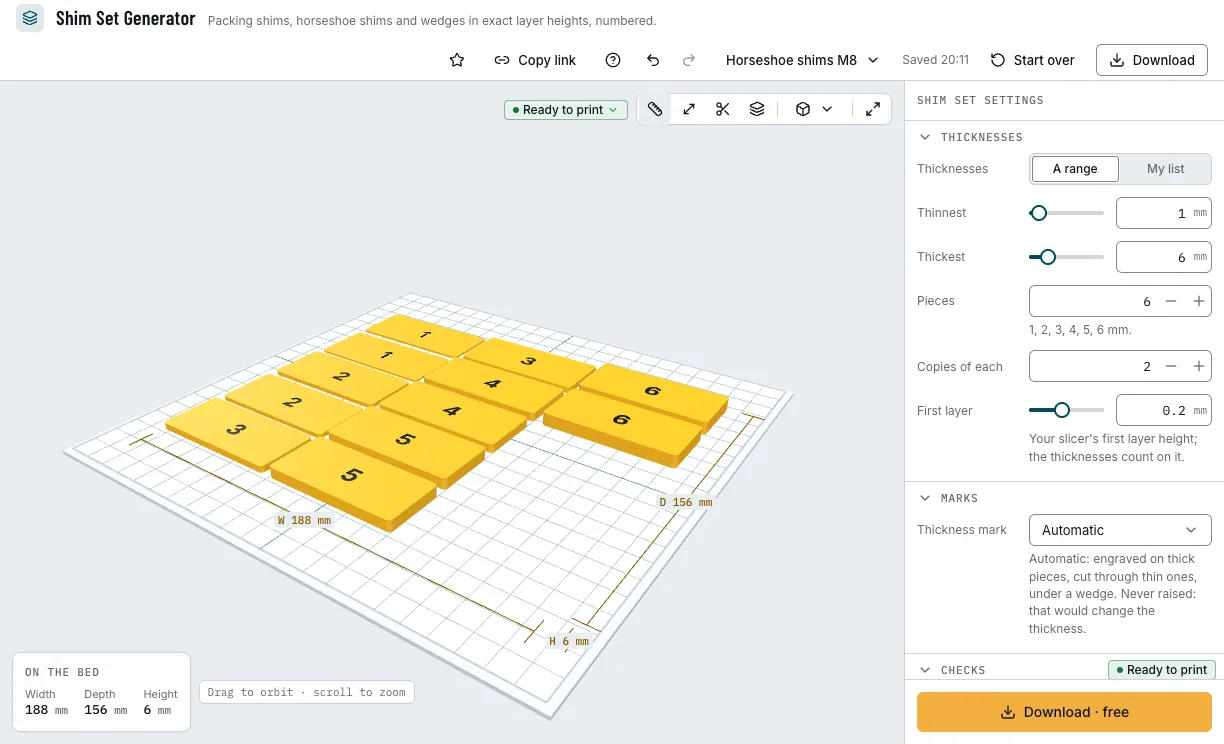
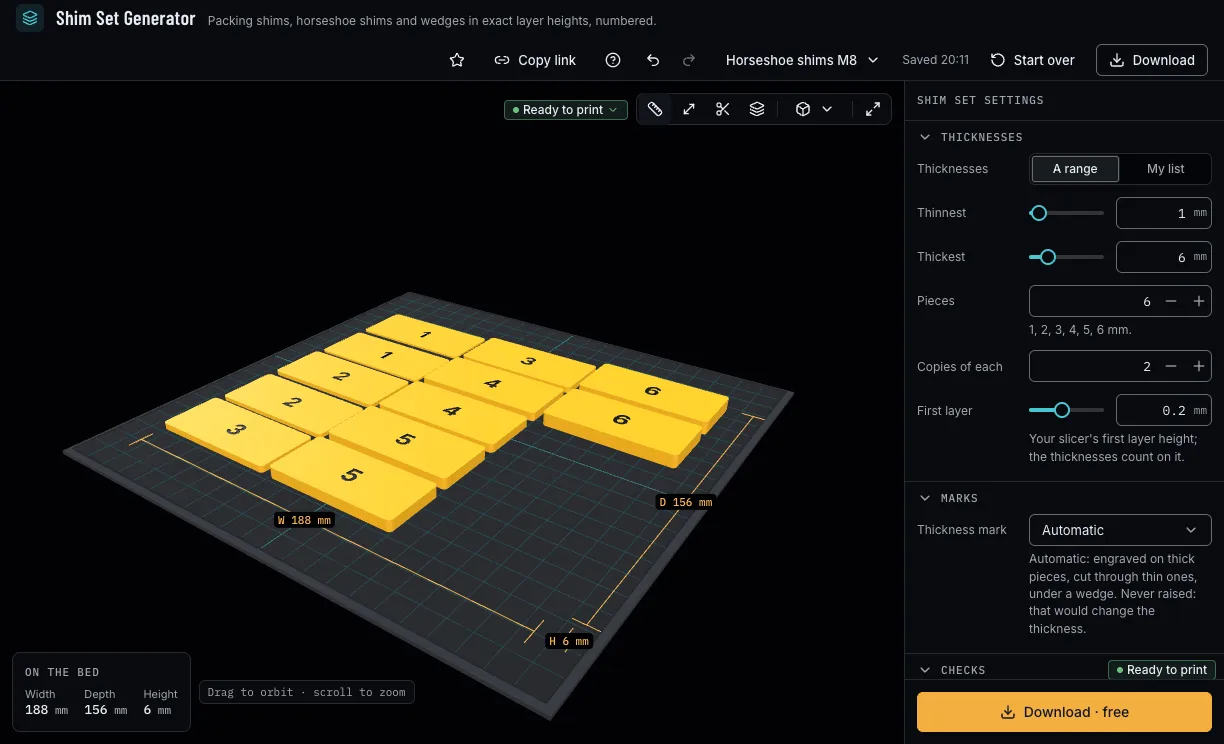
A range of up to 12 pieces evenly between a thinnest and a thickest, or your own list; a wedge's thin and thick end; a stepped wedge's first step, each step and how many. Set First layer to your slicer's: the panel shows what each piece prints as.
The thicknesses and what they print as. 4. Mark them
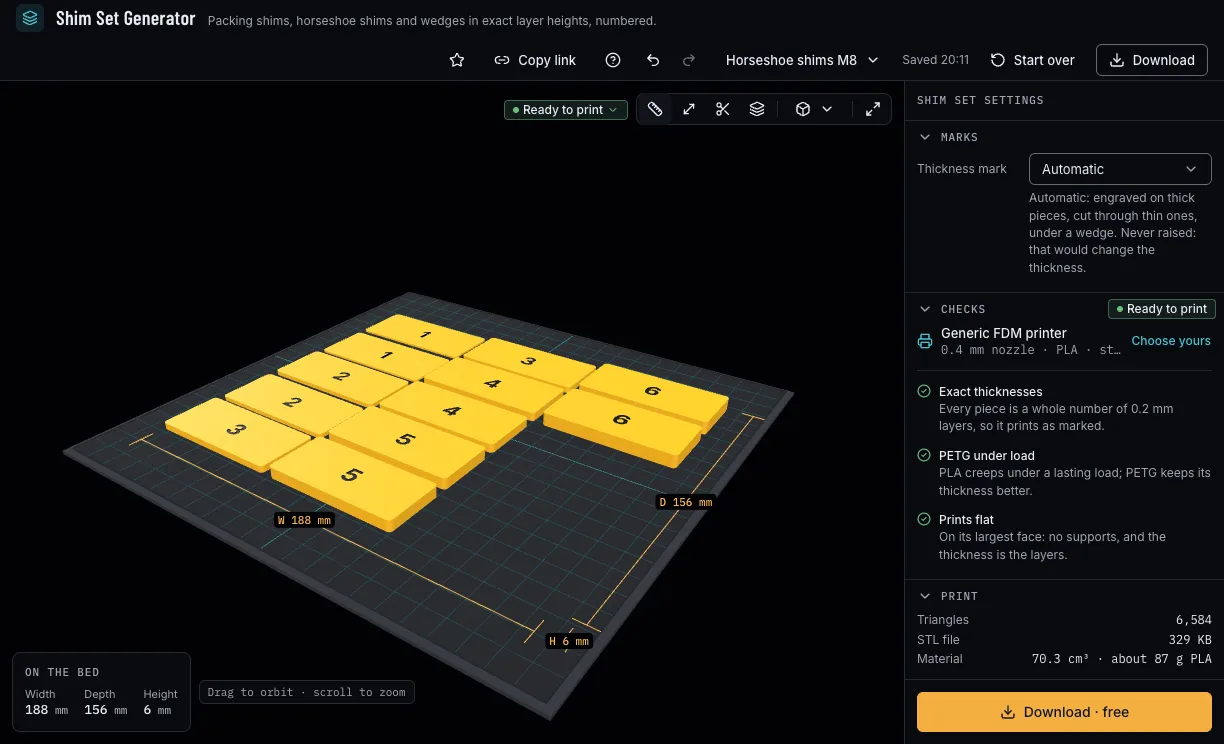
Automatic engraves the number two layers deep on pieces of seven layers or more, cuts it through thinner ones and puts it under a wedge. You can also choose Engraved, Cut through (a wedge is engraved instead) or None. Marks are never raised, which would change the thickness.
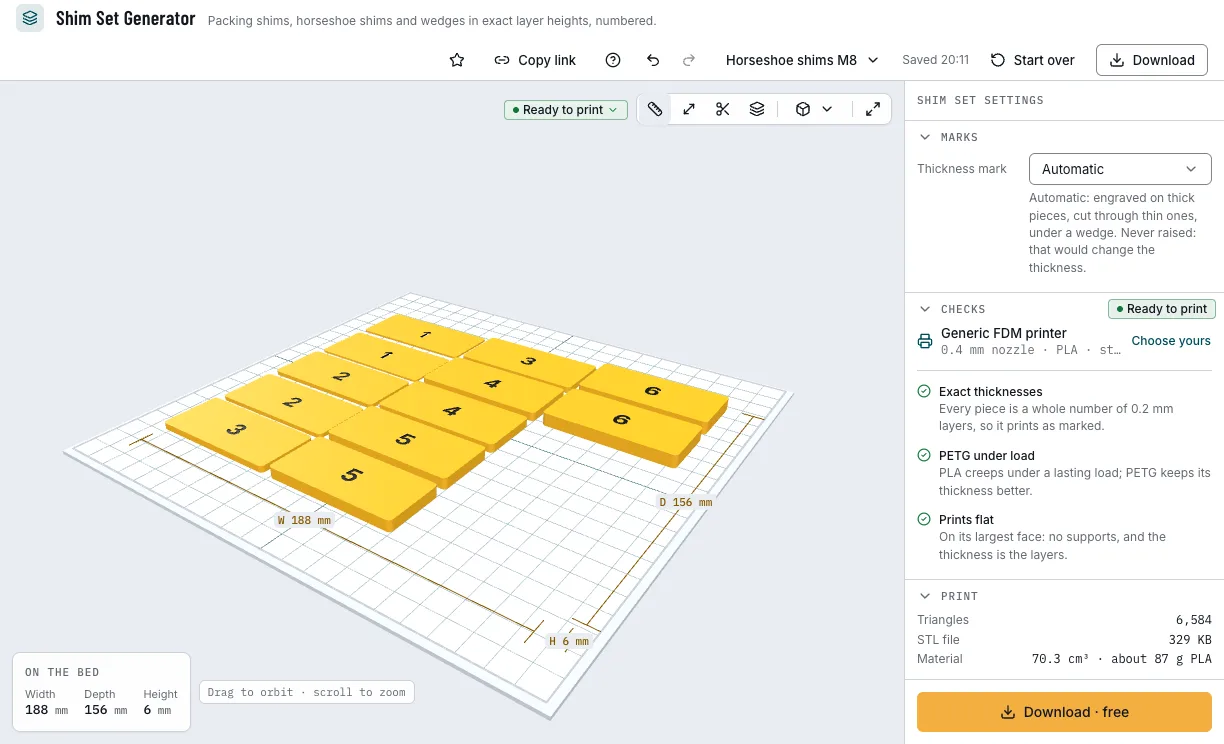
The thickness marks. 5. Check it and download
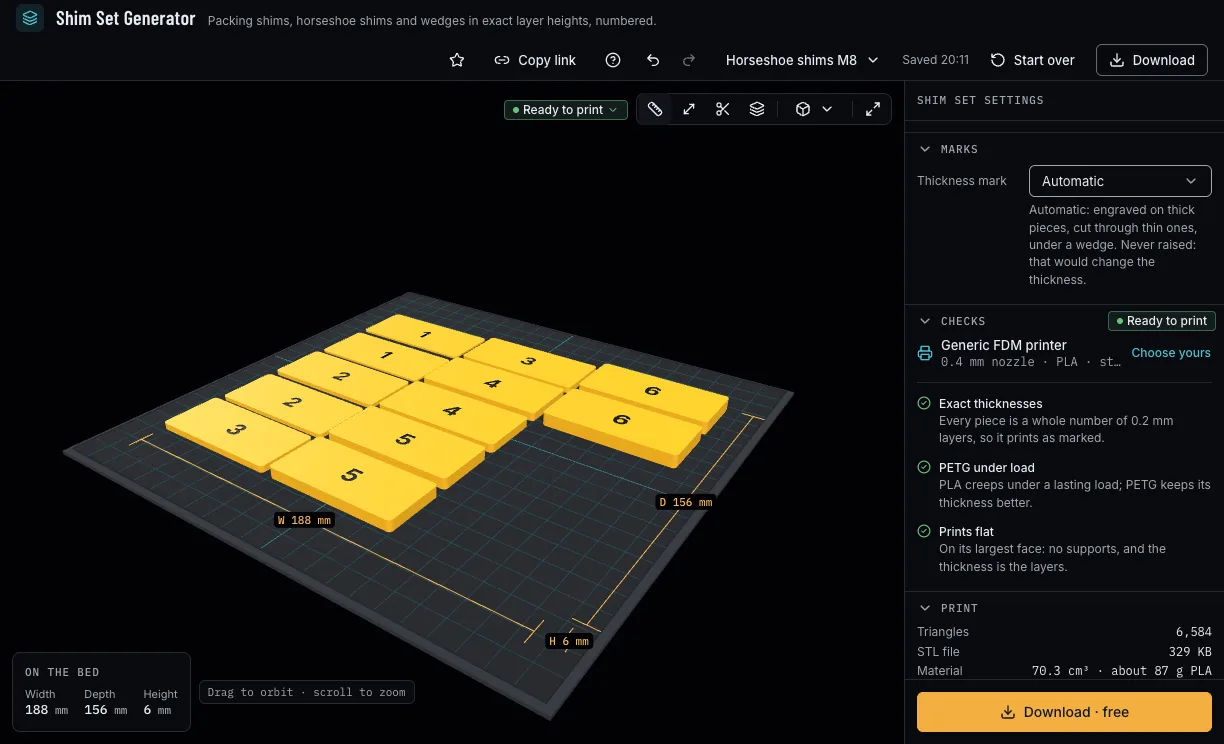
The checks say which thicknesses snapped and to what, the first layer to set in your slicer, whether two pieces print the same and whether a horseshoe's slot fits. Then download 3MF or STL with a free NabiMakes account.
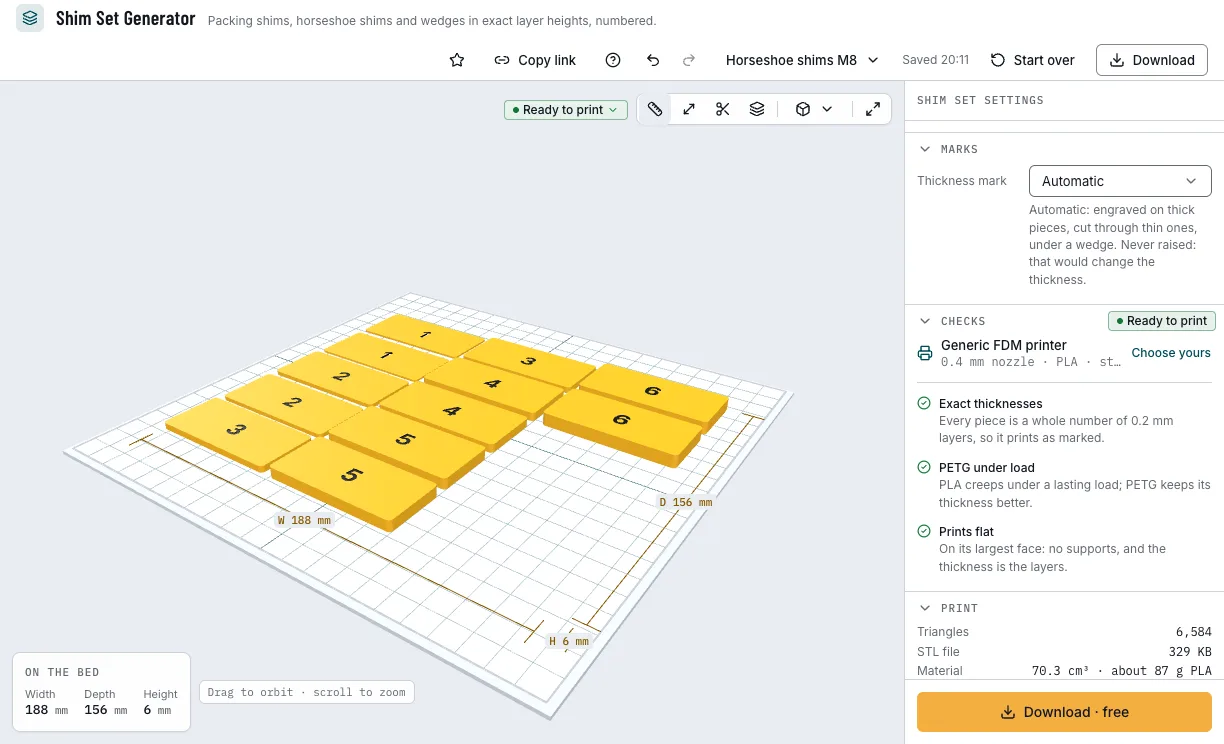
The checks and the download.
Which shims can you start from?
Each example opens in Shim Set Generator as a new design, beside your own.
Furniture levelling
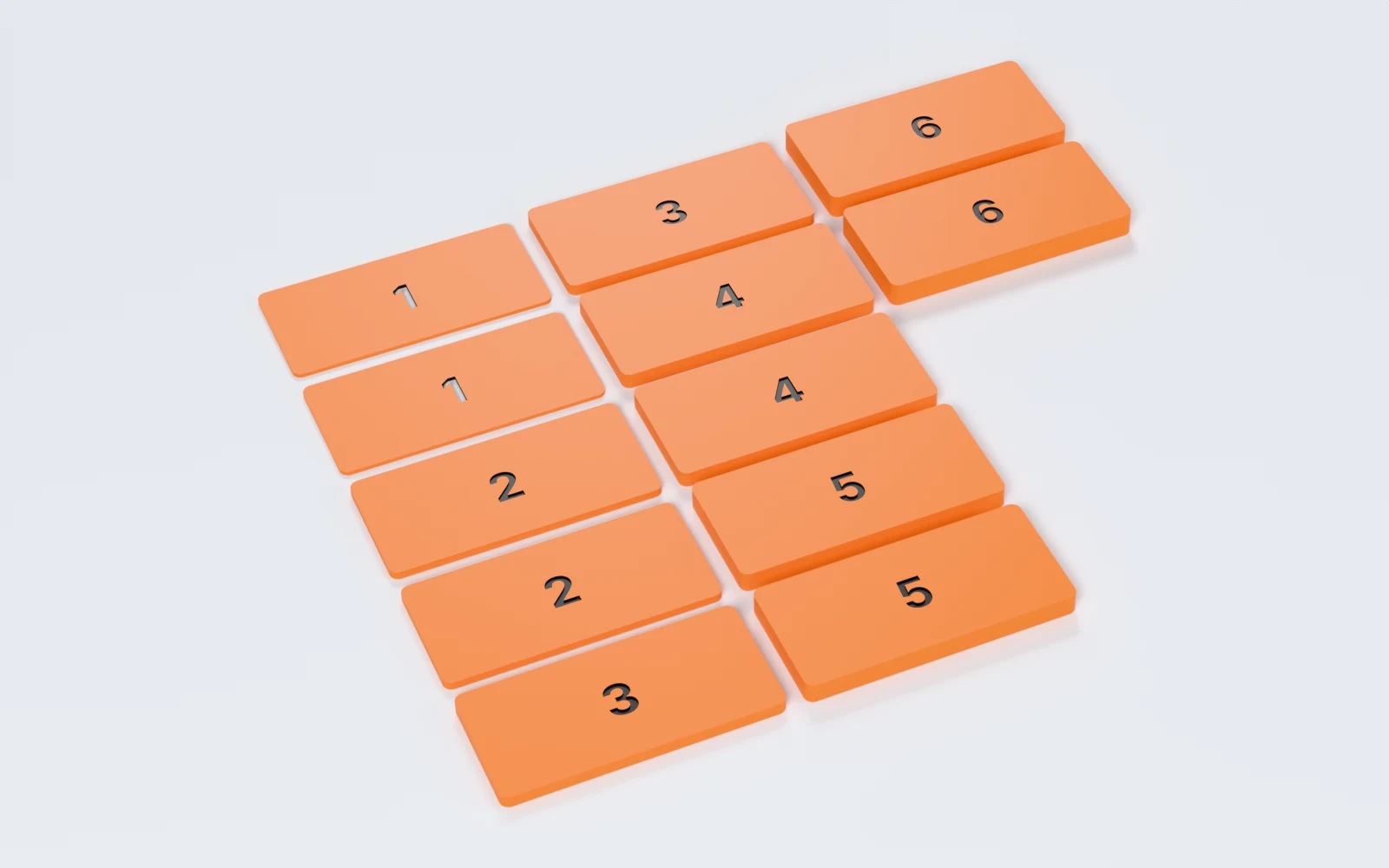
Flat packers from 1 to 6 mm, two of each, to level a table or a cabinet.
- 1 to 6 mm
- 6 thicknesses, 2 of each
- 60 × 28 mm
- Free
Frame packers
Horseshoe packers that slide round an M8 fixing, in a list of five thicknesses.
- M8 slot
- 1, 2, 3, 5, 10 mm
- 75 × 35 mm
- Free
Door wedge
Two tapered wedges to hold a door open or close a gap.
- 1 to 15 mm
- 120 × 35 mm
- 2 wedges
- Free
Stepped levelling wedge
One wedge with ten steps of 1 mm, each numbered underneath, to read a gap.
- 1 to 10 mm
- 10 steps
- 120 × 30 mm
- Free
Which print settings work best for shims?
Shims print flat on their largest face, as they download: no supports, and the thickness is the layers. Set your slicer's first layer to First layer and slice with your printer's layer height in the tool, so nothing is rounded again.
| Filament | Layer height to start | Thinnest wall | Supports | Notes |
|---|---|---|---|---|
| PLA | 0.2 mm | 0.8 mm | None | Fine for reading a gap or a light load; it creeps under a lasting one. |
| PETG | 0.2 mm | 0.8 mm | None | Keeps its thickness under a lasting load: the one for furniture and machines. |
Tips for shims that are the thickness marked
- Check one shim with calipers before you rely on the set: the first layer's squish sets every piece's bottom, so the steps between shims are surer than each thickness.
- Thicknesses less than a layer apart print the same: thinner layers give finer steps.
- Fewer, thicker shims hold better than a tall stack of thin ones, which can shift.
- Measure your printer with the fit test, so a horseshoe's slot takes its hole offset and slides round the bolt.
- Before you print, check it on the view's bar: Dimensions shows its size, Measure the distance between two points, Section cuts it open and Layers steps through it as your printer will.
What if a shim prints the wrong thickness?
- The shim is thicker or thinner than its number
- Set First layer to your slicer's first layer height and slice with the layer height your printer has in the tool. If it is still off, your printer's Z offset squashes the first layer: the steps between pieces stay true.
- Two shims print the same thickness
- They are less than a layer apart, and the check says so: choose thicknesses further apart, or print with thinner layers.
- The slot is wider than the shim
- With your hole offset the slot needs 2 mm of shim each side: Apply makes the shim wider.
- The numbers do not read
- On a shim under 6 mm wide the numbers are under 3 mm tall: make the shim 6 mm wide or more.
- A shim squashes under a load over time
- PLA creeps under a lasting load: print it in PETG.
Is Shim Set Generator free?
Yes. Every shape, thickness and download is free; downloading needs a free NabiMakes account, which also keeps your projects.
Free
Free- Flat, horseshoe, wedge and stepped wedge
- Ranges, lists and copies
- The thickness marks
- 3MF and STL
Every setting, with its range and default
Lengths are in millimetres. Each setting shows only for its shape: the corner for flat and horseshoe shims, the bolt and the slot for a horseshoe, the ends for a wedge, the steps for a stepped wedge.
| Setting | Range | Default | What it does |
|---|---|---|---|
| Shape | |||
| Shape | Flat packer, Horseshoe, Wedge, Stepped wedge | Flat packer | A flat packer, a horseshoe with a slot, a wedge or a stepped wedge. |
| Length | 20–200 mm | 100 mm | End to end; a wedge rises along it. |
| Width | 10–80 mm | 28 mm | Across. |
| Corner | 0–10 mm | 2 mm | Rounds the corners of a flat or horseshoe shim. |
| Bolt | ISO 7089 washer sizes from M3 | M8 · 8.4 mm slot | The bolt a horseshoe slides round: the slot is its ISO 7089 washer's hole plus your hole offset. |
| Slot depth | 10–190 mm | 67 mm | How far the slot runs in; two thirds of the length when the length changes. |
| Thicknesses | |||
| Thicknesses | A range, My list | A range | Pieces evenly between two thicknesses, or your own list. |
| Thinnest | 0.4–20 mm | 1 mm | The range's first piece. |
| Thickest | 0.6–30 mm | 6 mm | The range's last piece. |
| Pieces | 1–12 | 6 | How many thicknesses the range has, evenly between. |
| List | Up to 12, 0.2 to 30 mm | 1, 2, 3, 5, 10 | Your own thicknesses, separated by commas. |
| Thin end | 0.4–10 mm | 1 mm | A wedge's thin end. |
| Thick end | 2–40 mm | 10 mm | A wedge's thick end. |
| First step | 0.4–10 mm | 1 mm | A stepped wedge's thinnest step. |
| Each step | 0.1–5 mm | 1 mm | How much each step adds. |
| Steps | 2–20 | 10 | How many steps; the last is 40 mm at most. |
| Copies of each | 1–10 | 1 | Copies of every thickness, or of the wedge. |
| First layer | 0.05–0.4 mm | 0.2 mm | Your slicer's first layer height; every thickness counts on it. |
| Marks | |||
| Thickness mark | Automatic, Engraved, Cut through, None | Automatic | Automatic: engraved on thick pieces, cut through thin ones, under a wedge. Never raised. |