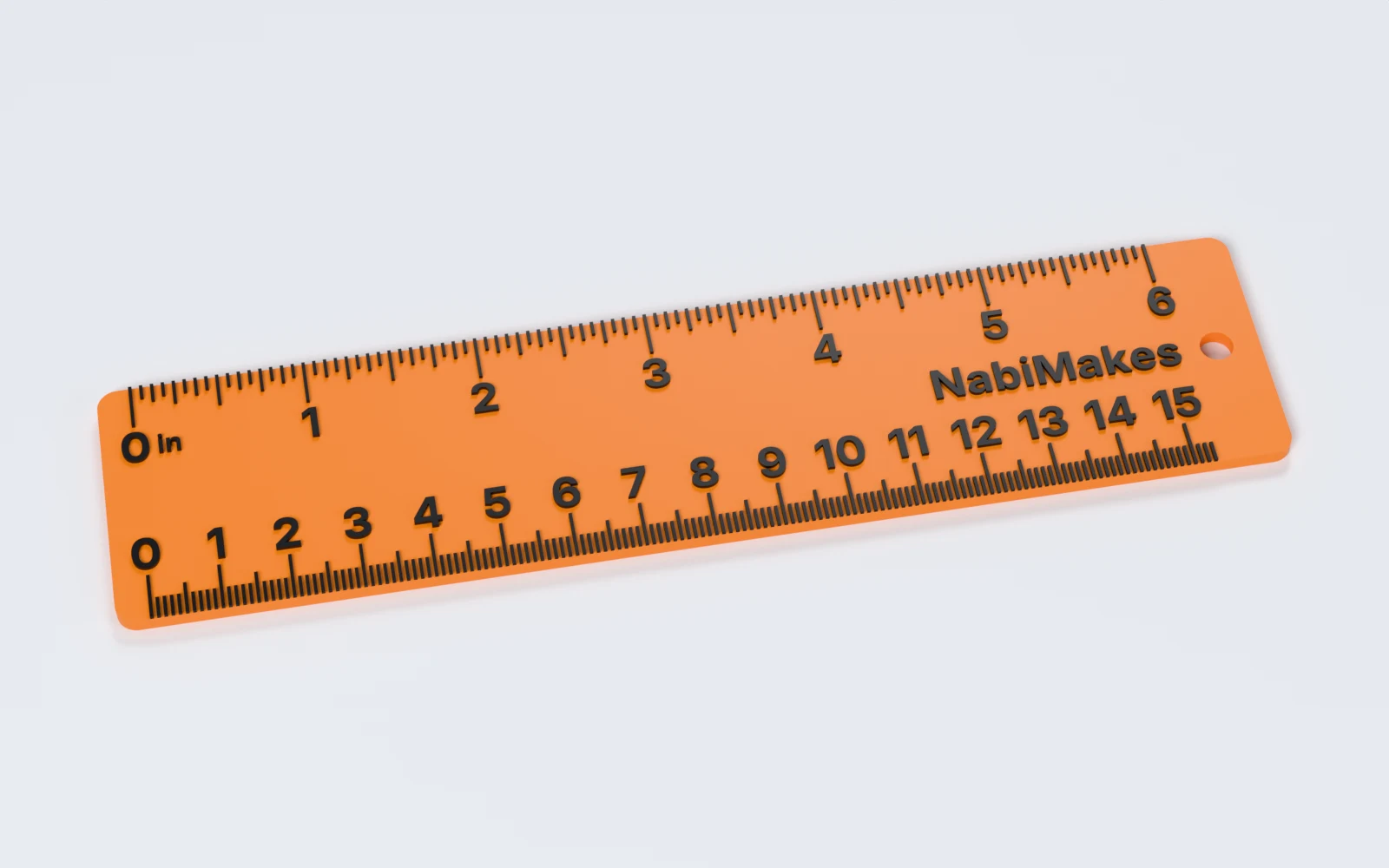
What can you make with Ruler Generator?
A straight ruler from 50 to 330 mm long. Makers print:
- A 15 or 20 cm ruler for the workshop or a pencil case.
- A 6 inch ruler, or one with millimetres on one edge and inches on the other.
- A thin bookmark ruler with a small hang hole.
- A ruler with a name, a club or a shop on it, as a gift or a give-away.
- A raised scale in a second colour, on a printer with two filaments.
How do you make a ruler, step by step?
Everything is in the panel beside the ruler, which updates as you change it. Start from a preset, then change what you need.
1. Start from a preset
Pick 15 cm, 20 cm, 6 inch, Both scales or Bookmark. A preset sets only the values it names, so your label and ticks stay; Surprise me tries another length and look.
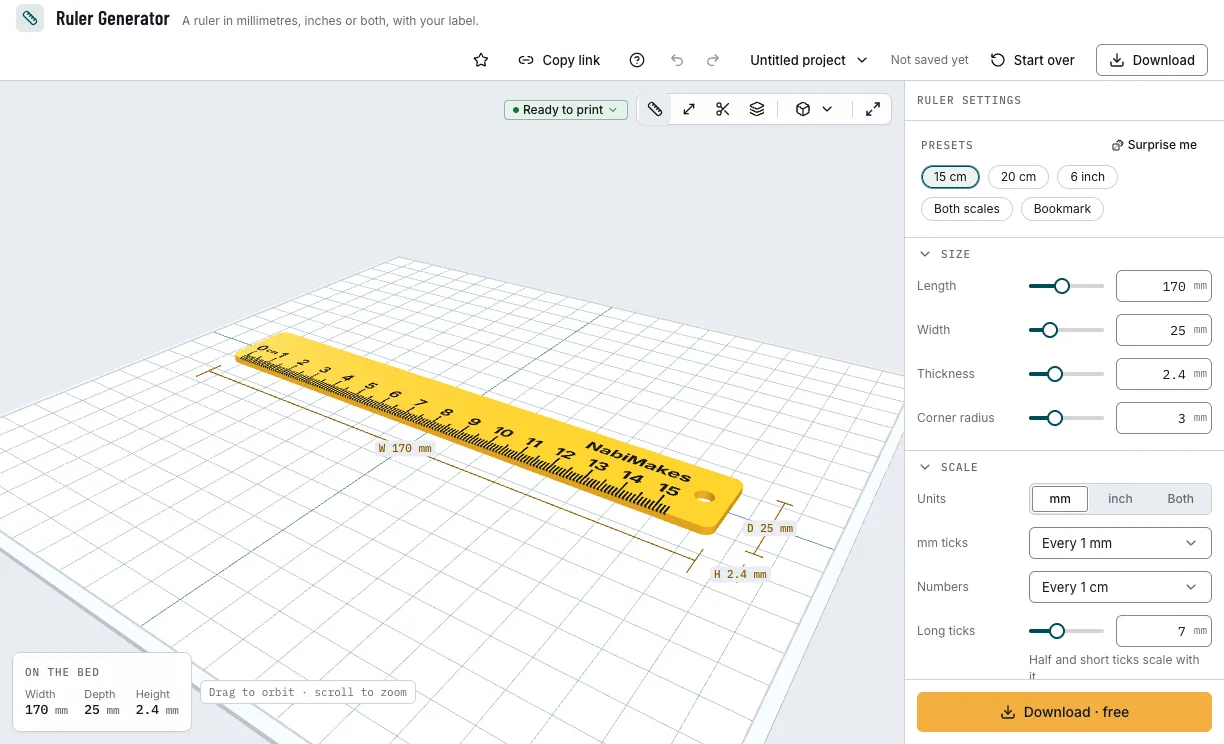
The presets and the ruler they make. 2. Set the size
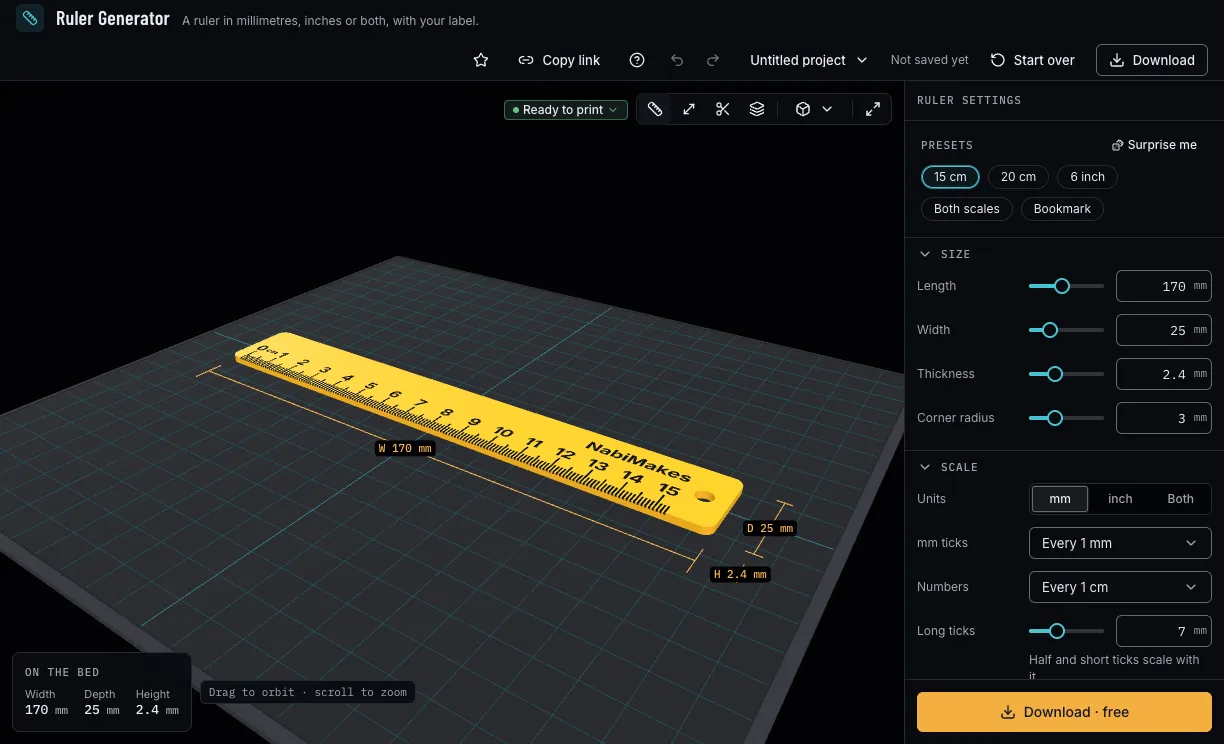
Set the length, the width, the thickness and the corner radius. A 170 mm ruler reads 15 cm before its hang hole, since the scale starts 5 mm from the end.
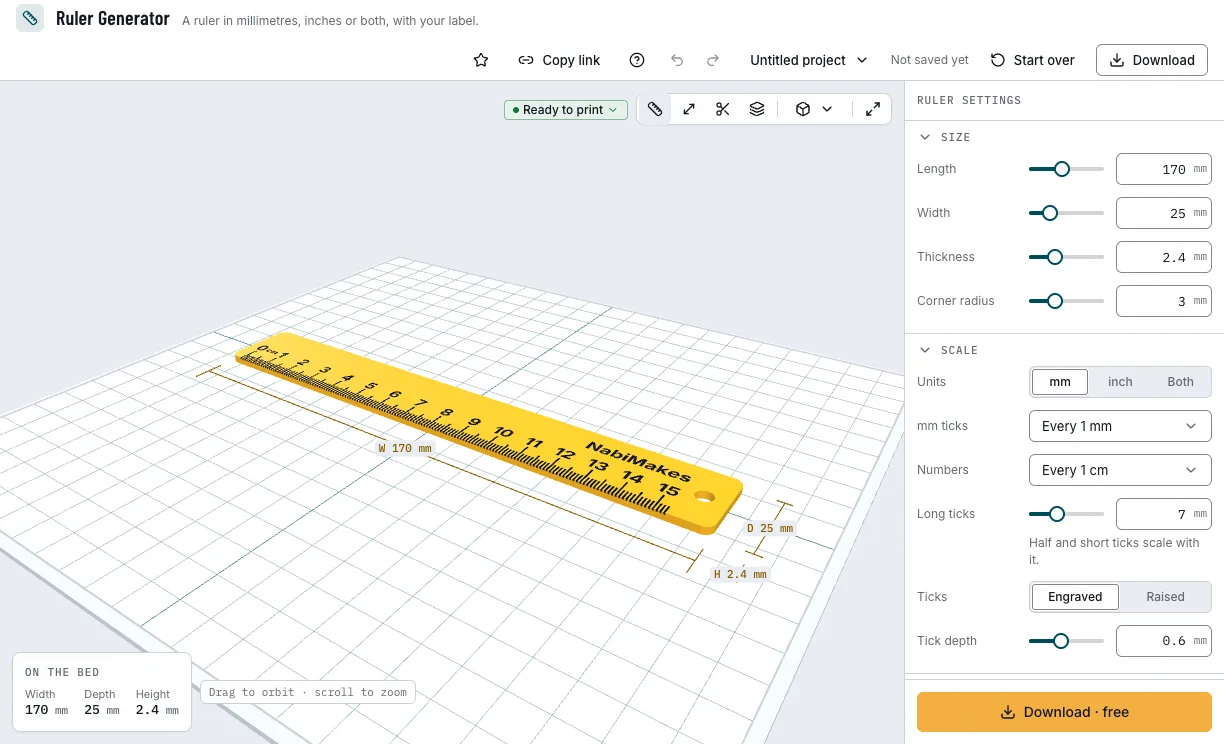
The ruler's length, width and thickness. 3. Choose the scale
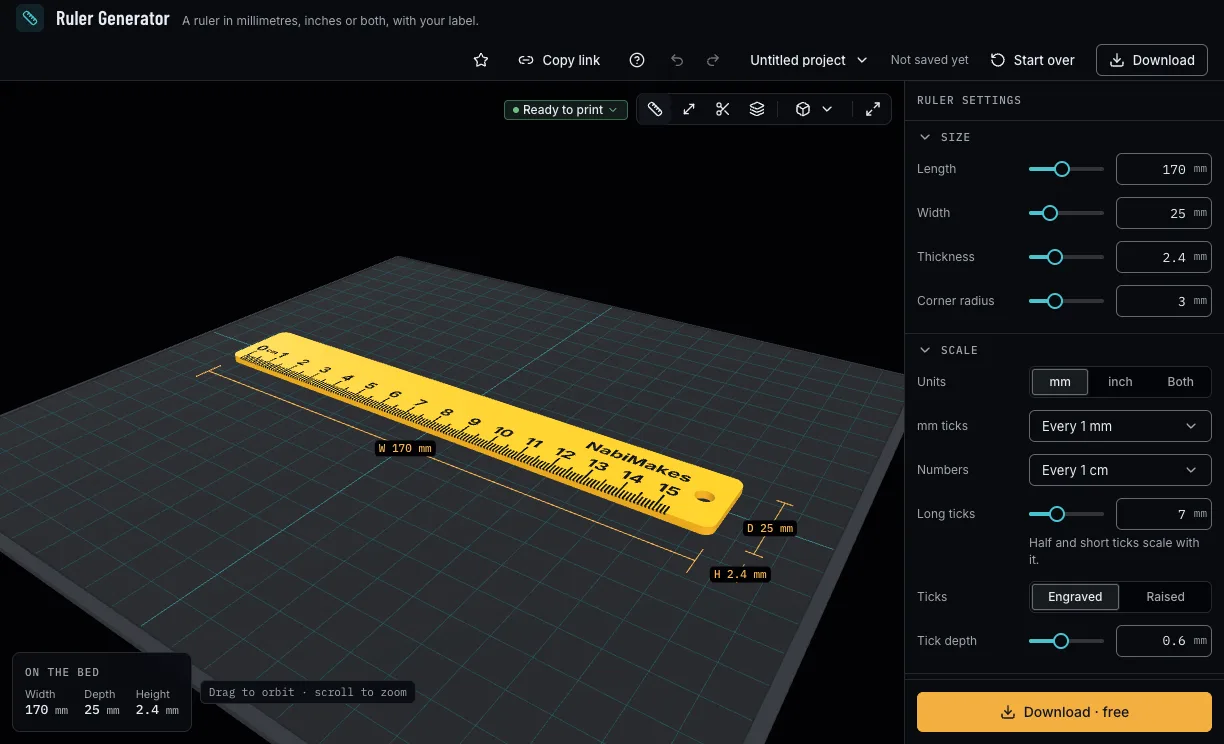
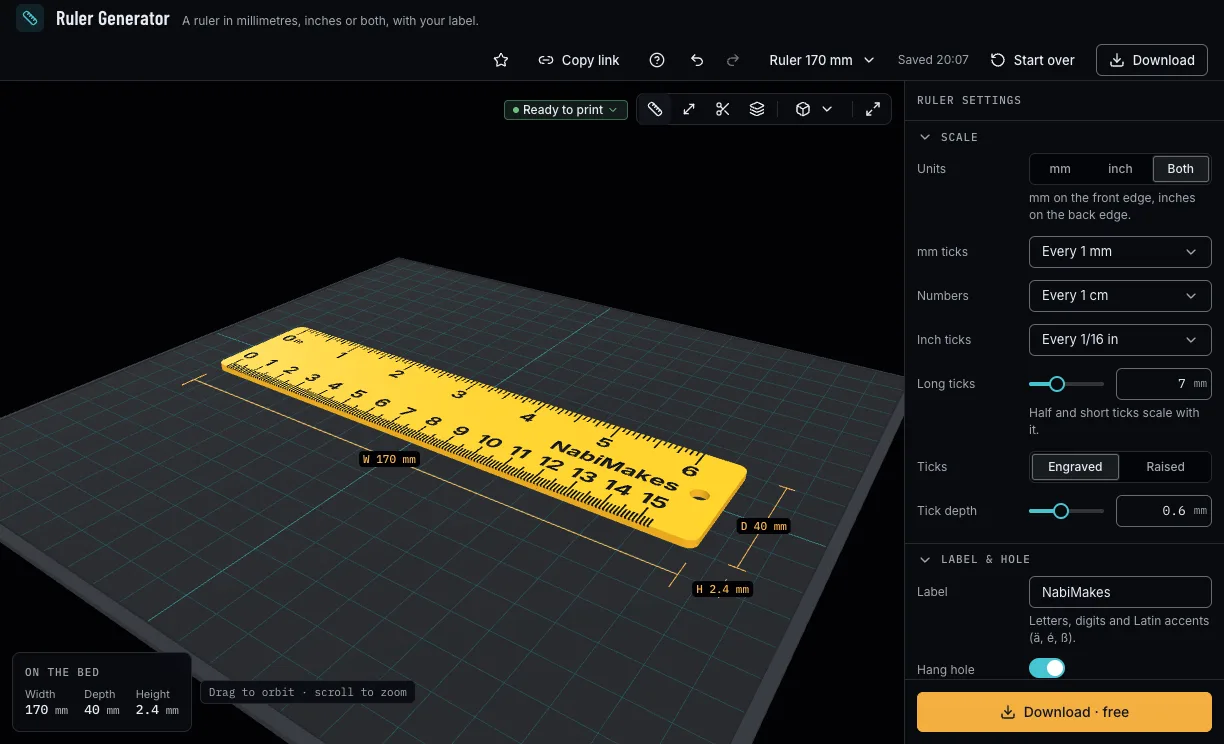
Millimetres, inches or both (millimetres on the front edge, inches on the back), how often the ticks and the numbers come, how long the ticks are, and whether they are engraved or raised.
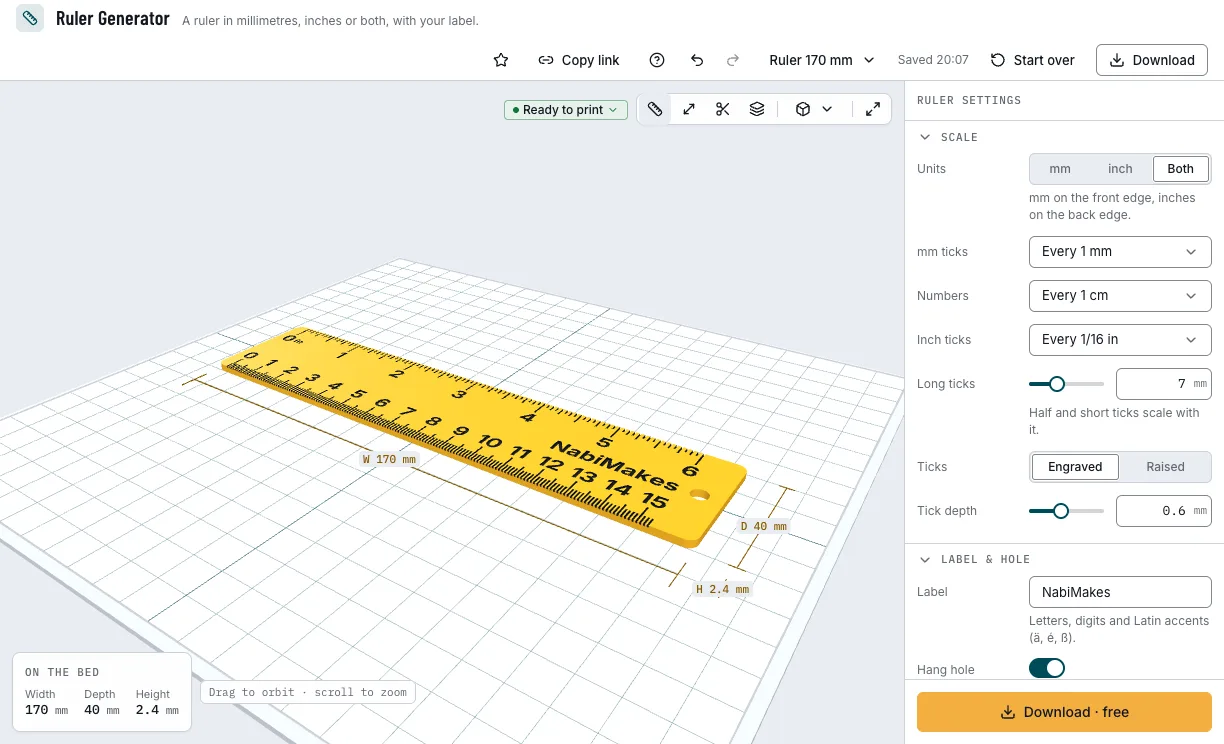
Both scales: millimetres and inches. 4. Add your label
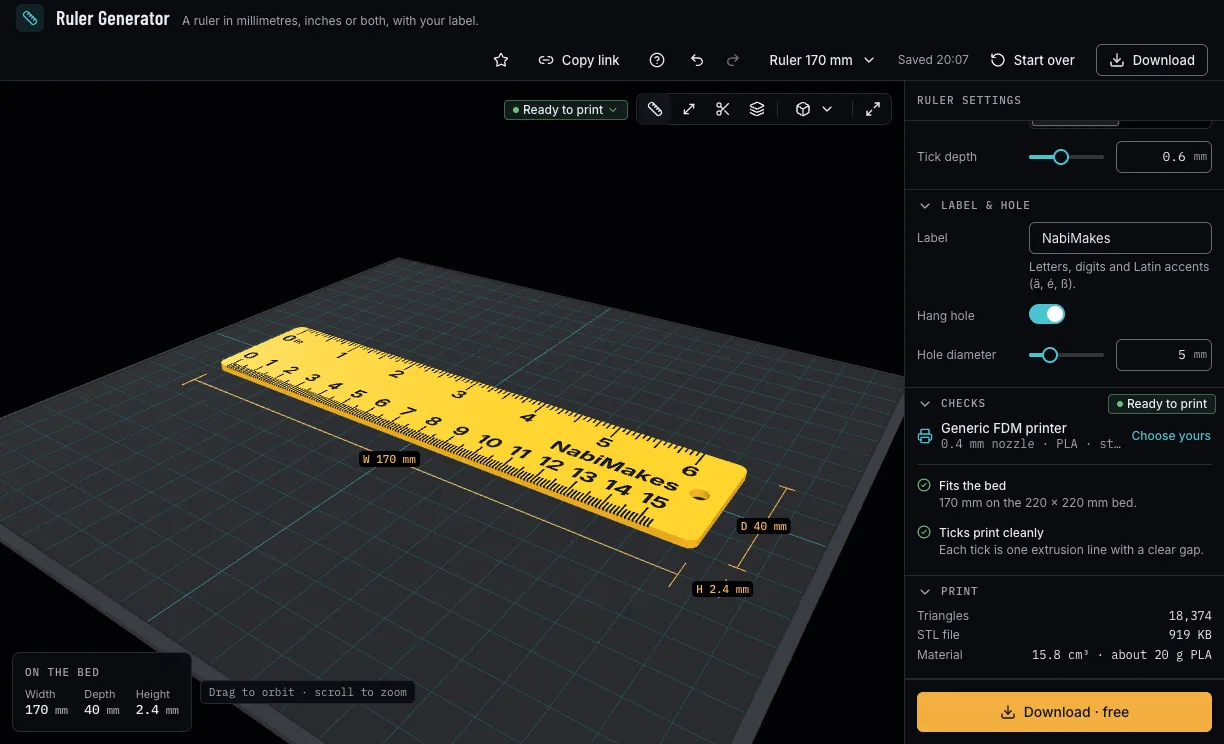
Type up to 24 letters, digits or Latin accents; the label goes where the scale leaves room. Keep the hang hole or turn it off.
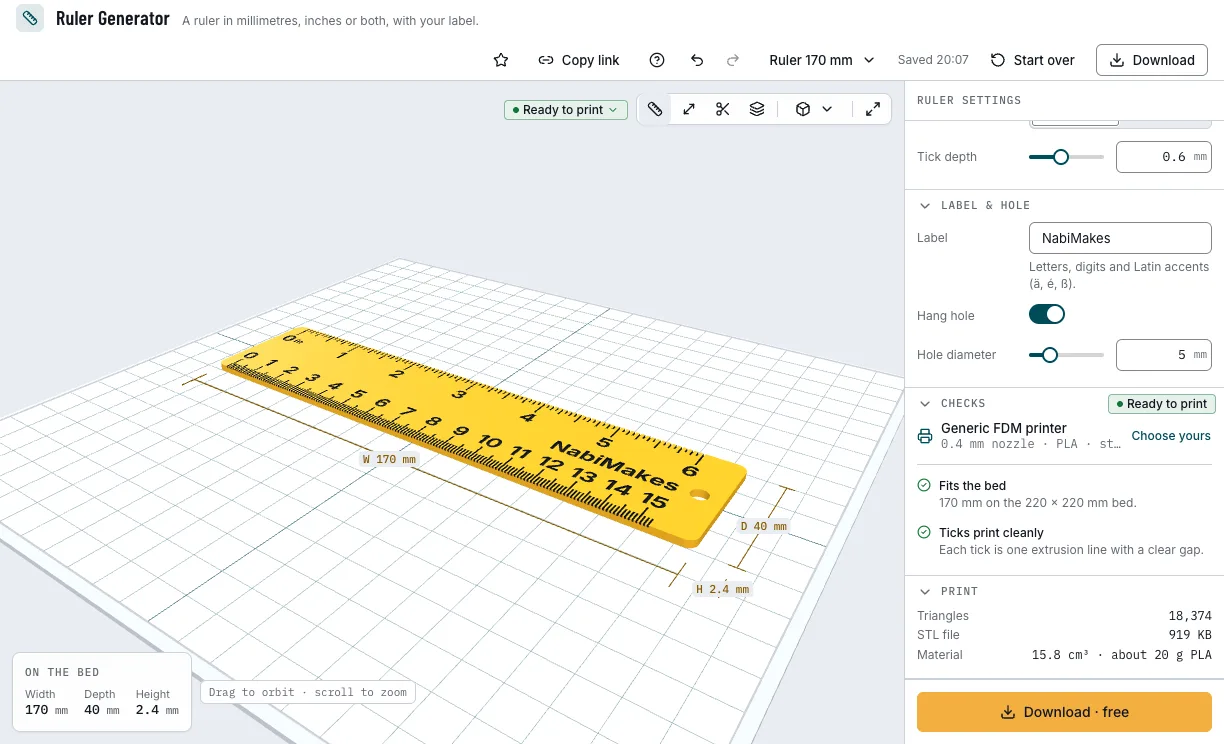
The label and the hang hole. 5. Check it and download
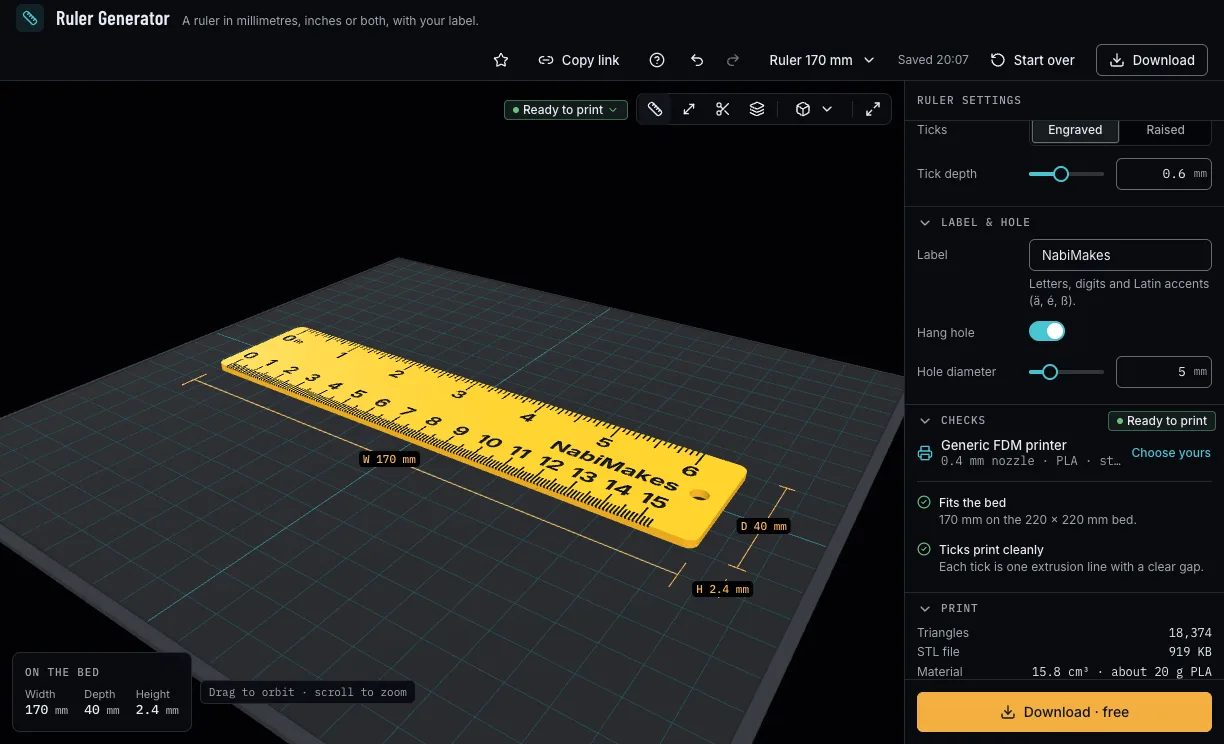
The checks say whether the ruler fits your printer's bed, whether fine ticks may merge for your nozzle and what is left out for lack of room. Then download 3MF or STL with a free NabiMakes account.
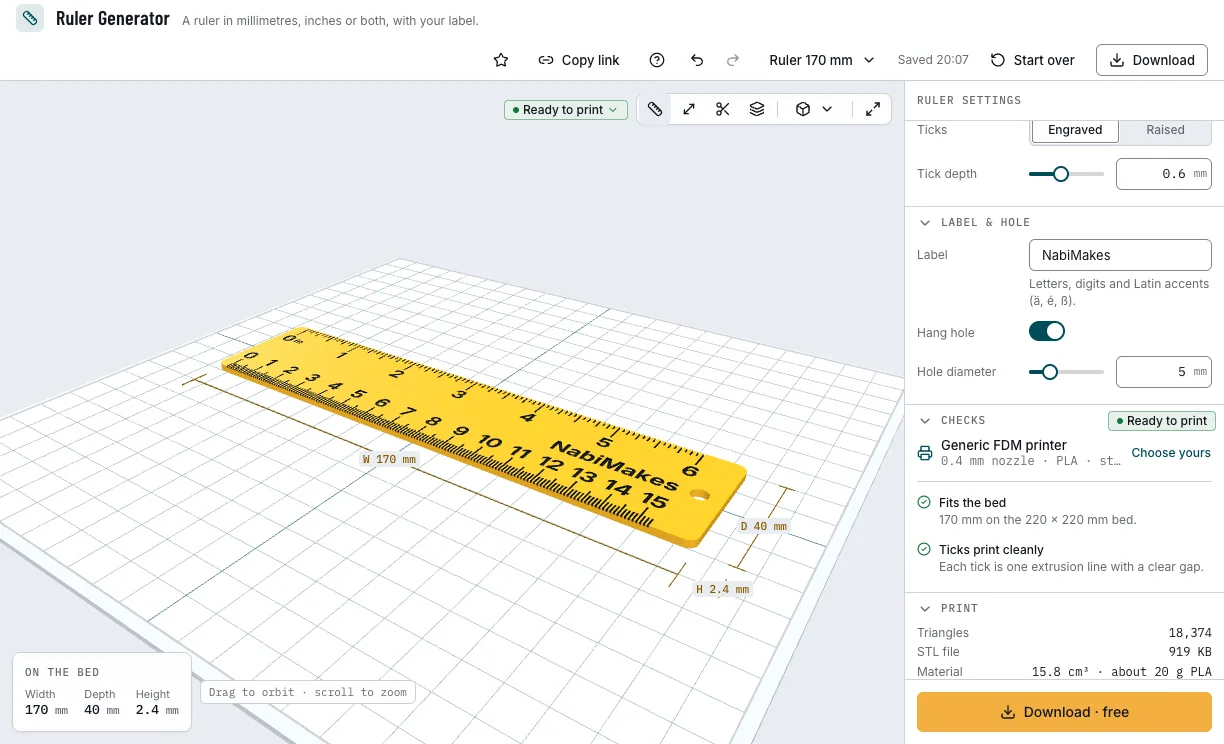
The checks and the download.
Which rulers can you start from?
Each example opens in Ruler Generator as a new design, beside your own.
15 cm ruler
The everyday ruler, millimetres with numbers every centimetre.
- 170 mm long
- mm
- Free
Millimetres and inches
A wider ruler with millimetres on the front edge and inches on the back.
- 170 × 40 mm
- mm and inch
- Free
Bookmark
A thin ruler to keep in a book, with a small hang hole for a ribbon.
- 150 × 30 × 1.2 mm
- 4 mm hole
- Free
Which print settings work best for a ruler?
Print the ruler flat, as it downloads. It needs no supports. The layer height is a starting point; the thinnest wall is the one the printer checks hold each filament to.
| Filament | Layer height to start | Thinnest wall | Supports | Notes |
|---|---|---|---|---|
| PLA | 0.2 mm | 0.8 mm | None | Stiff and true; the best for a ruler you measure with. |
| PETG | 0.2 mm | 0.8 mm | None | Bends rather than snaps: good for a bookmark or a pencil-case ruler. |
Tips for a ruler that measures true
- Measure a printed 15 cm ruler against a steel one: if it is off, your printer's steps or shrinkage need calibrating, not the ruler.
- Fine ticks every 0.5 mm need a 0.4 mm nozzle or finer; the checks warn when they may merge.
- Raised ticks in a second colour read best: change filament at the layer the ticks start.
- Print it slowly on a clean bed, so the long ruler stays flat.
- Before you print, check it on the view's bar: Dimensions shows its size, Measure the distance between two points, Section cuts it open and Layers steps through it as your printer will.
What if the ruler does not fit the bed or the ticks merge?
- The ruler fits the bed only diagonally
- Turn it 45° in your slicer, or choose a shorter length; the check says which.
- The fine ticks run together
- Choose ticks every 1 mm, or print with a finer nozzle; engraved ticks keep apart better than raised ones.
- The numbers or the label are missing
- They are left out when there is no room: widen the ruler, number every 2 cm, or shorten the label.
- The ruler warps off the bed
- Make it a little thicker, clean the bed, and use a brim in your slicer for a long ruler.
Is Ruler Generator free?
Yes. Every setting and download is free; downloading needs a free NabiMakes account, which also keeps your projects.
Free
Free- Every size, scale and tick
- Your label and the hang hole
- 3MF and STL
Every setting, with its range and default
Lengths are in millimetres. The generator refuses values outside these ranges.
| Setting | Range | Default | What it does |
|---|---|---|---|
| Size | |||
| Length | 50–330 mm | 170 mm | End to end; the scale starts 5 mm from the left end. |
| Width | 15–60 mm | 25 mm | Across; the numbers grow with it, up to 5 mm. |
| Thickness | 0.8–6 mm | 2.4 mm | How thick the bar prints. |
| Corner radius | 0–10 mm | 3 mm | Rounds the corners. |
| Scale | |||
| Units | mm, inch, Both | mm | Millimetres, inches, or millimetres in front and inches behind. |
| mm ticks | Every 0.5 mm, Every 1 mm, Every 2 mm | Every 1 mm | How often a millimetre tick comes. |
| Numbers | Every 5 mm, Every 1 cm, Every 2 cm | Every 1 cm | How often a number comes. |
| Inch ticks | Every 1/16 in, Every 1/8 in, Every 1/4 in | Every 1/16 in | The finest inch tick. |
| Long ticks | 3–15 mm | 7 mm | The longest ticks; the others scale with them. |
| Ticks | Engraved, Raised | Engraved | Cut into the top face, or standing on it. |
| Tick depth | 0.2–1.2 mm | 0.6 mm | How deep they are cut, or how high they stand. |
| Label & hole | |||
| Label | Up to 24 characters | NabiMakes | Engraved where the scale leaves room. |
| Hang hole | On, off | On | A hole near the right end. |
| Hole diameter | 3–12 mm | 5 mm | The hang hole's size. |