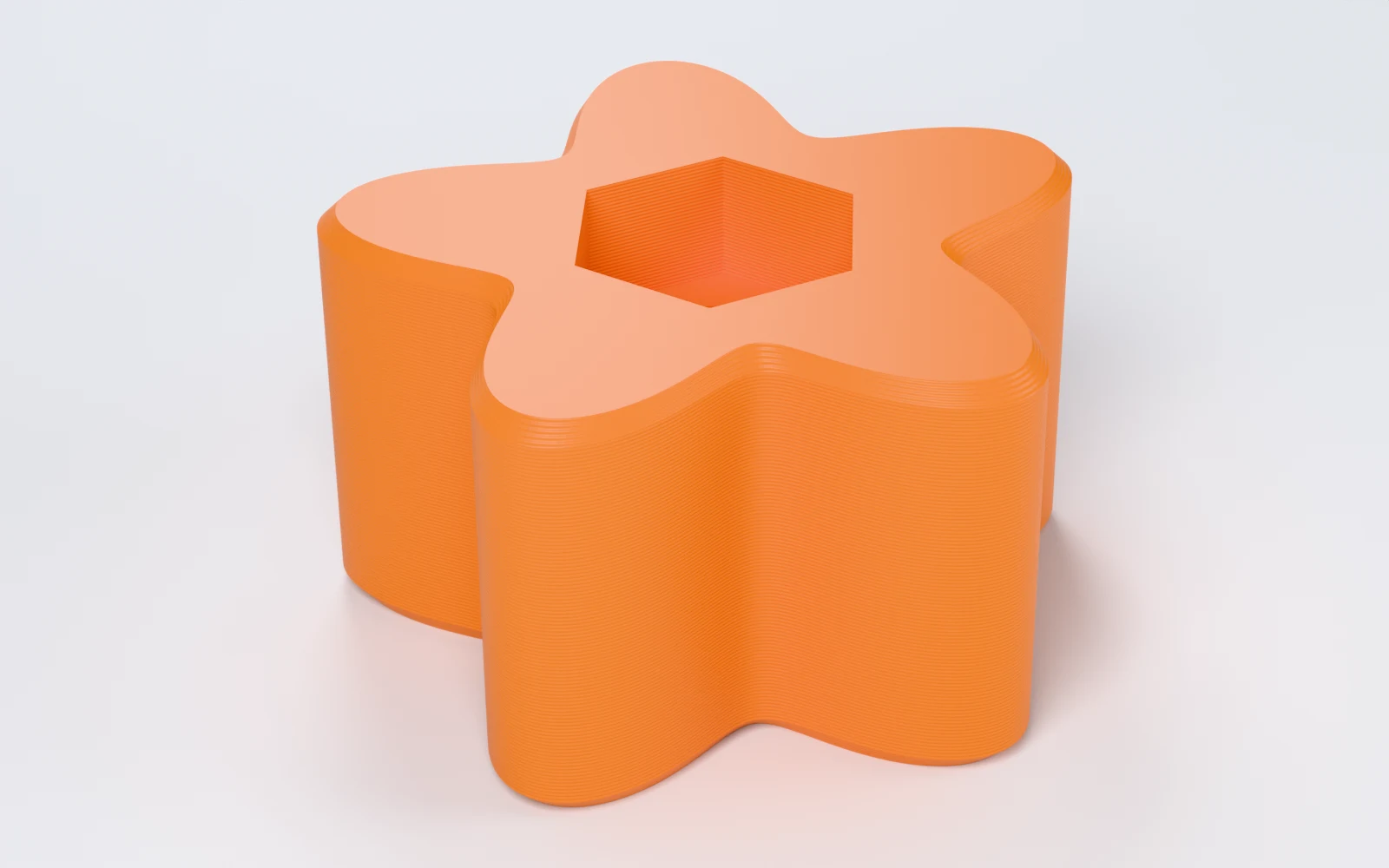
What can you make with Knob Generator?
Knobs 10 to 100 mm across for M3 to M12 and #6 to 1/2 inch screws, and for 3 to 10 mm shafts. Makers print:
- A clamping knob for a jig, a fence or a router table.
- A thumb knob or a wing knob on a bolt you turn by hand.
- A replacement knob for a potentiometer or a rotary encoder.
- A drawer or cabinet knob on a heat-set insert.
How do you make a knob, step by step?
Everything is in the panel beside the knob, which updates as you change it. Start from a preset, then change what you need.
1. Start from a preset
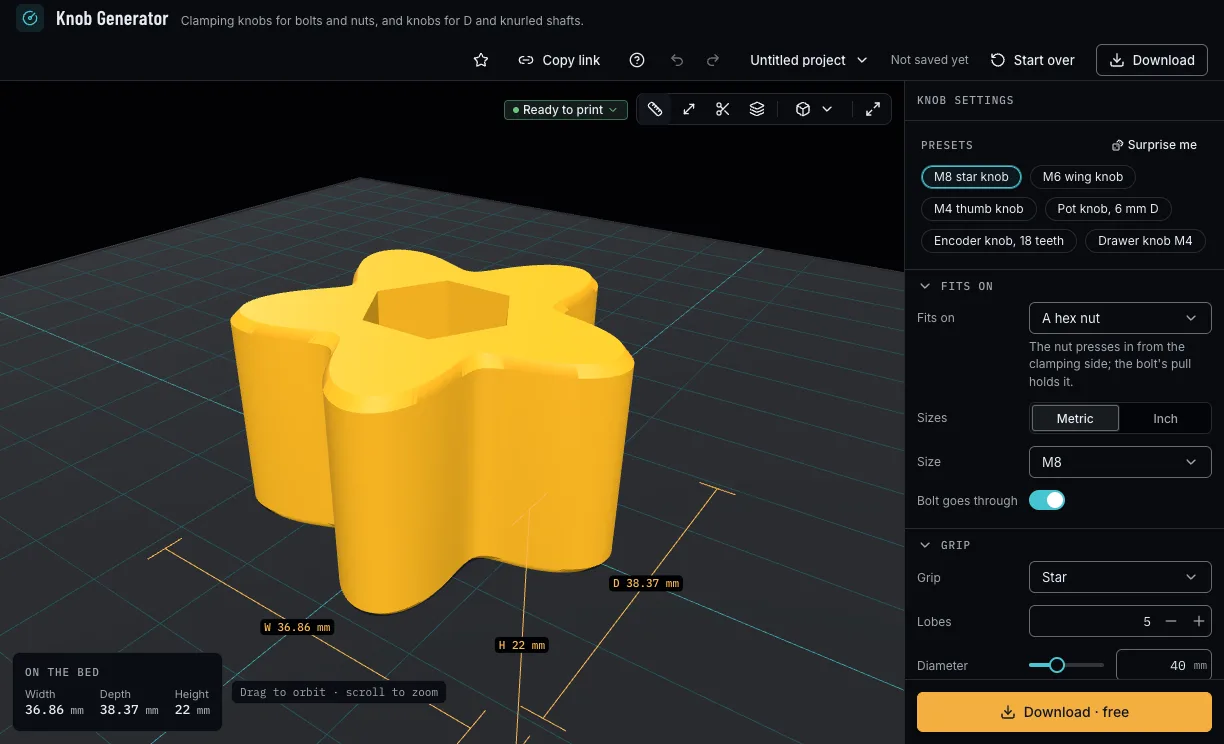
Pick M8 star knob, M6 wing knob, M4 thumb knob, Pot knob 6 mm D, Encoder knob 18 teeth or Drawer knob M4. A preset sets only the values it names; Surprise me tries another grip, diameter and height and keeps what the knob fits on.
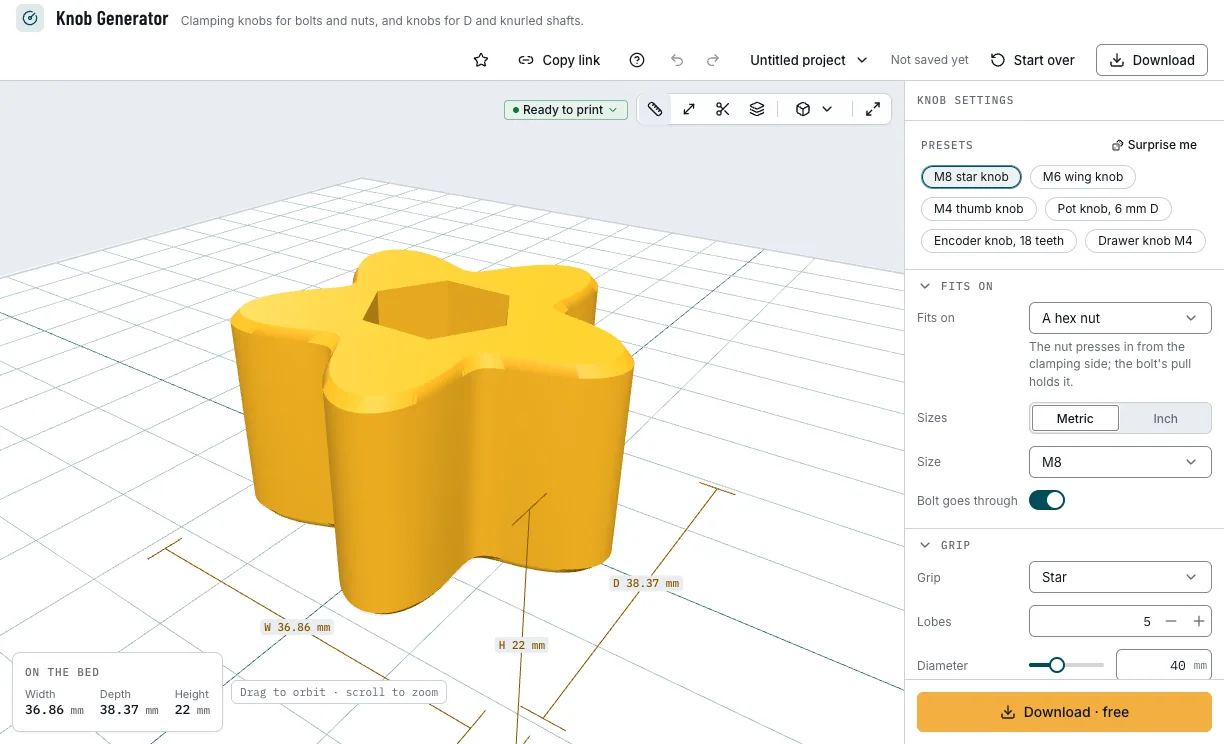
The presets and the knob they make. 2. Say what it fits on
A hex nut, a bolt head (hex or socket cap), a heat-set insert, a D shaft or a knurled shaft. For a nut, a head or an insert, pick metric or inch and the size; inserts are metric only. A nut knob lets the bolt go through its face, or stops the bore 1 mm short of it.
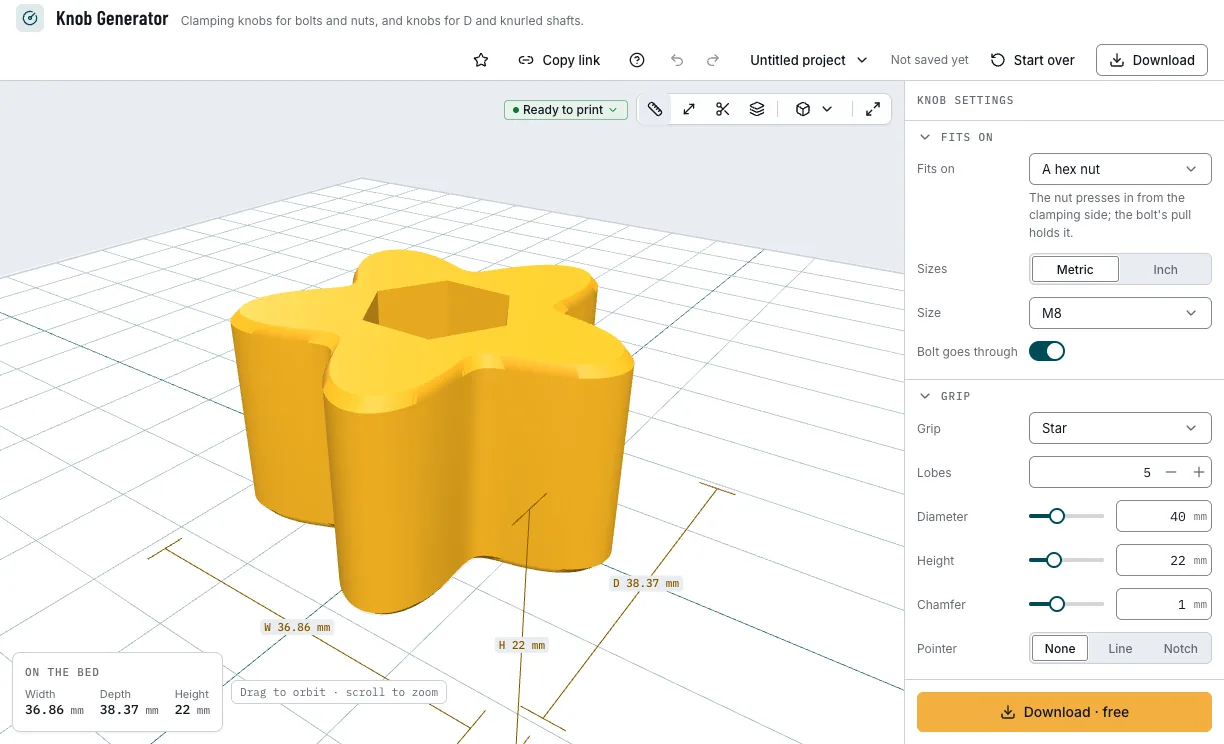
A knob for an M8 nut. 3. Shape the grip
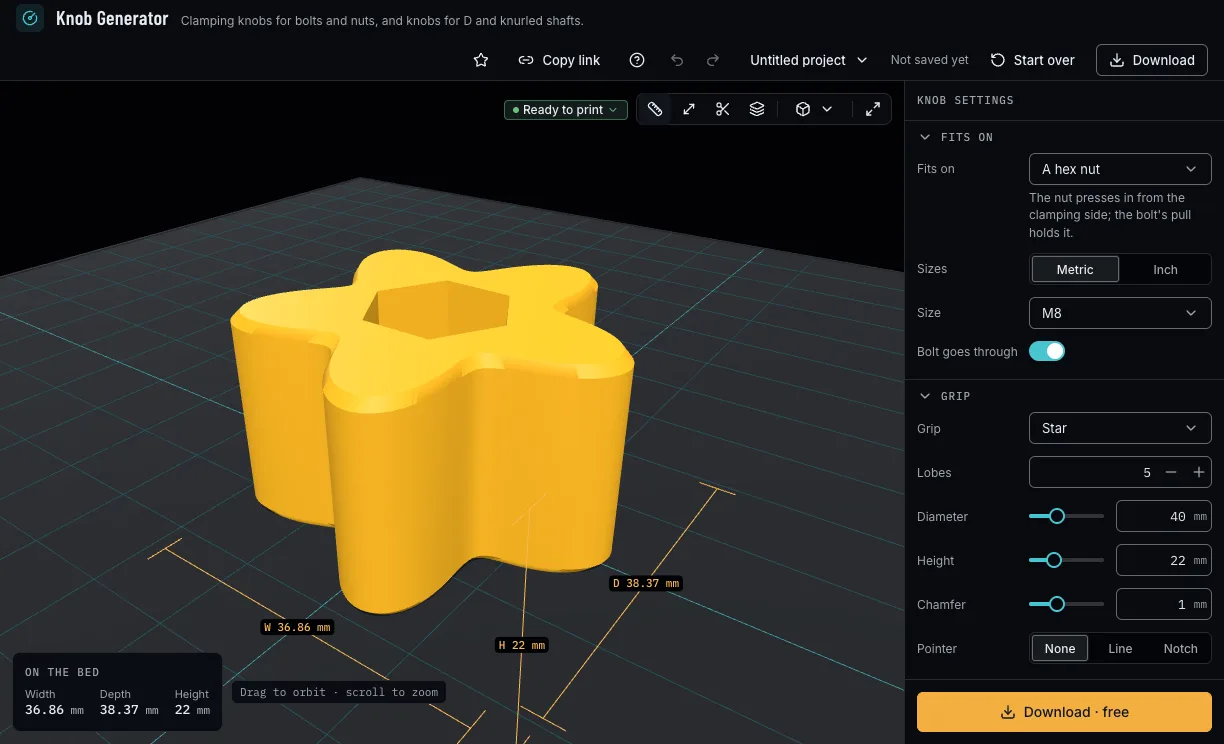
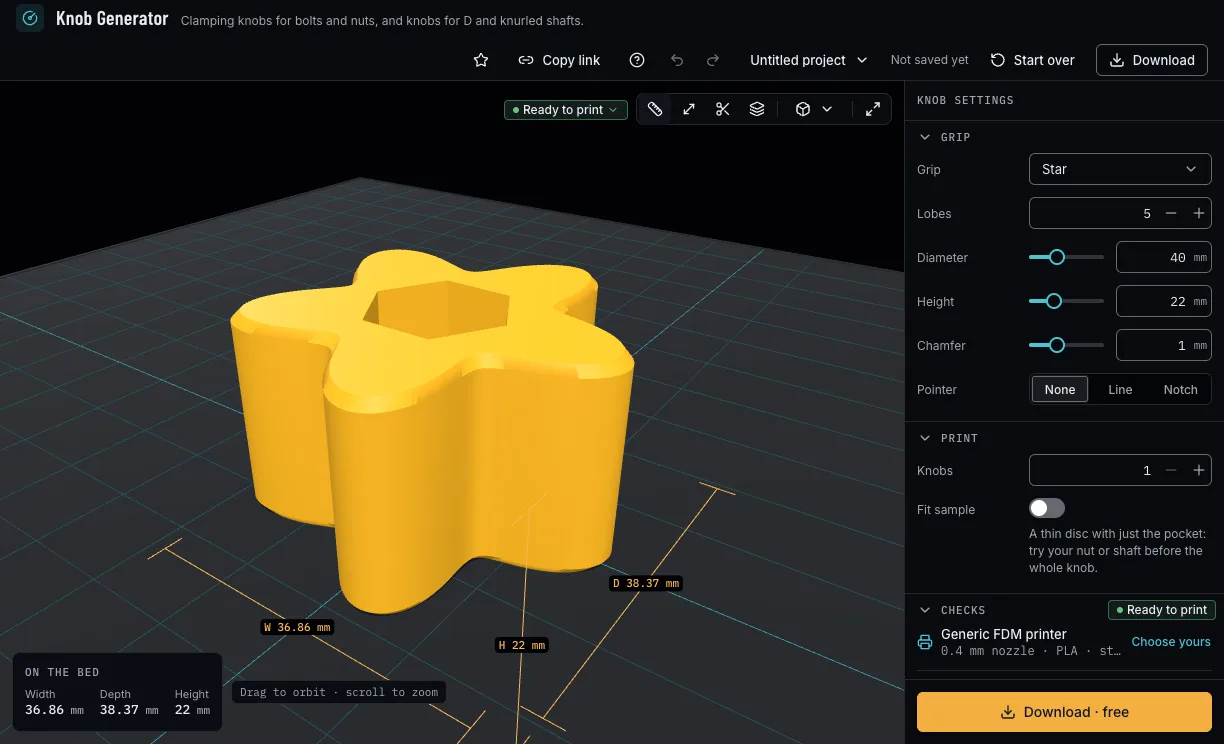
A star, fluted, knurled, round or wing grip, the lobes or flutes, the diameter and the height, a chamfer on both edges and a pointer: a line in the face or a notch down the rim.
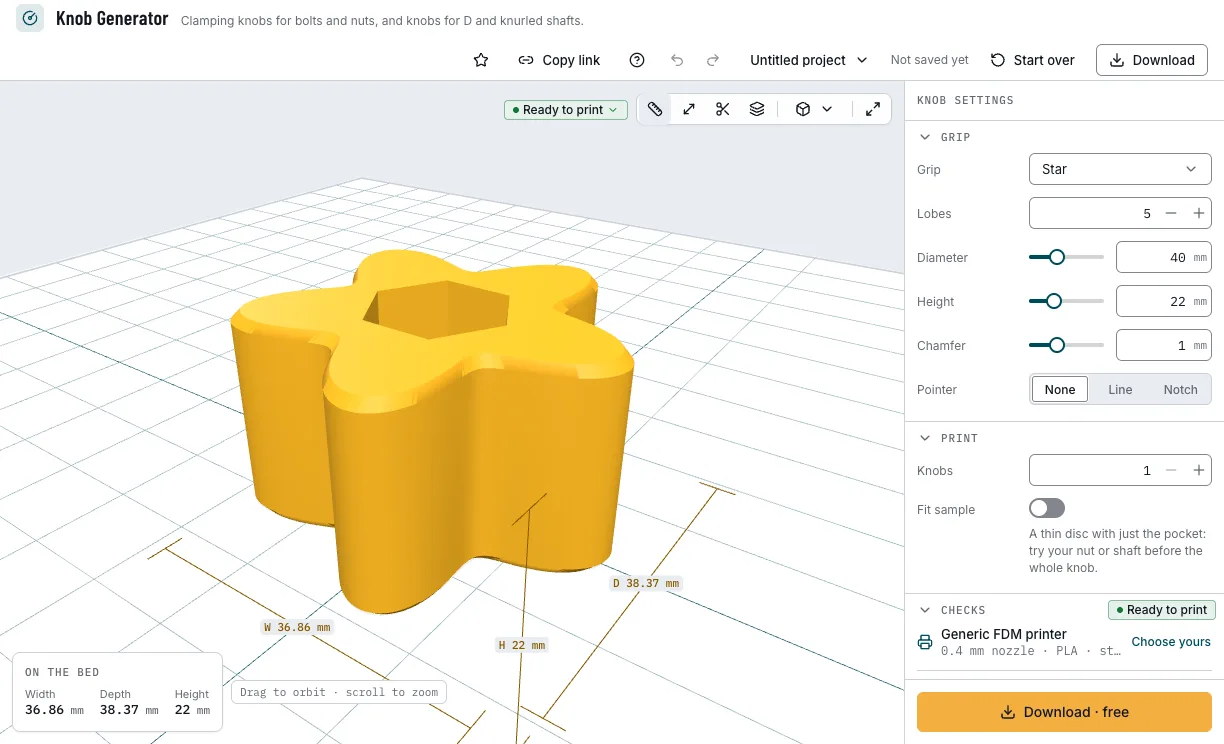
The grip and its pointer. 4. Fit a pot or encoder shaft
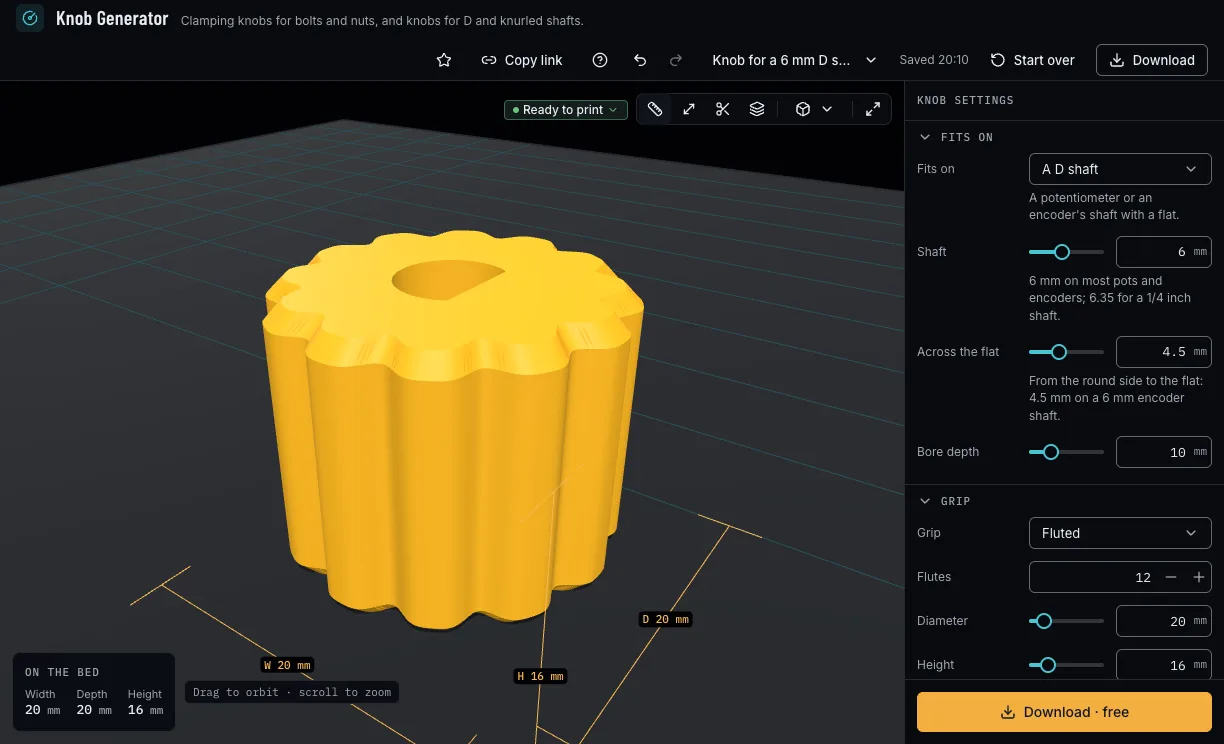
For a D shaft, set its diameter and the width from its round side to the flat. For a knurled shaft, its teeth, and whether they are cut in the bore or the bore is round at their tips. Bore depth is how far the shaft goes in.
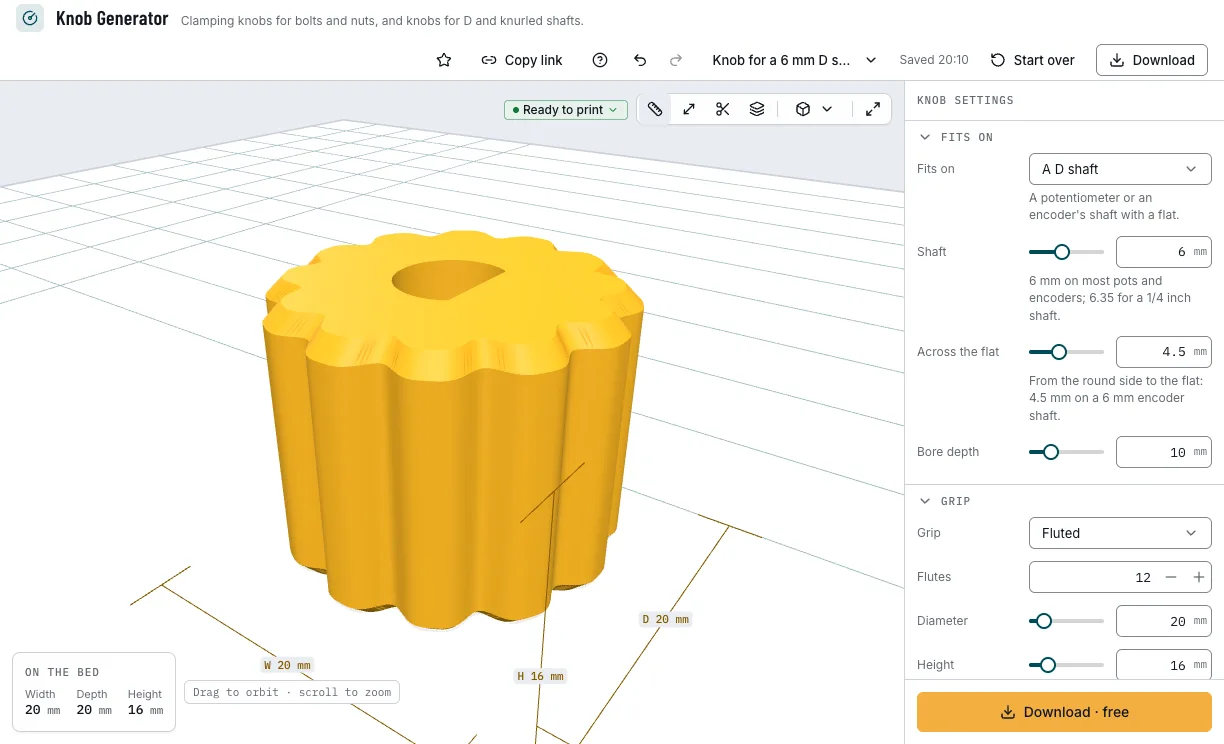
A fluted knob for a 6 mm D shaft. 5. Check it and download
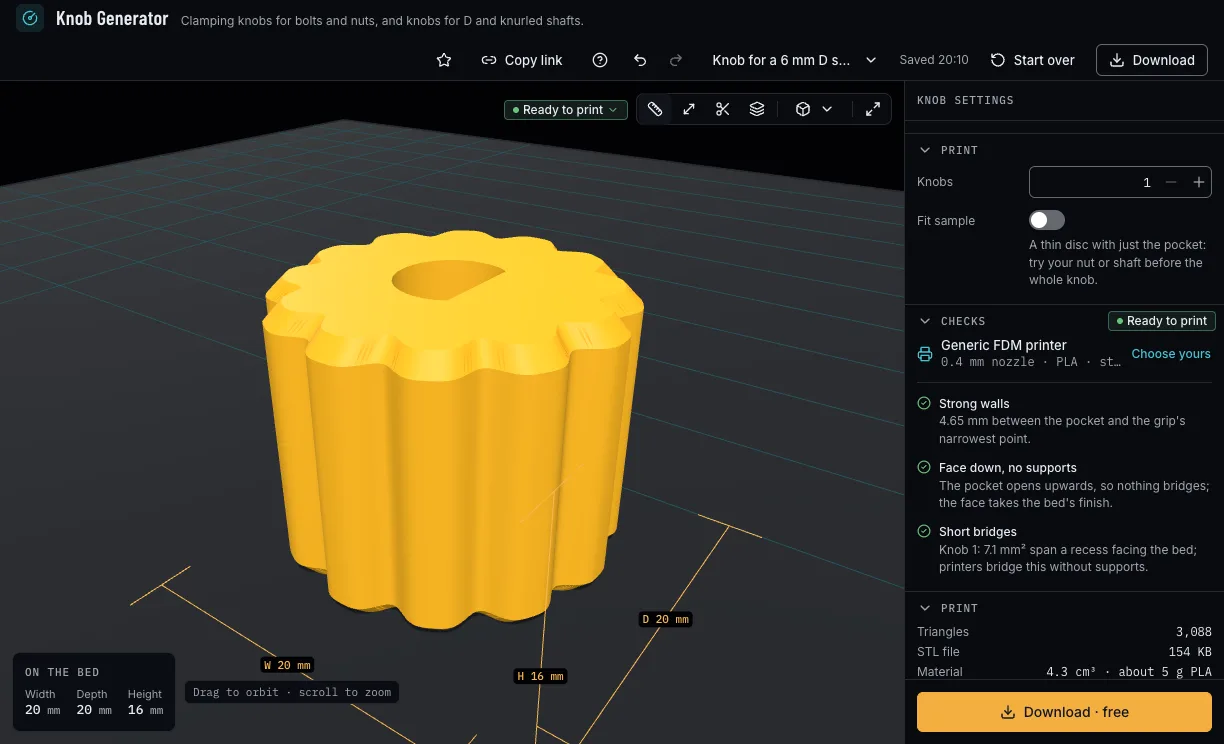
The checks say whether the wall round the pocket is strong enough, whether the pocket fits in the knob and whether a shaft's teeth print with your nozzle. Turn on Fit sample to print a thin disc with just the pocket, set how many knobs, then download 3MF or STL.
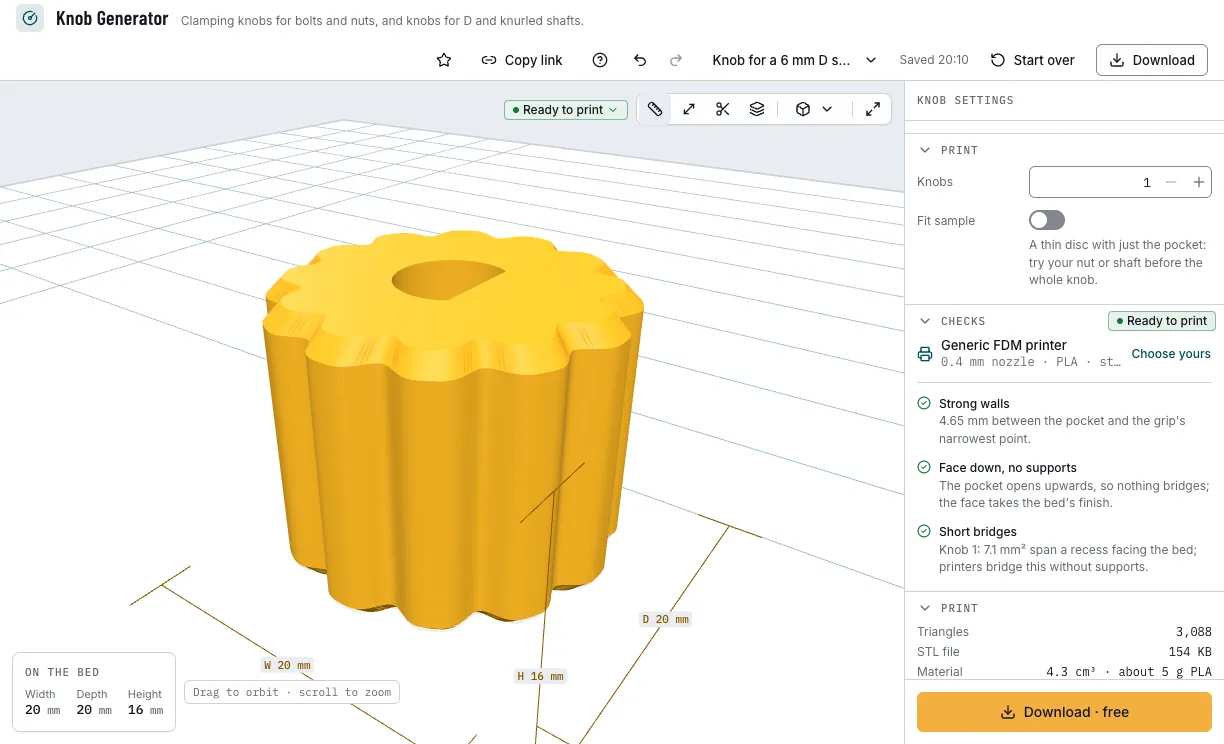
The checks and the download.
Which knobs can you start from?
Each example opens in Knob Generator as a new design, beside your own.
M8 star knob
A clamping knob for jigs: an M8 nut presses in and the bolt goes through.
- M8 nut
- Star, 5 lobes
- 40 × 22 mm
- Free
Pot knob, 6 mm D
A fluted knob with a pointer line for a potentiometer's D shaft.
- 6 mm D shaft
- 12 flutes
- 20 × 16 mm
- Free
Encoder knob, 18 teeth
A knurled knob for a rotary encoder's 18-tooth shaft.
- 6 mm shaft
- 18 teeth
- 18 × 16 mm
- Free
Drawer knob M4
A round drawer knob on an M4 heat-set insert.
- M4 insert
- Round
- 30 × 20 mm
- Free
Which print settings work best for knobs?
Every knob prints face down, and the fit sample beside it: the pocket opens upwards, so nothing bridges and no supports are needed, and the face takes the bed's finish. The layer height is a starting point; the thinnest wall is the one the printer checks hold each filament to.
| Filament | Layer height to start | Thinnest wall | Supports | Notes |
|---|---|---|---|---|
| PLA | 0.2 mm | 0.8 mm | None | Crisp grips for jigs, drawers and electronics. |
| PETG | 0.2 mm | 0.8 mm | None | Tougher, for a clamping knob you turn hard. |
Tips for knobs that fit
- Print the fit sample first: a thin disc with just the pocket, to try your nut or shaft before the whole knob.
- Use a plain nut, not a self-locking one: the nut presses in from the clamping side, and the bolt's pull holds it.
- Count the teeth on a knurled shaft: most encoders have 18, many guitar pots 24, and the two do not mix.
- Measure a D shaft from its round side to the flat: 4.5 mm on a 6 mm encoder shaft.
- Before you print, check it on the view's bar: Dimensions shows its size, Measure the distance between two points, Section cuts it open and Layers steps through it as your printer will.
What if the knob is loose, tight or its wall is thin?
- The nut or the shaft is too tight or too loose
- The pocket takes your filament's press fit, and a bore your printer's measured hole offset. Print the fit sample, then set your printer's fits from its fit test and print the knob.
- The checks say the wall round the pocket is thin
- Press Apply for the smallest diameter that leaves three nozzle lines round the pocket, or choose a round or fluted grip, whose narrowest point is wider than a star's or a wing's.
- The checks say the pocket is deeper than the knob
- Press Apply for a taller knob: it needs the pocket's depth and a 1 mm face.
- The teeth in the bore will not print
- They are finer than two nozzle lines. Press Apply for a round bore at the teeth's tips, which grips by pressing on.
Is Knob Generator free?
Yes. Every knob, size and download is free; downloading needs a free NabiMakes account, which also keeps your projects.
Free
Free- Nut, bolt head, insert, D shaft and knurled shaft knobs
- Every grip and pointer
- The fit sample
- 3MF and STL
Every setting, with its range and default
Lengths are in millimetres. Each setting shows only where it applies: the sizes for a nut, a head or an insert, the shaft's settings for a D or knurled shaft.
| Setting | Range | Default | What it does |
|---|---|---|---|
| Fits on | |||
| Fits on | A hex nut, A bolt head, A heat-set insert, A D shaft, A knurled shaft | A hex nut | A hex nut, a bolt head, a heat-set insert, a D shaft or a knurled shaft. |
| Sizes | Metric, Inch | Metric | Metric or inch screws; heat-set inserts are metric only. |
| Size | M3 to M12, #6 to 1/2 inch | M8 | The screw, from the size tables. |
| Head | Hex, Socket cap | Hex | A hex head or a socket cap head, where the table has it. |
| Bolt goes through | On, off | On | A nut knob: the bolt passes the knob's face, or stops 1 mm short of it. |
| Shaft | 3–10 mm | 6 mm | 6 mm on most pots and encoders; 6.35 for a 1/4 inch shaft. |
| Across the flat | 1.5–9.5 mm | 4.5 mm | A D shaft, from its round side to the flat. |
| Teeth | 12–36 | 18 | A knurled shaft's teeth: 18 on most encoders, 24 on guitar pots. |
| Teeth in the bore | On, off | On | Teeth cut in the bore, or a round bore at their tips that grips by pressing on. |
| Bore depth | 4–30 mm | 10 mm | How far the shaft goes into the knob. |
| Grip | |||
| Grip | Star, Fluted, Knurled, Round, Wing | Star | The grip's shape. |
| Lobes | 2–24 | 5 | A star's lobes or a fluted grip's flutes. |
| Diameter | 10–100 mm | 40 mm | Across the grip. |
| Height | 6–60 mm | 22 mm | How tall the knob is. |
| Chamfer | 0–3 mm | 1 mm | 45° off both edges, at most a third of the height. |
| Pointer | None, Line, Notch | None | A line in the face, or a notch down the rim, at a lobe. |
| Knobs | 1–12 | 1 | How many knobs on the plate. |
| Fit sample | On, off | Off | A thin disc with just the pocket: try your nut or shaft before the whole knob. |