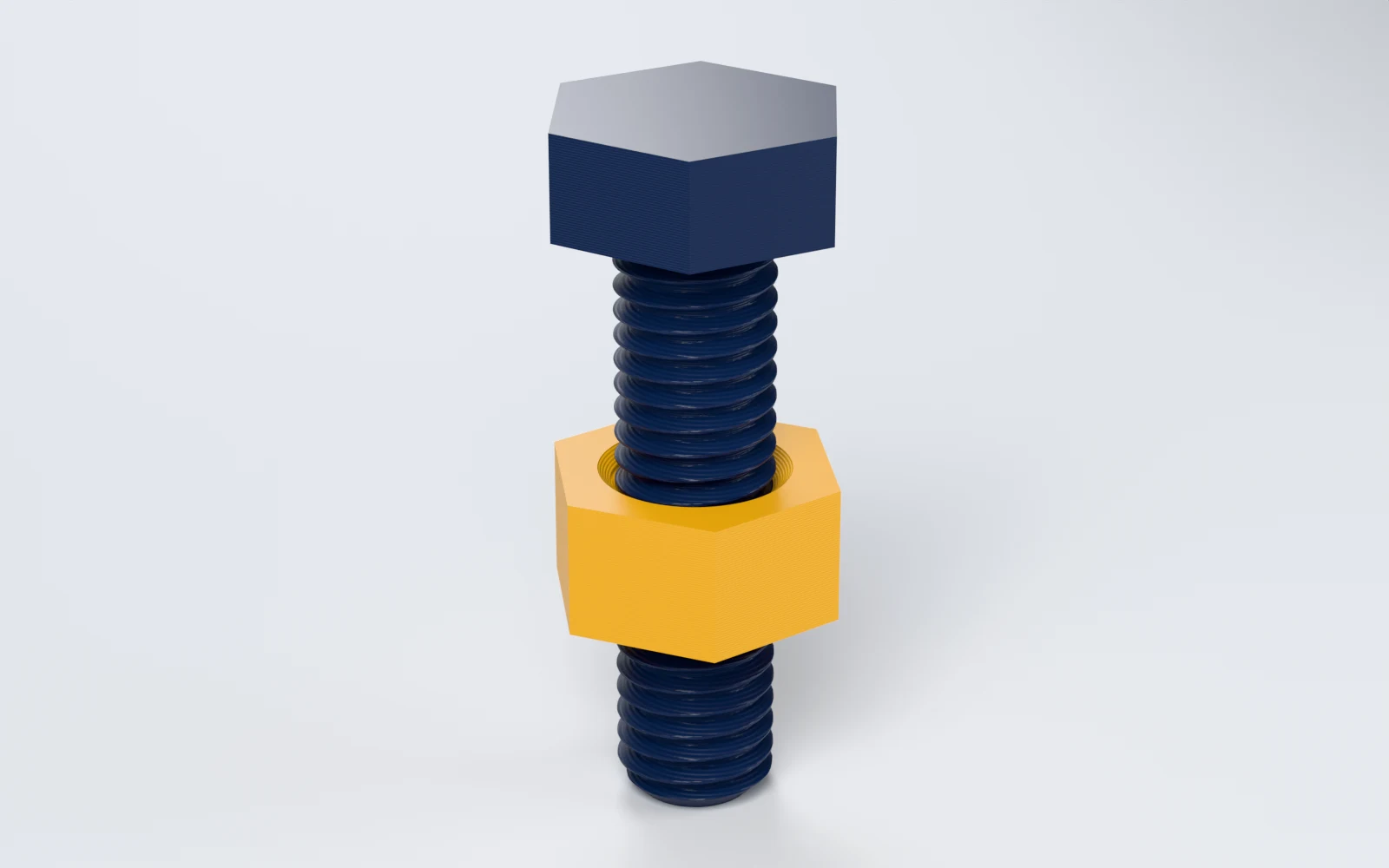
What can you make with Bolt & Nut Generator?
Bolts and nuts from M2 to M24 and #2 to 1 inch, and custom threads. Makers print:
- A replacement bolt and nut when the hardware store is closed.
- A 1/4"-20 tripod screw with a thumb head for a camera mount.
- A thumb nut for a steel bolt, turned by hand without a spanner.
- Plastic hardware where metal would scratch, rust or conduct.
- A thread test to tune the fit of every printed thread on a printer.
How do you make a bolt and nut, step by step?
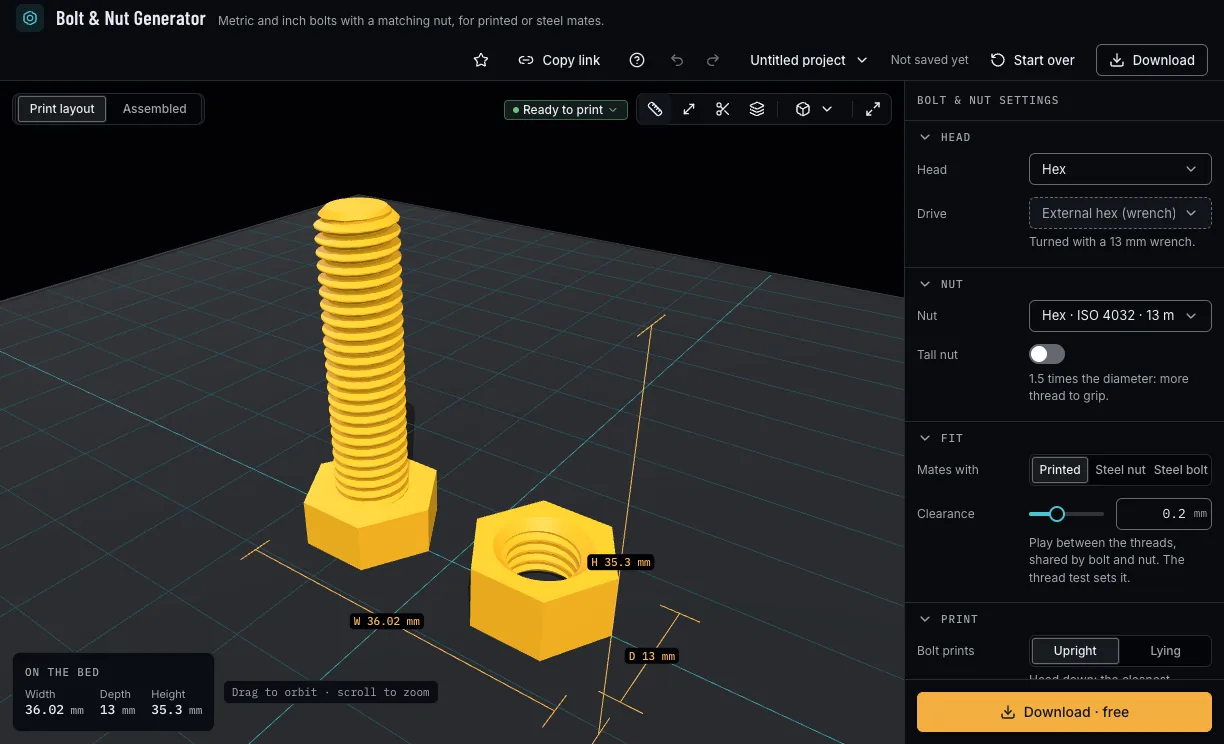
Everything is in the panel beside the bolt, which updates as you change it. Start from a preset, then change what you need.
1. Start from a preset
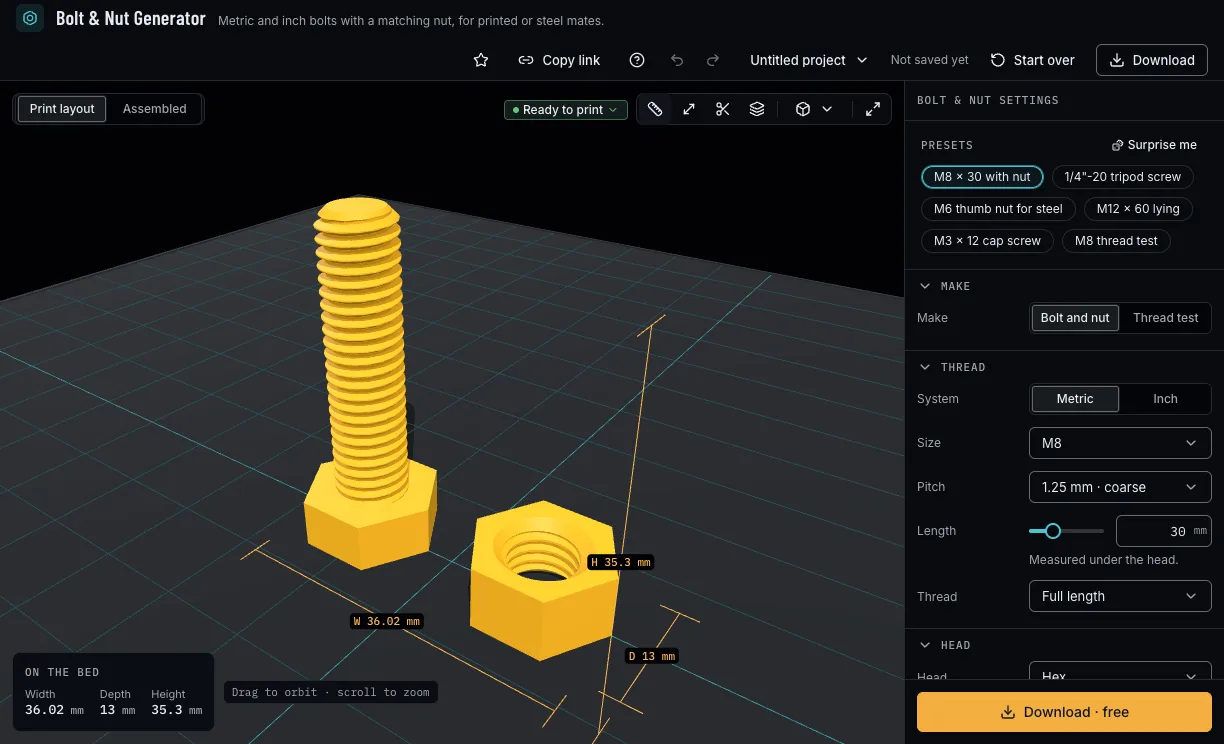
Pick a ready-made bolt: M8 × 30 with its nut, a tripod screw, a thumb nut for steel, a long M12 printed lying, a small cap screw or the thread test. A preset sets only what it names, so your clearance stays.
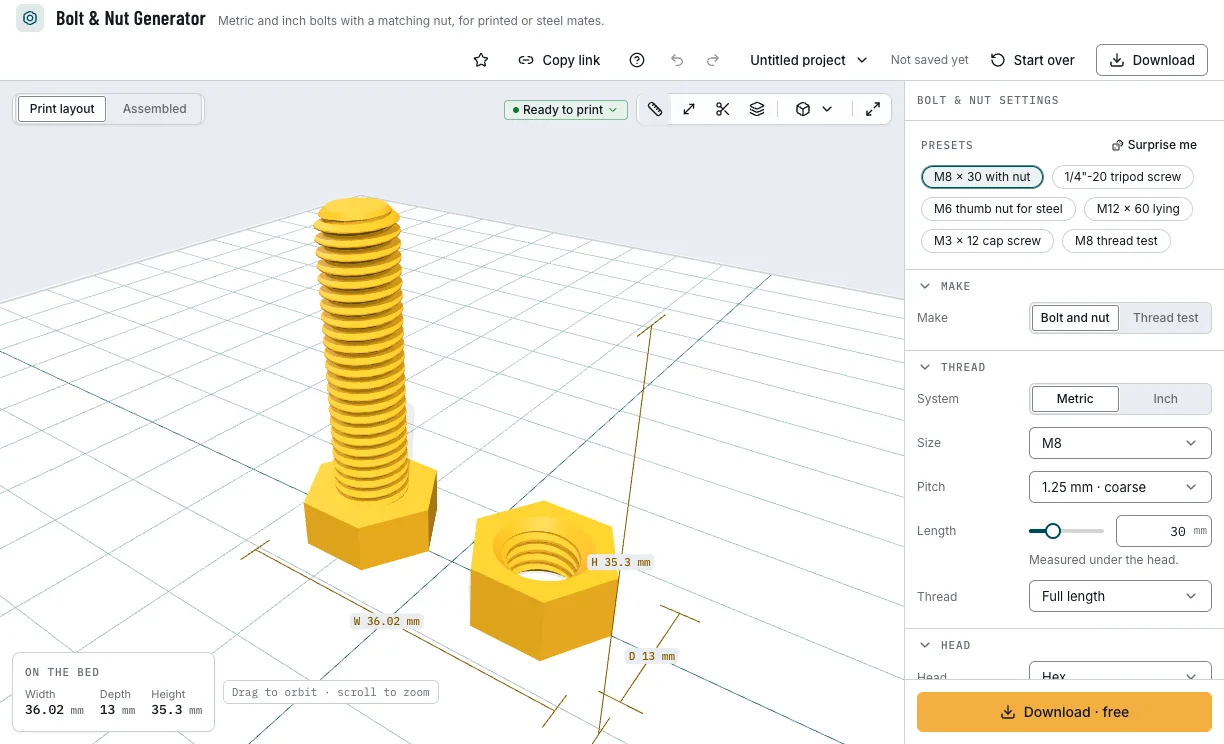
The presets and the bolt they make. 2. Choose the thread
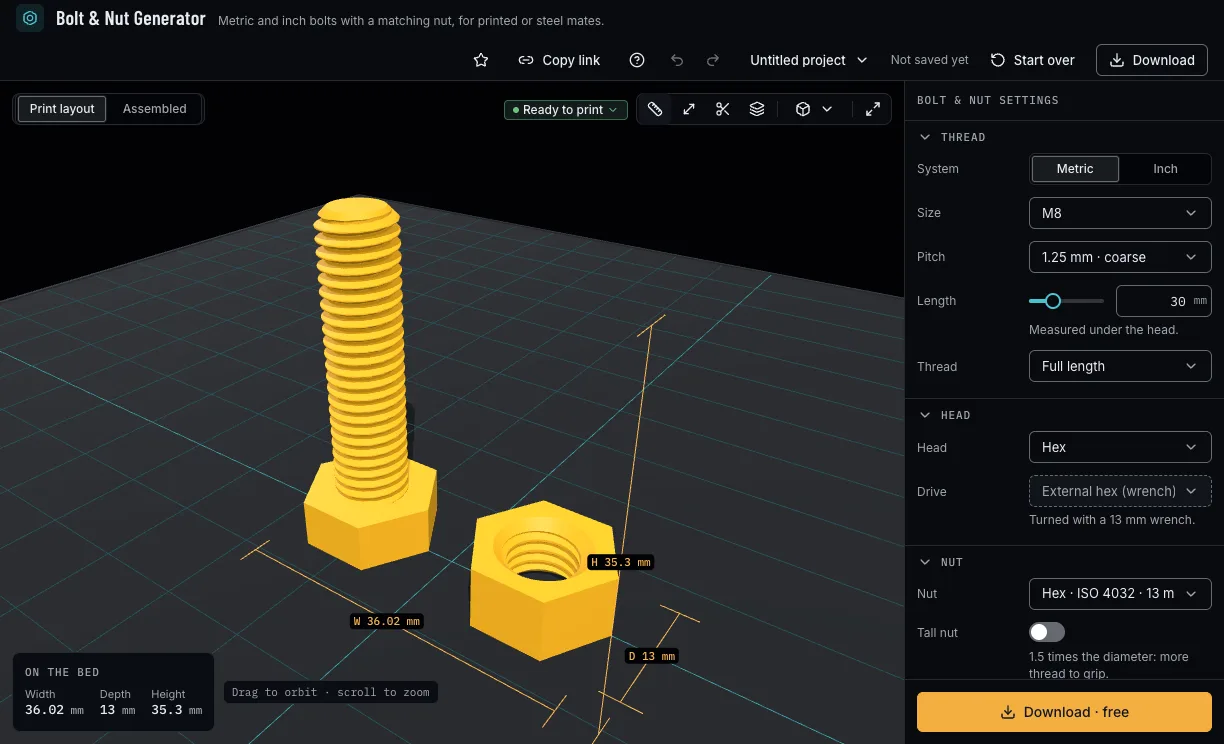
Metric or inch, the size and its coarse or fine pitch, or a custom diameter and pitch; the length under the head, and a full thread or a plain shank by ISO 4014.
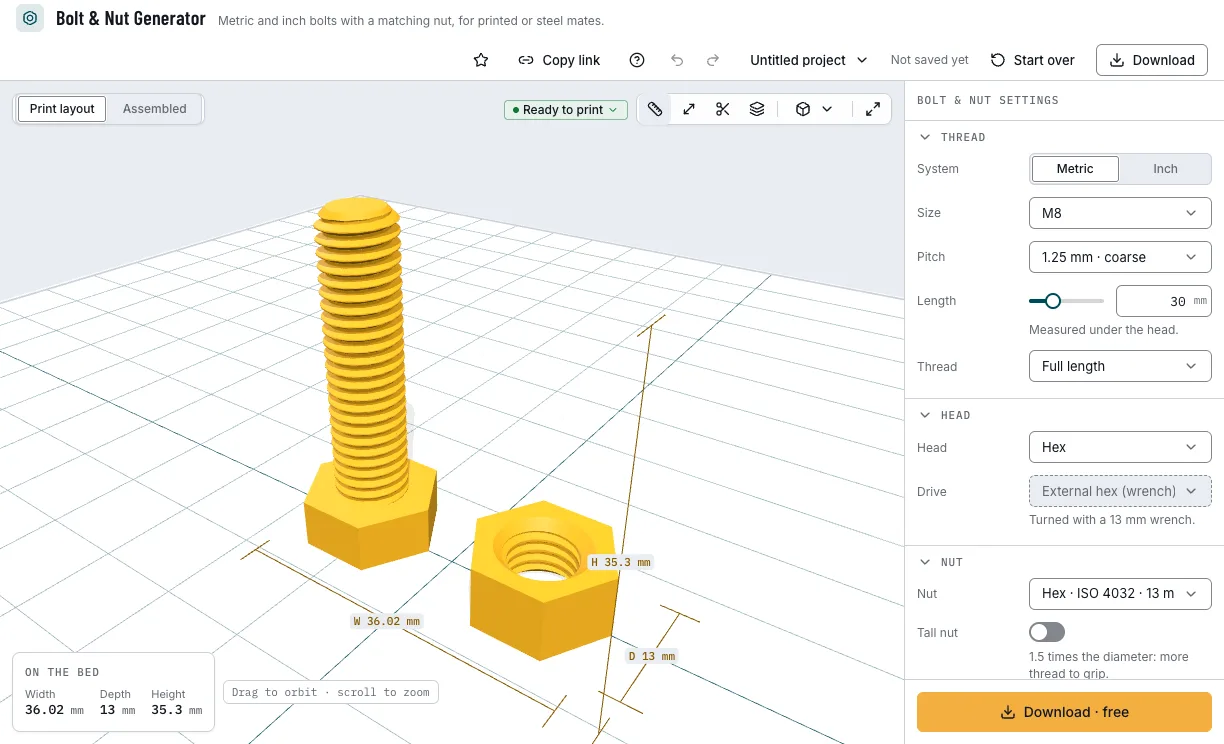
The thread's size, pitch and length. 3. Pick the head and the nut
Hex, socket cap, pan, countersunk, a knurled thumb head or none, with a drive the head takes; then a hex, square or thumb nut, tall if you like, or none.
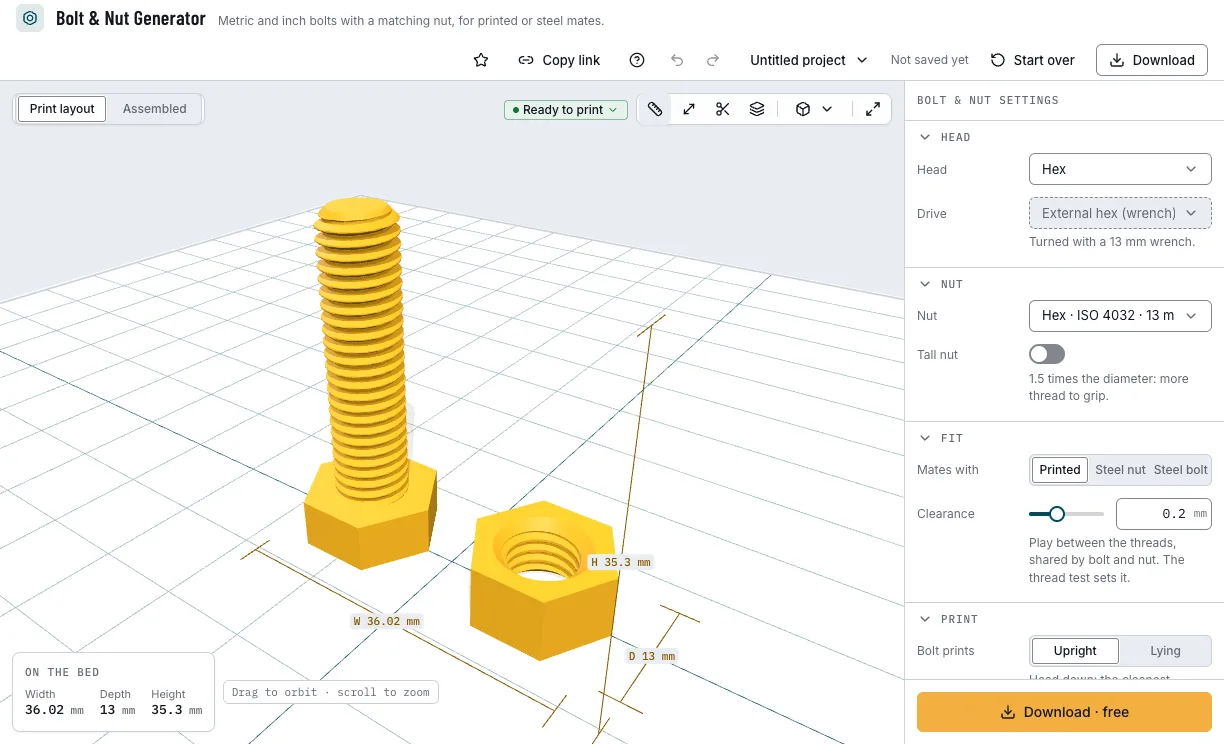
The head, its drive and the nut. 4. Find your clearance with the thread test
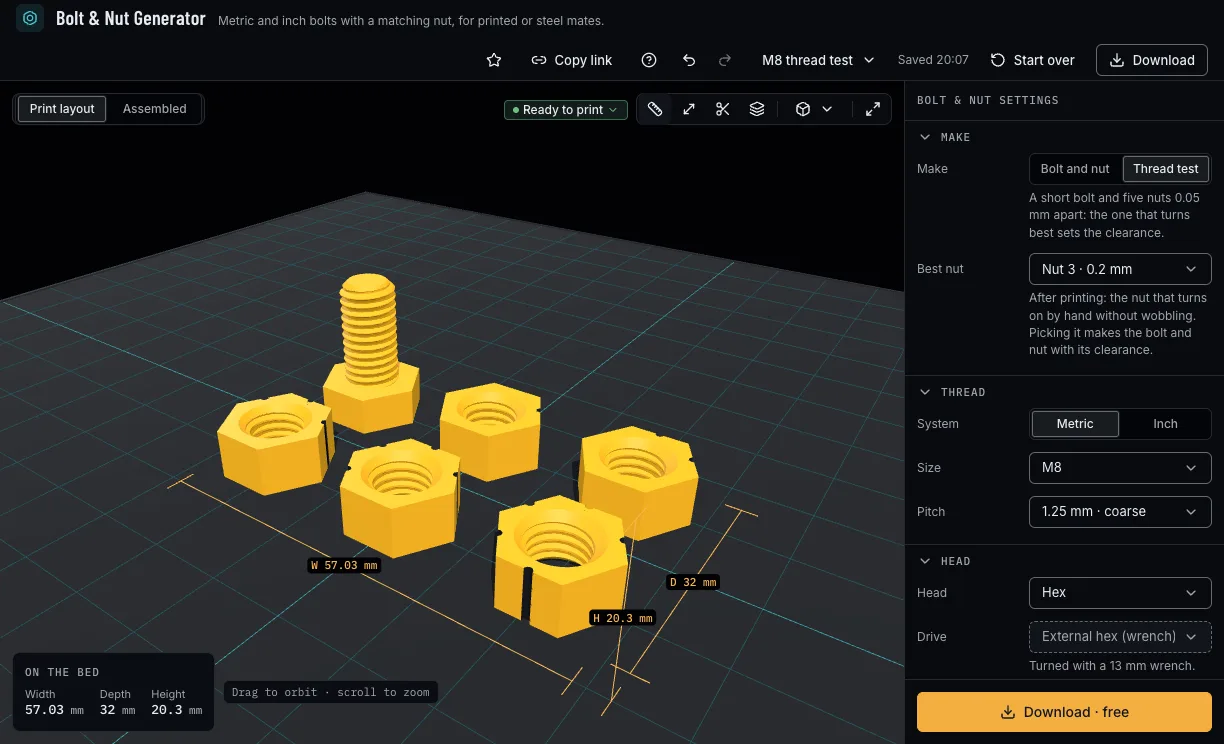
Print the thread test: a short bolt and five nuts, each a step looser, marked with one to five grooves. Pick the nut that turns on by hand without wobbling as Best nut, and its clearance becomes the bolt's.
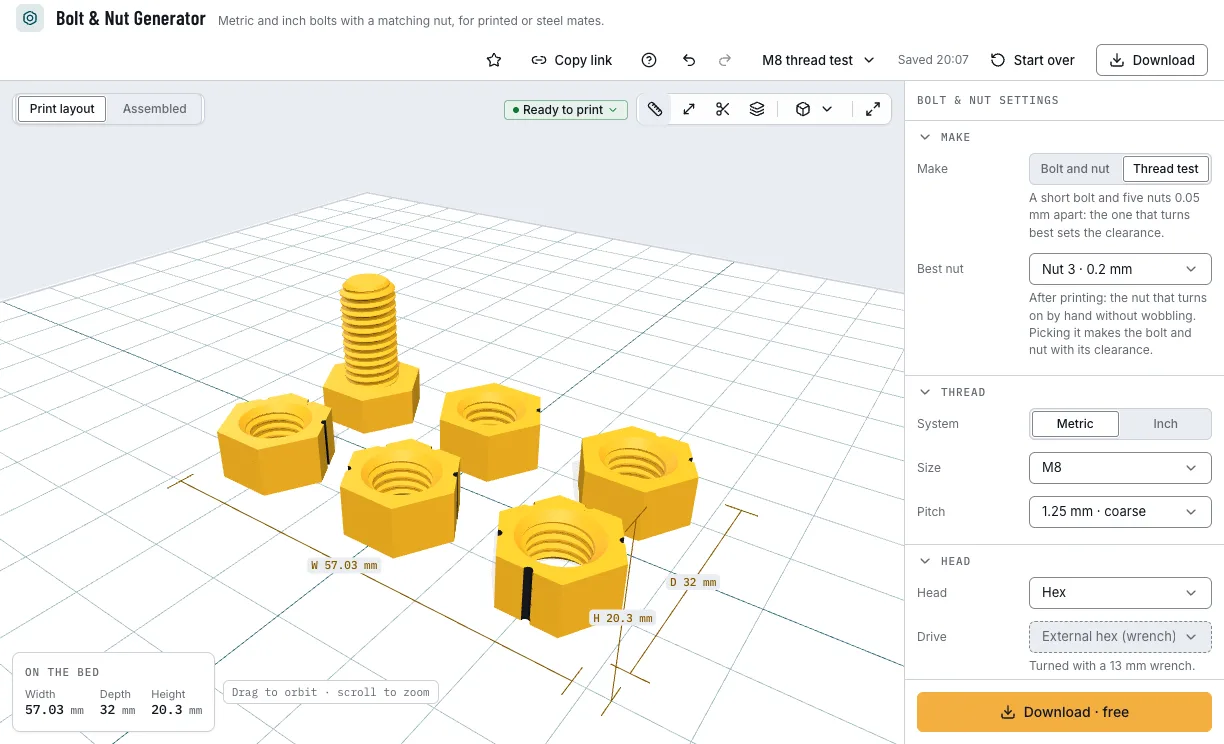
The thread test: five nuts, a step apart. 5. Check it and download
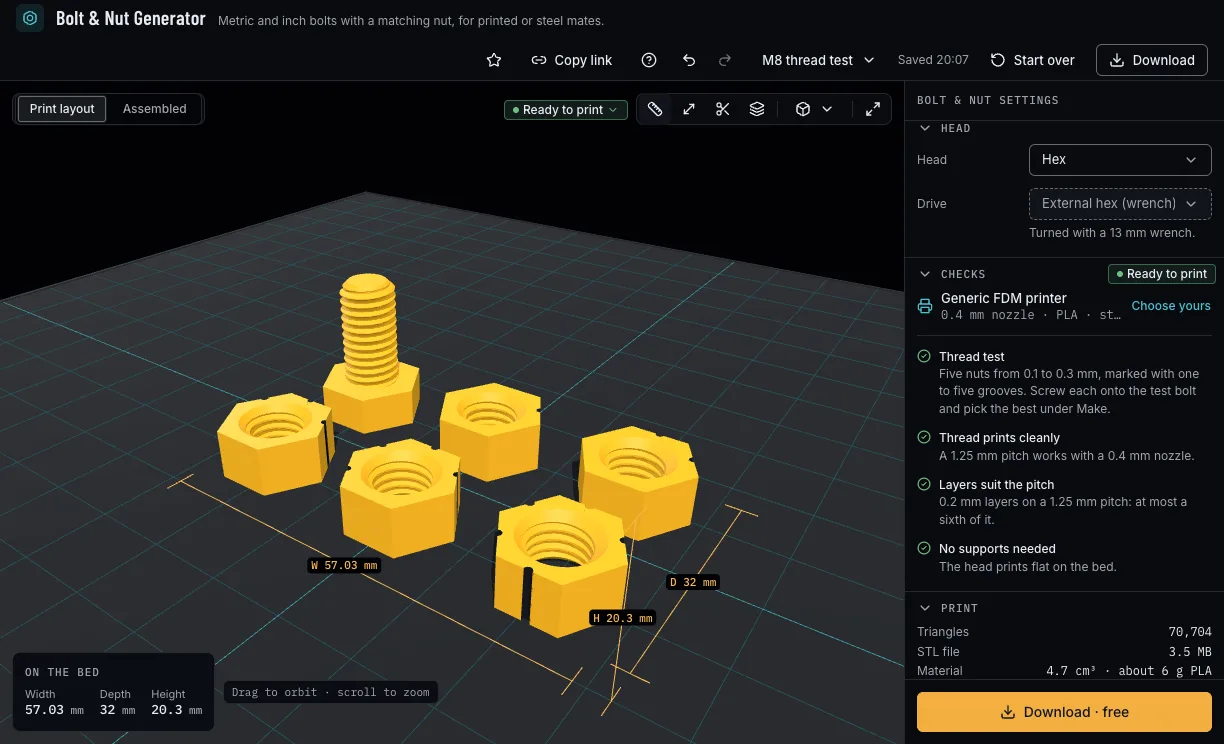
The checks say whether the thread suits your nozzle and layers, whether it needs supports and whether a long bolt should print lying. Then download 3MF or STL, each part as its own file or together.
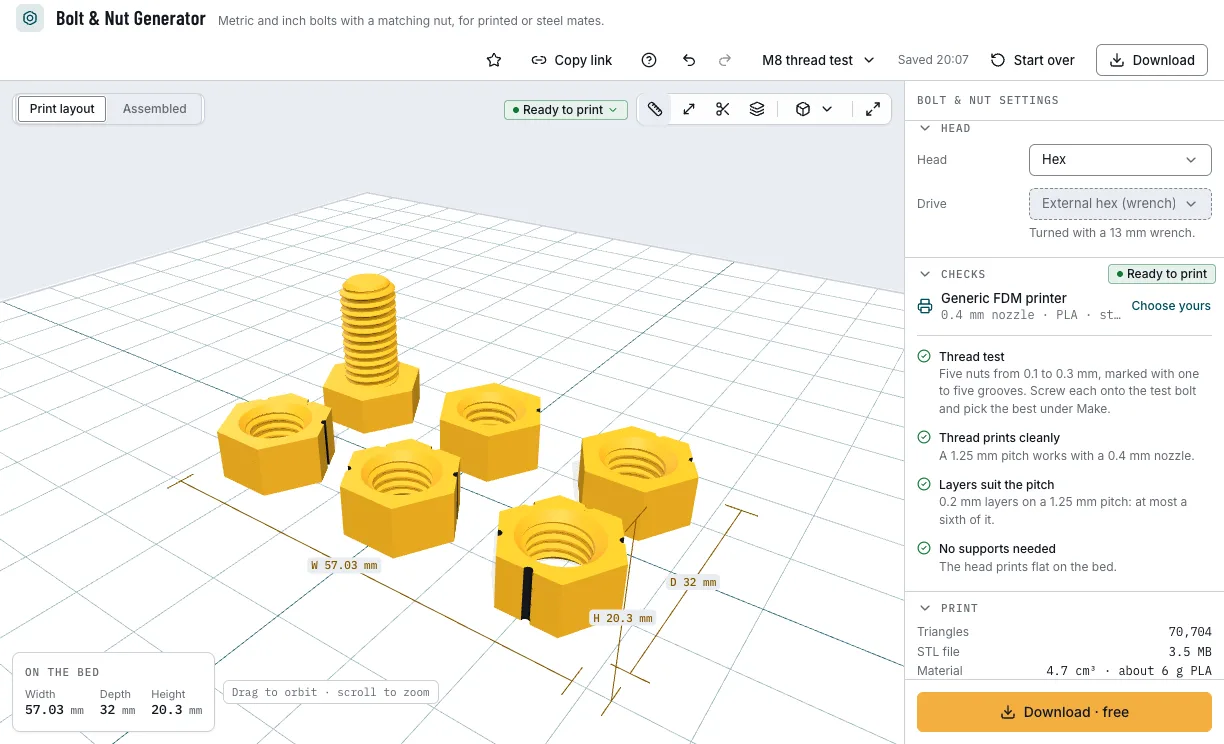
The checks and the download.
Which bolts can you start from?
Each example opens in Bolt & Nut Generator as a new design, beside your own.
M8 × 30 with nut
A hex bolt with its ISO nut, both printed, standing on its head.
- M8 × 30
- Hex
- ISO nut
- Free
1/4"-20 tripod screw
A short thumb screw for a camera's tripod socket, a steel nut's thread.
- 1/4"-20 UNC
- Thumb head
- Free
M6 thumb nut for steel
A knurled nut alone, sized for a steel M6 bolt.
- M6
- Thumb nut
- Steel bolt
- Free
M8 thread test
The short bolt and five nuts that find your printer's clearance.
- M8 × 1.25
- Five nuts
- Free
Which print settings work best for bolts and nuts?
Bolts print standing on their head, or lying on a flat when they are long; nuts print flat. None needs supports. The layer height is a starting point: the checks name the one that suits the pitch, and the thinnest wall is the one they hold each filament to.
| Filament | Layer height to start | Thinnest wall | Supports | Notes |
|---|---|---|---|---|
| PLA | 0.12 mm | 0.8 mm | None | Crisp threads; light duty only, it creeps under load. |
| PETG | 0.12 mm | 0.8 mm | None | Tougher threads; clean the strings off before the first turn. |
Tips for threads that turn
- Print the thread test once per printer and filament: the clearance it finds suits every thread you print after.
- Thin layers make better threads: the checks warn when a layer is thicker than a sixth of the pitch.
- A coarse pitch prints better than a fine one at the same size.
- Long bolts print stronger lying on their flat: the layers then run along the bolt.
- Before you print, check it on the view's bar: Dimensions shows its size, Measure the distance between two points, Section cuts it open and Layers steps through it as your printer will.
What if the nut will not turn or wobbles?
- The nut will not turn on
- Raise the clearance by 0.05 to 0.1 mm and print both parts again (with a printed mate each takes half of it), or print the thread test and pick the nut that turns by hand.
- The nut wobbles on the bolt
- Lower the clearance and print both parts again, or pick a tighter nut from the thread test.
- A printed nut does not fit a steel bolt
- Choose Steel bolt under Mates with: the nut then takes the whole clearance and your printer's measured hole offset.
- The thread looks rough or melted
- Print thinner layers and a little slower; for a very fine pitch, choose the coarse pitch of the same size.
Is Bolt & Nut Generator free?
Yes. Every size, head and download is free; downloading needs a free NabiMakes account, which also keeps your projects.
Free
Free- Metric and inch threads, coarse, fine and custom
- Every head, drive and nut
- The thread test
- 3MF and STL
Every setting, with its range and default
Lengths are in millimetres. Each setting shows only where it applies: no head for a nut alone, Best nut only in the thread test.
| Setting | Range | Default | What it does |
|---|---|---|---|
| Make | |||
| Make | Bolt and nut, Thread test | Bolt and nut | A bolt and its nut, or the thread test. |
| Best nut | The five test nuts | Nut 3 · 0.2 mm | In the thread test: the nut that turned on by hand without wobbling; its clearance becomes the bolt's. |
| Thread | |||
| System | Metric, Inch | Metric | Metric (ISO) or inch (UNC, UNF). |
| Size | M2 to M24, #2 to 1 inch, Custom | M8 | From the size tables, or Custom. |
| Pitch | 1.25 mm · coarse, 1 mm · fine | 1.25 mm · coarse | The size's coarse pitch or one of its fine pitches. |
| Diameter | 2–25.4 mm | 8 mm | A custom thread's diameter. |
| Pitch | 0.35–3.2 mm | 1.25 mm | A custom thread's pitch. |
| Length | 4–100 mm | 30 mm | Under the head. |
| Thread | Full length, Part (ISO 2d + 6) | Full length | Threaded to the head, or a plain shank by ISO 4014. |
| Head | |||
| Head | Hex, Socket cap, Pan, Countersunk, Thumb (knurled), None (set screw) | Hex | The head's shape; none makes a set screw. |
| Drive | Wrench, hex key, Torx, Phillips, slotted, by head | External hex (wrench) | A drive the head takes; picking a head picks one it takes. |
| Nut | |||
| Nut | Hex · ISO 4032 · 13 mm, Hex · DIN 934 · 13 mm, Square, Thumb (knurled), None | Hex · ISO 4032 · 13 mm | The nut's shape, or none. |
| Tall nut | On, off | Off | A nut 1.5 diameters high. |
| Fit | |||
| Mates with | Printed, Steel nut, Steel bolt | Printed | What the printed part screws into. |
| Clearance | 0–0.6 mm | 0.2 mm | The radial play between the threads. |
| Bolt prints | Upright, Lying | Upright | Standing on its head, or lying on a flat. |